Lead generation

17 B2B lead generation tools, ranked by what a lead actually costs

Everyone quotes a monthly price. Almost nobody quotes a price per lead. I divided one by the other, and the published rates alone span twelvefold.

Updated August 202617 tools priced20 min read

A tool that costs $99 a month is not expensive. A tool that costs $99 a month and gives you 170 contacts is very expensive.

That is $0.58 a lead, and almost nobody works it out before subscribing.

So that is how I ranked this list. List price divided by the contacts or companies included on the entry plan. Nothing else.

The results are not subtle. The cheapest published rate here is under five cents a lead. The dearest published rate is fiftyeight cents. Same category, same job, twelvefold difference before you count quality. The flat fee tool at the top of the list sits well below even that.

Then there is the third of the category that will not tell you the price at all.

How I worked out the numbers

Cost per lead here is list price divided by included credits on the cheapest paid plan. Monthly billing where published, annual where that is the only rate given.

One credit usually equals one contact record. Where a vendor counts differently, I say so in that tool's entry.

This measures price, not quality. A five cent lead with a dead email costs more than a fifty cent lead that answers. Treat the table as the first question, not the last one.

The numbers

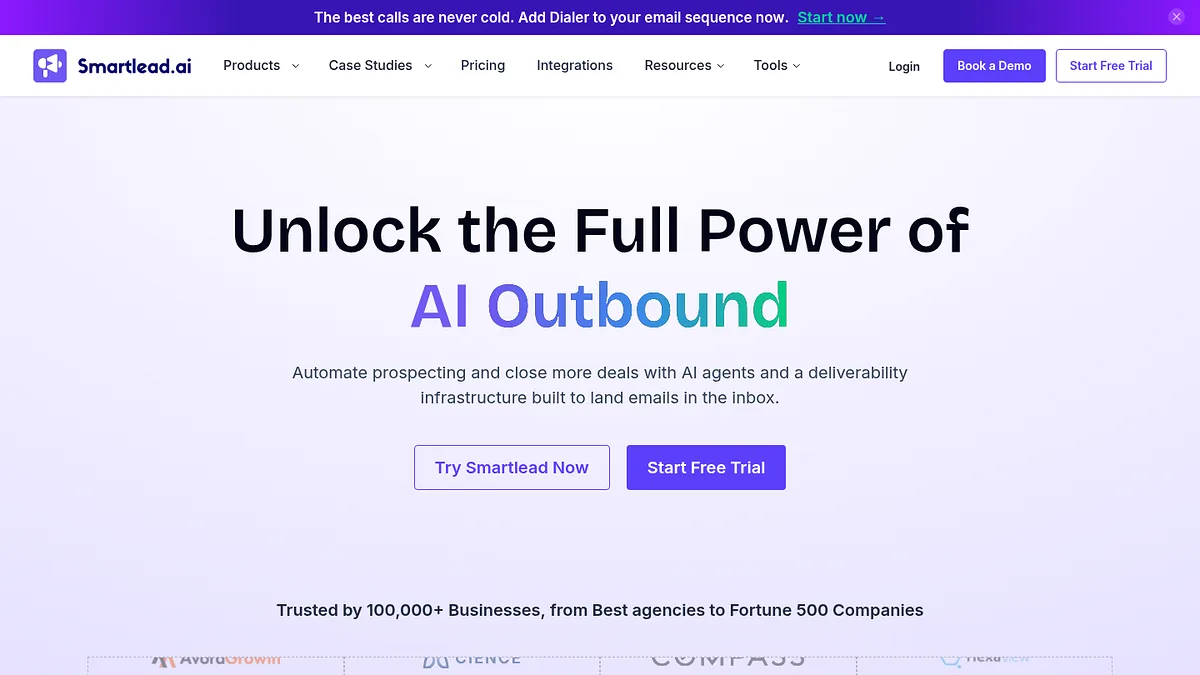
What one lead costs, tool by tool

List price divided by included credits on the cheapest paid plan. The last column is the one people skip: a third of this category will not tell you the price.

#ToolEntry priceIncludedCost per leadPublished?
1StackScan$39/mowhole segment~$0.02Yes
2Snov.io$49/mo1,000 credits$0.049Yes
3Hunter.io$34/mo500 credits$0.068Yes
4LeadIQfrom $15/mo200 credits$0.075Yes
5Seamless.AI~$79/user1,000 credits$0.079No, reported
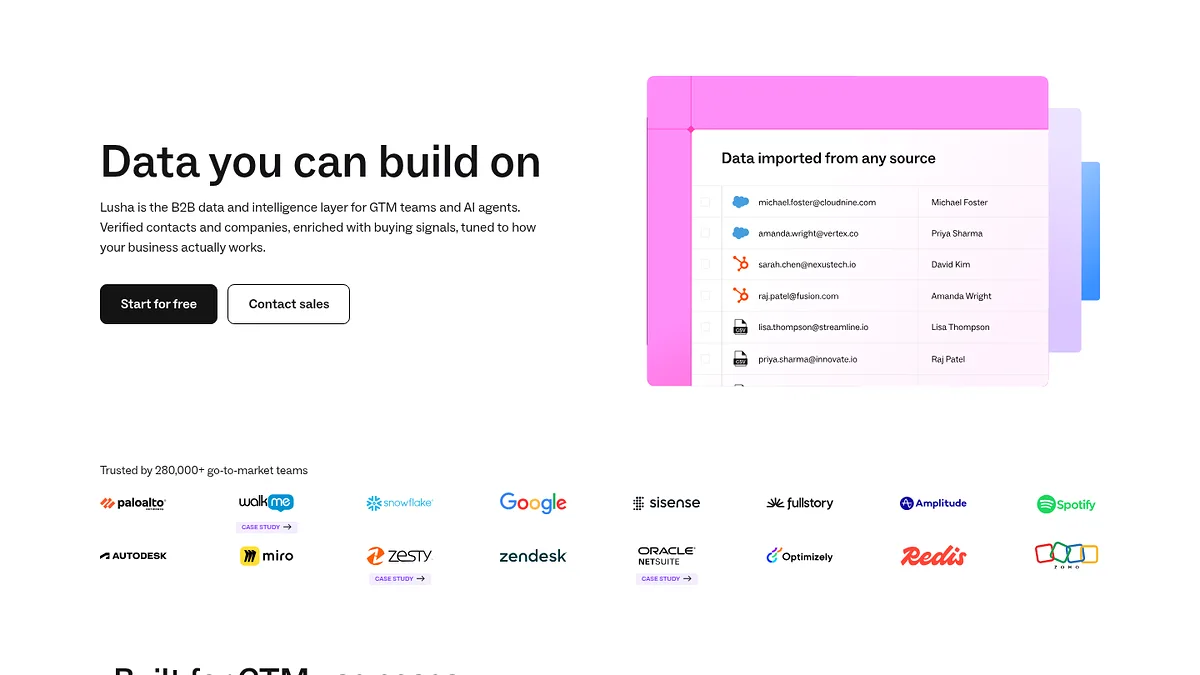
6Lusha$22.45/user3,000 a year$0.090Yes
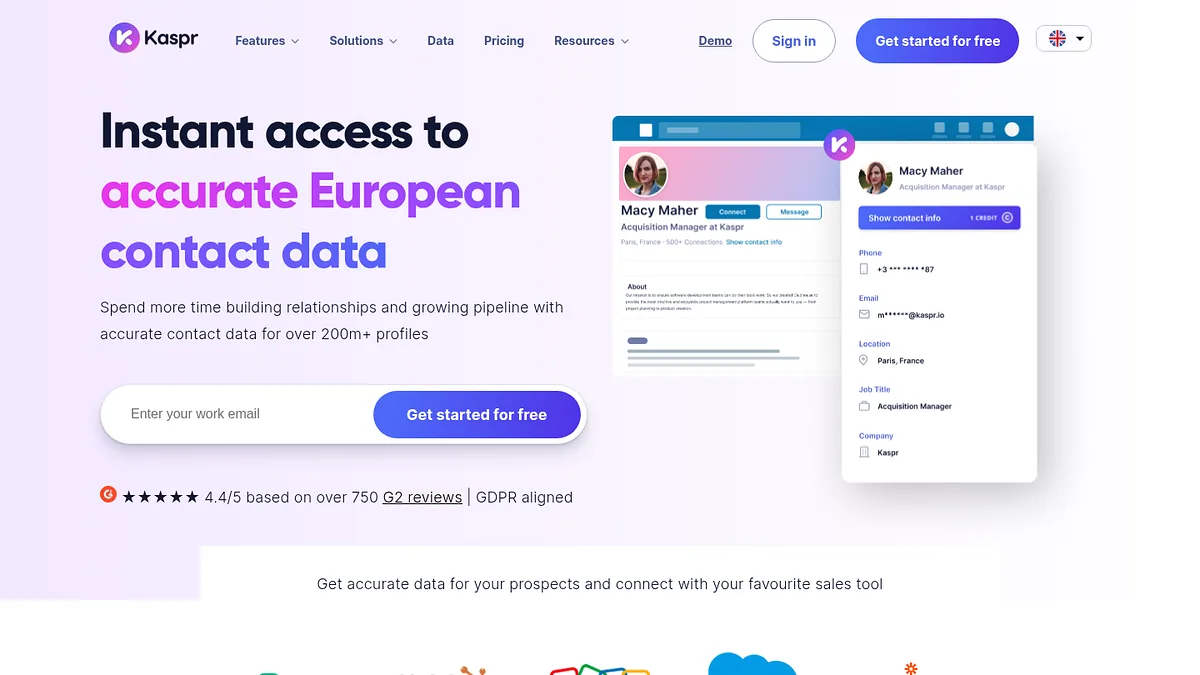
7Kaspr$37/monot statednot calculablePartly
8Wizapay as you goper exportvariesYes
9Apollo.io~$49/userbundledbundledYes
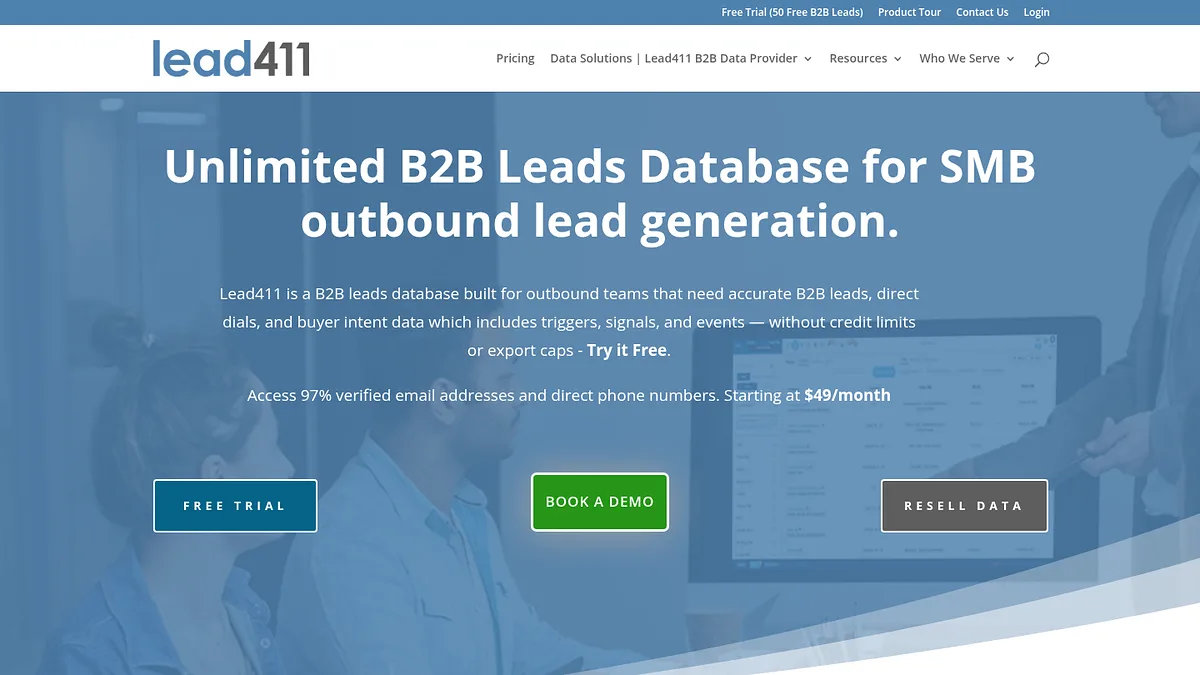
10Lead411$99/user200 exports$0.495Yes
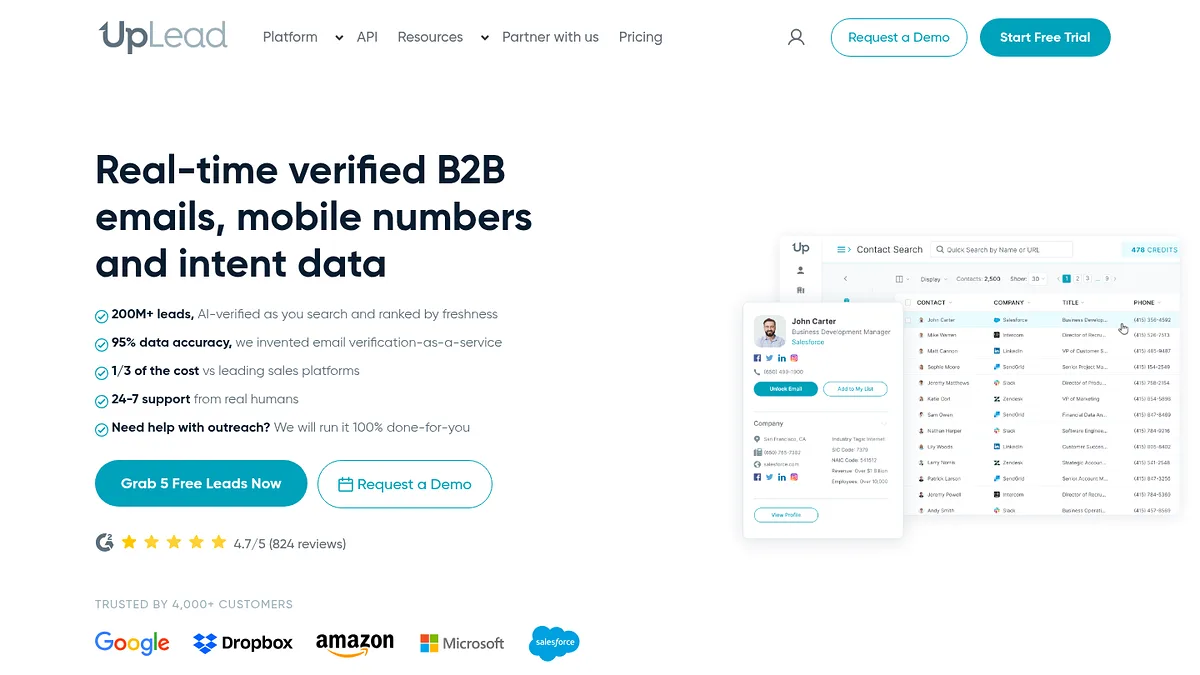
11UpLead$99/mo170 credits$0.582Yes
12RB2Bfree tiervisitors, not creditsn/aYes
13Instantlybundleddatabase + sendingn/aYes
14Smartleadbundledsending onlyn/aYes
15Dealfrontquote onlyunknowncannot computeNo
16Cognismquote onlyunknowncannot computeNo
17ZoomInfoannual contractunknowncannot computeNo

Scroll sideways for the full table. Figures are list prices in August 2026.
01

StackScan sells the segment, not the contact

Entry
$39/mo
Unit
whole segment
Cost per lead
~$0.02

Every other tool on this page charges you per contact. StackScan charges you per query.

You pick a technology, add a country and a TLD, and it returns every domain that matches. One flat price, however many rows come back.

That inverts the economics. On a credit tool, a bigger list costs more. Here a bigger list costs nothing extra, so your cost per company falls the wider you cast.

Pull a 2,000 domain segment on the $39 plan and each company works out around two cents. Pull 10,000 and it is under half a cent.

The honest caveat is that these are companies, not people. You get the domain plus up to 20 enrichment fields, not a named contact with a direct dial.

So for most teams it is the first step rather than the only one. Build the company list here, then spend contact credits only on the accounts that survive qualification, which is where the real saving lands.

The list does not have to stay in a spreadsheet either. There is a REST API, native CRM integrations, Zapier and n8n, and an MCP server for agent workflows.

Visit StackScan →

StackScan homepage screenshot

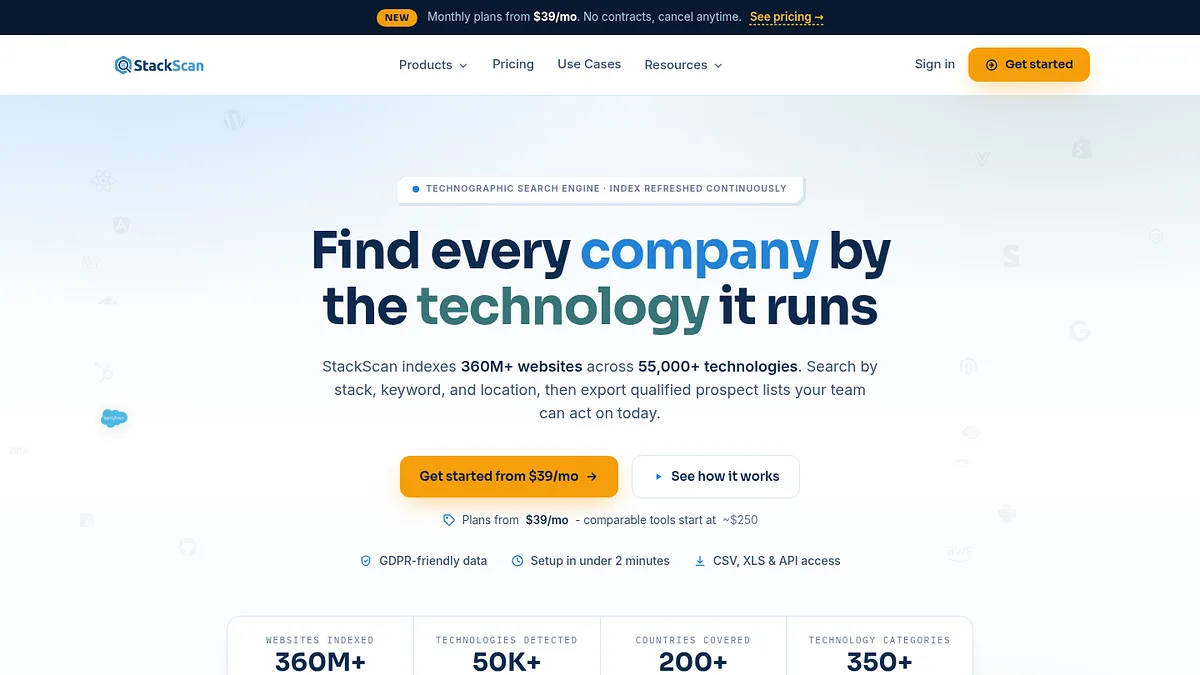
StackScan indexes 360 million plus domains across 55,000 technologies.

What it does well

  • +Flat fee, so cost per company falls as the segment grows
  • +Technology filters find accounts no contact database can segment by
  • +Country and TLD filters cut a global list to a sellable one
  • +Rebuilding the same report later does not spend a fresh credit
  • +Cheapest entry point of anything here that does list building

Where it falls down

  • Companies, not named contacts, so pair it with a contact tool
  • Credits are per report, so pay for the segment once and reuse it
  • No email verification, that happens downstream
Start here. Qualifying accounts before you buy contact credits is the single biggest lever on cost per lead, and this is the cheapest way to do it.
02

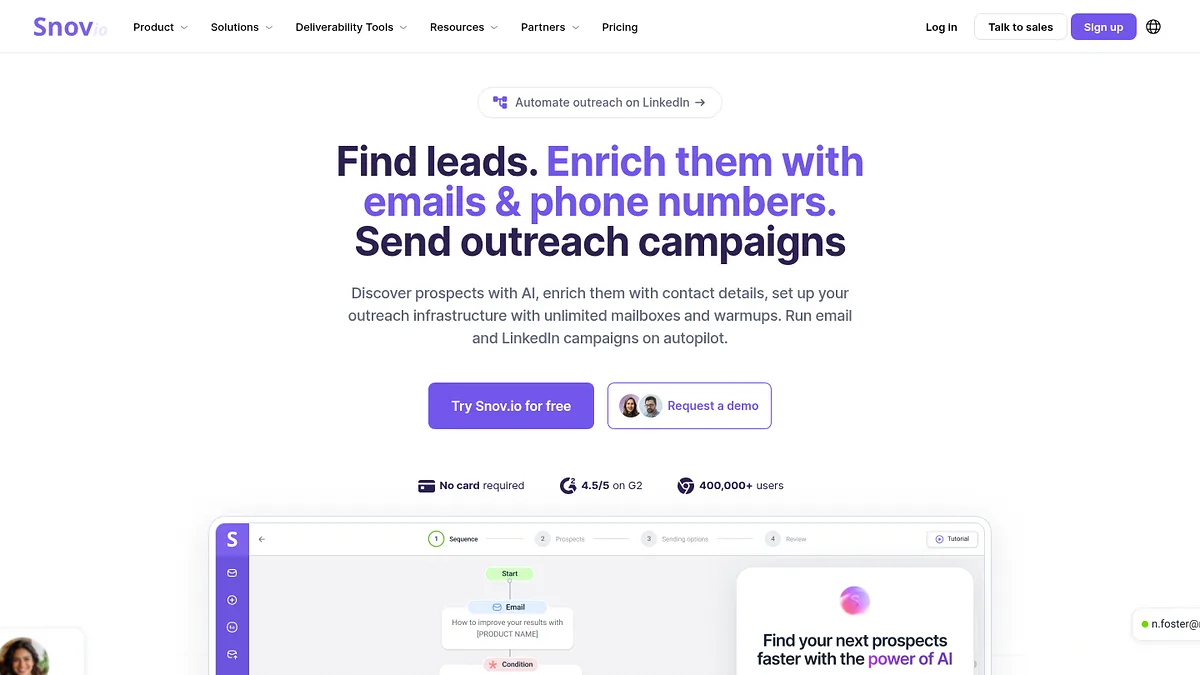
Snov.io is the cheapest published price per contact

Entry
$49/mo
Included
1,000 credits
Cost per lead
$0.049

Forty nine dollars, a thousand credits, just under five cents a contact. That is the lowest published rate in this comparison.

One credit finds one email. A phone number costs ten, which is worth knowing before you plan a calling campaign around it.

The scaling tiers hold the rate roughly steady, $99 for 5,000 and $249 for 25,000, so it does not punish you for growing.

Verification is included on the same pool rather than sold separately, which quietly removes a cost most competitors charge for.

It also sends. Having the finder and the sequencer under one subscription is convenient, though the sending side is weaker than the specialists further down this list.

Visit Snov.io →

Snov.io homepage screenshot

Snov.io bundles finding, verifying and sending on one credit pool.

What it does well

  • +Lowest published cost per contact here
  • +Verification included rather than billed separately
  • +Rate stays flat as you scale up tiers
  • +Finder and sender in one subscription

Where it falls down

  • Phone numbers cost ten credits each
  • Sending features trail the dedicated tools
  • Data quality is mid-tier, budget for bounces
My take: the default choice if cost per contact is the deciding number and you can live with mid-tier accuracy.
03

Hunter.io is the one that just works

Entry
$34/mo
Included
500 credits
Cost per lead
$0.068

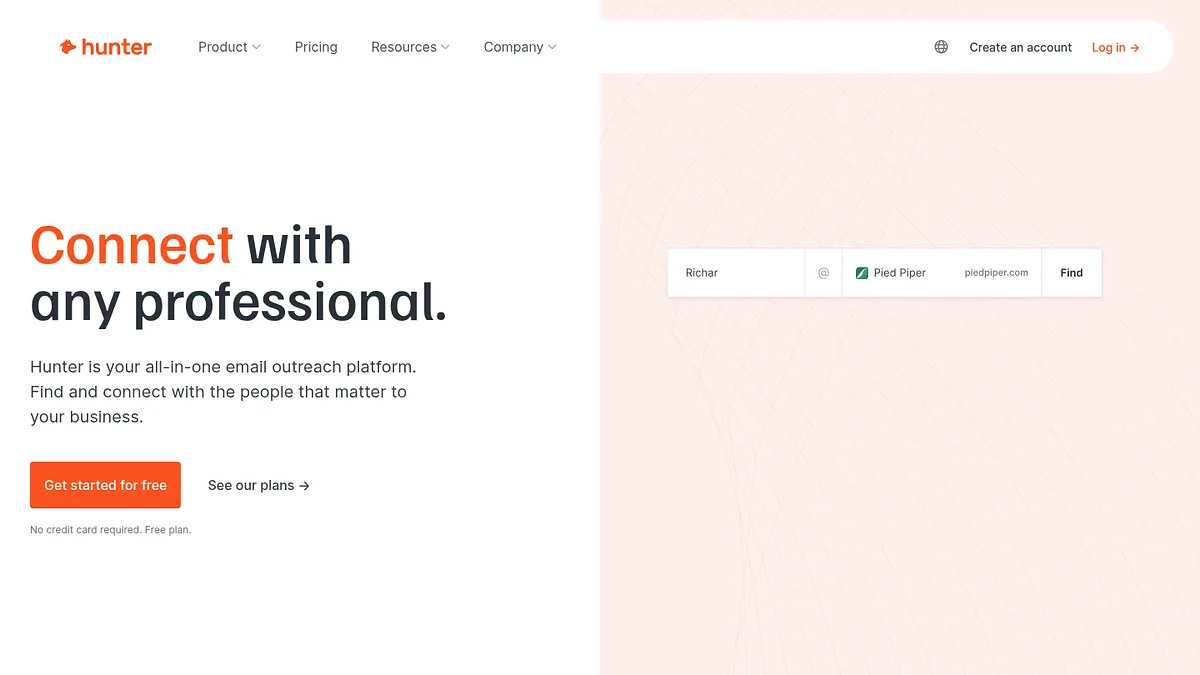
Thirty four dollars for 500 credits on annual billing. Just under seven cents a contact.

Hunter has been doing email discovery longer than most of this list has existed, and it shows in the accuracy scores it publishes next to every result.

That confidence score is the underrated feature. It lets you drop the guesses before you send rather than after you bounce.

Credits sit in one shared pool with unlimited users, so a small team does not multiply the bill the way per seat tools do.

It does one job. No dialler, no sequencer worth the name, no company database to browse. If you want a platform, this is not it.

Visit Hunter.io →

Hunter.io homepage screenshot

Hunter has done one job, email finding, for over a decade.

What it does well

  • +Accuracy scores on every result let you filter before sending
  • +One shared credit pool, unlimited seats
  • +Free tier is genuinely usable for testing
  • +Simple enough that nobody needs training

Where it falls down

  • Email only, no phone numbers
  • No meaningful sequencing or dialling
  • Cheaper per credit elsewhere if volume is all you care about
My take: pay the extra two cents over Snov for the confidence scores. Fewer bounces is worth more than a lower headline rate.
04

LeadIQ prices in small packets, which suits small teams

Entry
from $15/mo
Included
200 credits
Cost per lead
$0.075

Seven and a half cents a contact, from a starting price of about $15 a month.

That low floor is the point. Most tools here want $34 to $99 before they will talk to you. LeadIQ lets you buy 200 credits and stop there.

For a founder testing whether outbound works at all, that difference matters more than the per credit rate.

The free tier gives 50 credits a month, which is enough to check the data against companies you already know before spending anything.

It works as a browser extension over LinkedIn rather than a database you browse, so your targeting still happens in Sales Navigator.

Enterprise pricing is custom and unpublished, which is where the transparency stops.

Visit LeadIQ →

LeadIQ homepage screenshot

LeadIQ sells credits in packets rather than forcing a large monthly floor.

What it does well

  • +Lowest entry price of any contact tool here
  • +Free tier of 50 credits a month for testing
  • +Credit packets rather than a large monthly floor
  • +Clean CRM sync on the paid tiers

Where it falls down

  • LinkedIn dependent, not a standalone database
  • Enterprise pricing is unpublished
  • Small packets get expensive per credit at volume
My take: the cheapest way to find out whether outbound works for you at all, before committing to a real subscription.
04

Seamless.AI is cheap per credit and expensive to leave

Entry
~$79/user
Included
1,000 credits
Cost per lead
$0.079

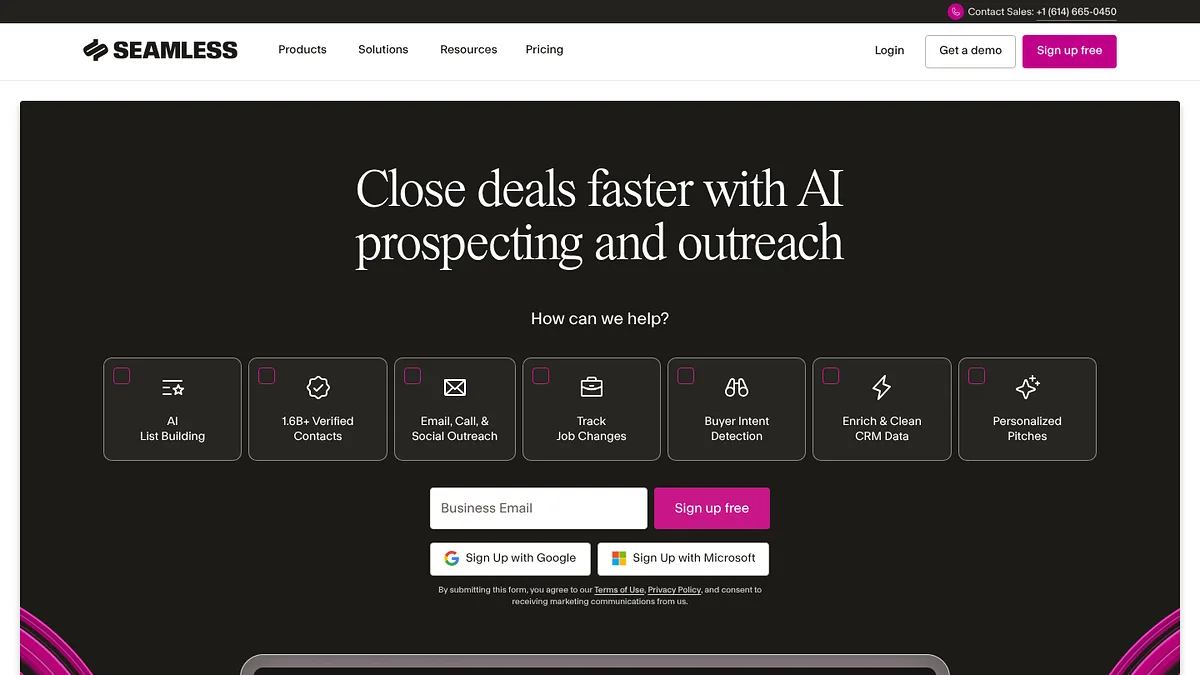
Around eight cents a contact, which sounds competitive until you look at how you get there.

Seamless publishes a free tier of 1,000 credits a year and then stops publishing. Pro and Enterprise are both quote only.

The figure above comes from users reporting roughly $79 per user per month for 1,000 credits, not from a price list. Treat it as indicative.

The recurring complaint is not the rate, it is the contract. Annual terms, auto renewal and a sales process that is easier to enter than exit.

The data itself is real time rather than a static database, which helps freshness and hurts consistency. Run the same search twice and you will not always get the same rows.

Visit Seamless.AI →

Seamless.AI homepage screenshot

Seamless.AI publishes a free tier but negotiates everything above it.

What it does well

  • +Real time lookups rather than a stale snapshot
  • +Free tier lets you assess data quality before committing
  • +Flat one credit per contact, no phone surcharge
  • +Large raw contact volume

Where it falls down

  • Pricing above the free tier is not published
  • Annual contracts with renewal terms people complain about
  • Results vary between identical searches
  • Per seat pricing multiplies across a team
My take: use the free tier to judge the data. Read the contract properly before you go past it.
05

Lusha puts phone numbers on every plan

Entry
$22.45/user
Included
3,000 a year
Cost per lead
$0.090

Nine cents a contact, and the lowest monthly entry price of any contact tool here.

Read the credit allowance carefully though. Three thousand credits is an annual figure, which is 250 a month. That catches people out.

What justifies the rate is phone coverage. Most tools at this price sell email and charge extra for a mobile number. Lusha includes them.

European coverage is stronger than the American tools, and its compliance posture is built for teams that have to answer GDPR questions.

The browser extension is the way most people use it, pulling contacts off LinkedIn one at a time rather than exporting lists.

Visit Lusha →

Lusha homepage screenshot

Lusha's differentiator is mobile numbers included at the entry tier.

What it does well

  • +Phone numbers on every paid plan
  • +Lowest monthly entry price of the contact tools
  • +Strong European coverage and compliance story
  • +Extension is fast for one-off lookups

Where it falls down

  • The 3,000 credits are annual, not monthly
  • Per seat pricing adds up for a team
  • Bulk export is weaker than the list-first tools
My take: the right pick if you dial rather than only email, and the only one here where phone access does not carry a surcharge.
06

Kaspr is a LinkedIn extension with a European accent

Entry
$37/mo
Included
not stated
Cost per lead
not calculable

Kaspr sits in the same space as Lusha and prices similarly, from around $37 a month.

I could not compute a cost per lead for it, because the credit allowance on the paid tiers is not stated plainly enough to divide by.

The free tier is 40 credits a month, which tells you the shape of the model but not the economics of the paid one.

It works inside LinkedIn, revealing contact details on profiles and letting you push them into a sequence without leaving the tab.

European phone coverage is its strong suit, and being owned by Cognism means it inherits a serious compliance operation.

Visit Kaspr →

Kaspr homepage screenshot

Kaspr works inside LinkedIn rather than as a standalone database.

What it does well

  • +Genuinely useful free tier at 40 credits a month
  • +Strong European mobile coverage
  • +Works where prospecting actually happens, inside LinkedIn
  • +Compliance backing from its parent company

Where it falls down

  • Paid credit allowances are not published clearly
  • LinkedIn dependent, so it is not a standalone database
  • Coverage outside Europe is thinner
My take: fine tool, opaque maths. Ask exactly how many credits your plan includes before signing.
07

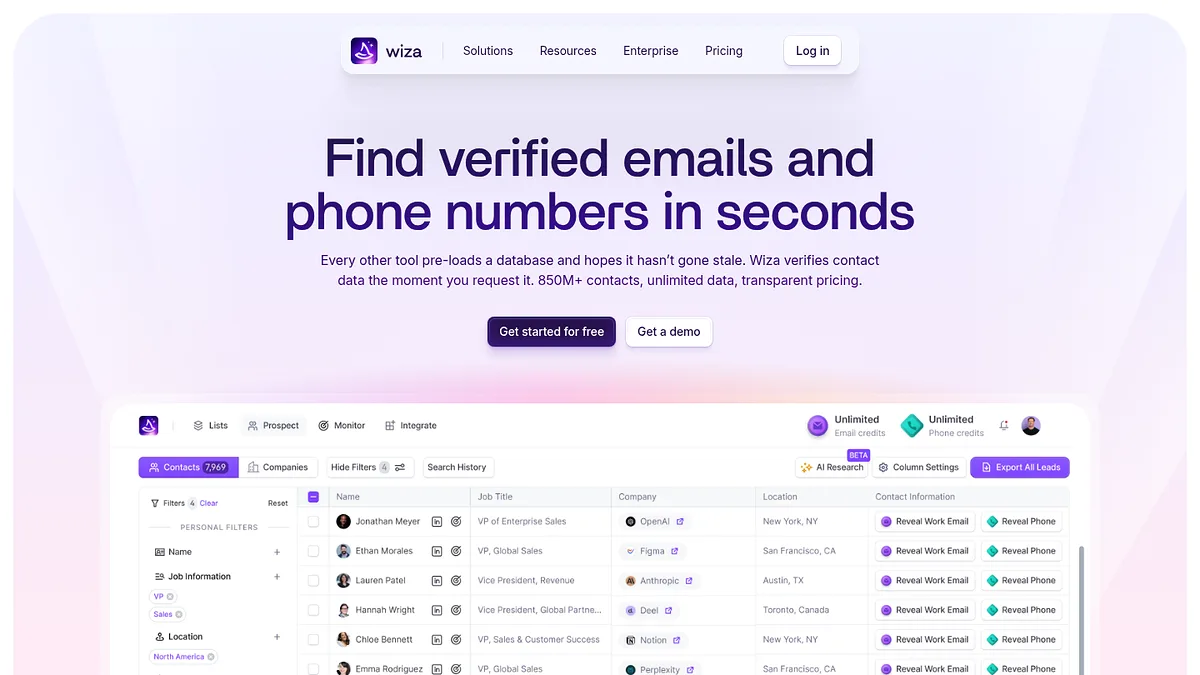
Wiza turns a LinkedIn search into a spreadsheet

Entry
pay as you go
Included
per export
Cost per lead
varies

Wiza does one narrow thing. You run a Sales Navigator search, it exports the results with verified emails attached.

That makes it a companion to LinkedIn rather than a database in its own right, and the cost per lead depends entirely on how you buy credits.

The appeal is that your targeting happens in Sales Navigator, which has filters no contact database can match, then Wiza handles only the enrichment.

It verifies as it exports, so what lands in the sheet is already checked rather than needing a second pass.

You do need a Sales Navigator seat for the good filters, and that is a real cost sitting behind the sticker price.

Visit Wiza →

Wiza homepage screenshot

Wiza exports Sales Navigator searches into verified contact lists.

What it does well

  • +Sales Navigator filters beat any database's segmentation
  • +Verification happens during export, not after
  • +Pay as you go suits irregular list building
  • +Output is clean enough to use immediately

Where it falls down

  • Needs a Sales Navigator subscription to be worth it
  • No standalone database to search
  • Cost per lead depends on how you buy credits
My take: the right answer when your targeting logic only exists in Sales Navigator. Otherwise a database is cheaper.
08

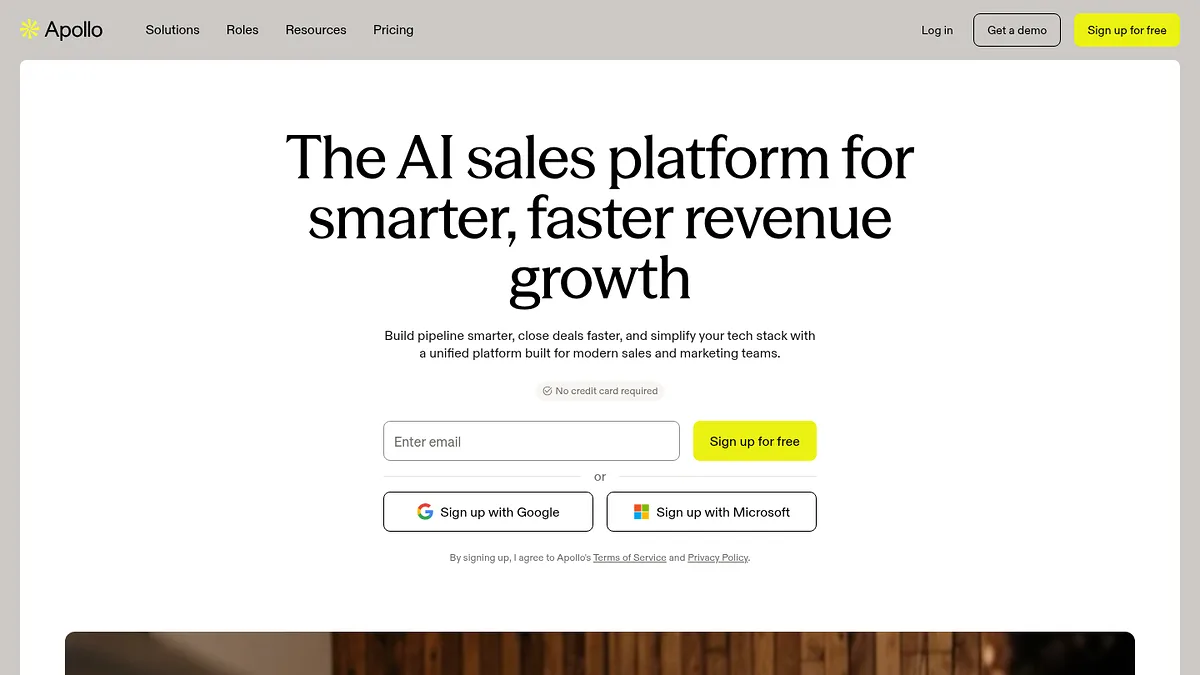
Apollo bundles everything and hides the unit price

Entry
~$49/user
Included
bundled
Cost per lead
bundled

Apollo is the tool most teams end up on, because it does the whole job for about $49 a seat.

Database, sequencer, dialler, CRM sync. One subscription instead of four.

Working out a cost per lead is deliberately awkward. Export limits, email credits and mobile credits are separate allowances that vary by tier, so the honest answer is bundled.

That bundling is a genuine saving if you would otherwise buy three tools. It is a genuine trap if you only wanted data, because you are paying for a sequencer you will not open.

Intent data sits behind the $119 per user Organization plan, which is worth knowing before it is quoted at you as included.

Visit Apollo.io →

Apollo.io homepage screenshot

Apollo sells a whole outbound stack rather than data by the credit.

What it does well

  • +Replaces three or four subscriptions
  • +Enormous contact database with usable filters
  • +Free tier is generous enough to evaluate properly
  • +Sequencing and dialling included at the base tier

Where it falls down

  • Cost per lead is impossible to isolate
  • Separate allowances for exports, emails and mobiles
  • Intent is gated behind the $119 tier
  • Data accuracy is average for the price
My take: excellent value if you use the whole thing. Poor value if you only came for the data.
10

Lead411 charges for exports, not for looking

Entry
$99/user
Included
200 exports
Cost per lead
$0.495

Just under fifty cents an export, which puts it near the expensive end of the published rates.

The model is unusual though, and worth understanding before you dismiss the number. Viewing records is unlimited. You only spend a credit when you export one.

That changes how you work. You can research and qualify as much as you like at no marginal cost, then pay only for the contacts that survive.

Used that way the effective cost per usable lead drops well below the headline figure, which is not true of the tools that charge you to look.

It includes Bombora intent data on higher tiers, and verified direct dials on all of them.

The catch is a minimum three month commitment on the entry plan, so it is not something you can trial for four weeks and drop.

Visit Lead411 →

Lead411 homepage screenshot

Lead411 lets you view unlimited records and bills only on export.

What it does well

  • +Unlimited viewing, you only pay to export
  • +Qualify at no marginal cost before spending credits
  • +Verified direct dials on every plan
  • +Bombora intent data on higher tiers

Where it falls down

  • Headline cost per export is high
  • Three month minimum commitment
  • Only 200 exports on the entry plan
  • Per seat pricing on top
My take: the view-free, pay-to-export model genuinely lowers your real cost per lead. Just do not sign without checking the minimum term.
09

UpLead is the most expensive published rate here, on purpose

Entry
$99/mo
Included
170 credits
Cost per lead
$0.582

Fifty eight cents a contact. Twelve times the cheapest rate on this page.

UpLead's argument is that you are not buying contacts, you are buying contacts that work. It verifies emails at the moment of export and does not charge you for the ones that fail.

If your bounce rate is what keeps you awake, that changes the sum. A five cent lead with a thirty percent bounce rate is not really five cents.

The 95 percent accuracy claim is one I cannot independently verify, but the credit refund policy at least puts their money behind it.

At 170 credits on the entry plan, this is not a volume tool. It suits low volume, high value outbound where each conversation is worth something.

Visit UpLead →

UpLead homepage screenshot

UpLead verifies in real time and charges accordingly.

What it does well

  • +Verification at the moment of export, with credits refunded on failures
  • +Genuinely high accuracy for deliverability
  • +Clean interface and straightforward exports
  • +Good technographic and intent filters

Where it falls down

  • Twelve times the cheapest cost per lead here
  • Only 170 credits on the entry plan
  • Wrong shape entirely for volume outbound
My take: defensible if each lead is worth hundreds. Indefensible for spray and pray.
10

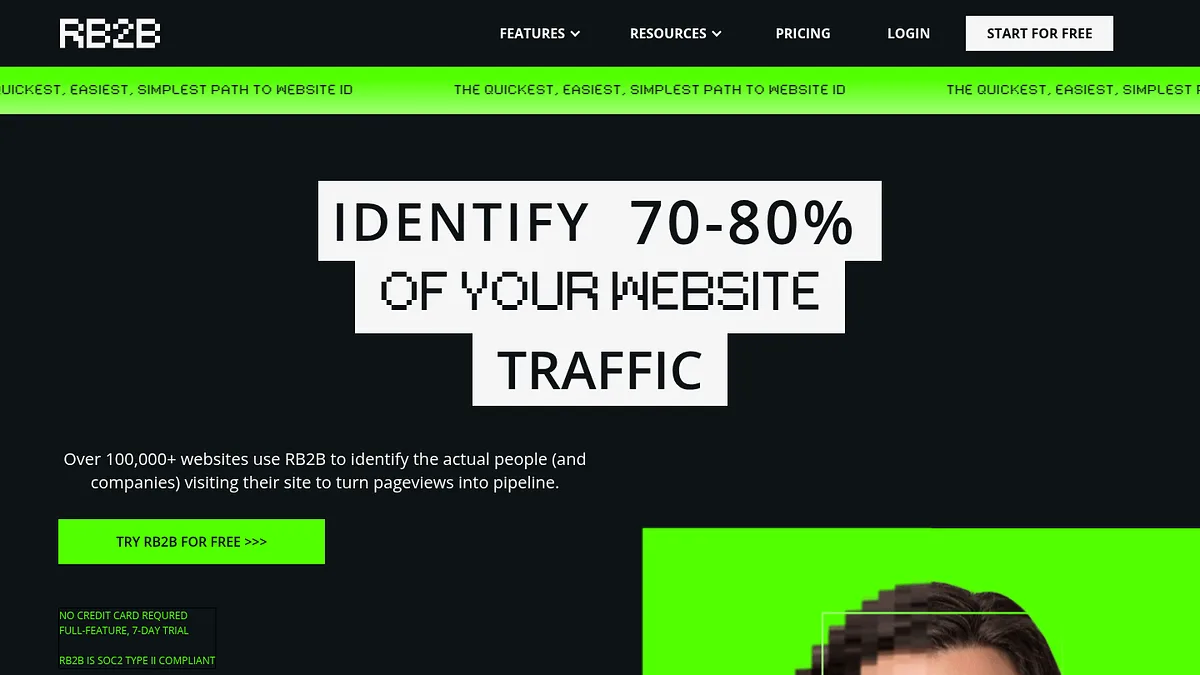
RB2B tells you who already visited

Entry
free tier
Included
visitors, not credits
Cost per lead
n/a

Every tool above this line finds strangers. RB2B works the other way round.

It puts a script on your site and tells you which individual people visited, by name, US traffic only.

That is a different category of lead. Someone who read your pricing page yesterday is not comparable to a name pulled from a database, which is why cost per lead does not apply here.

There is a free tier that returns a slice of identified visitors, which is unusually generous for what it is.

Person level identification raises obvious privacy questions, and it is US only precisely because of them. Worth thinking about before you switch it on.

Visit RB2B →

RB2B homepage screenshot

RB2B identifies individual visitors rather than just companies.

What it does well

  • +Identifies individual people, not just companies
  • +Free tier is genuinely useful
  • +Visitors are warm by definition
  • +Sets up in minutes with one script

Where it falls down

  • United States traffic only
  • Person level tracking carries real privacy questions
  • Volume depends entirely on your existing traffic
  • Not a substitute for outbound prospecting
My take: the cheapest leads you will ever get, because you already paid for the traffic. Read the privacy implications first.
11

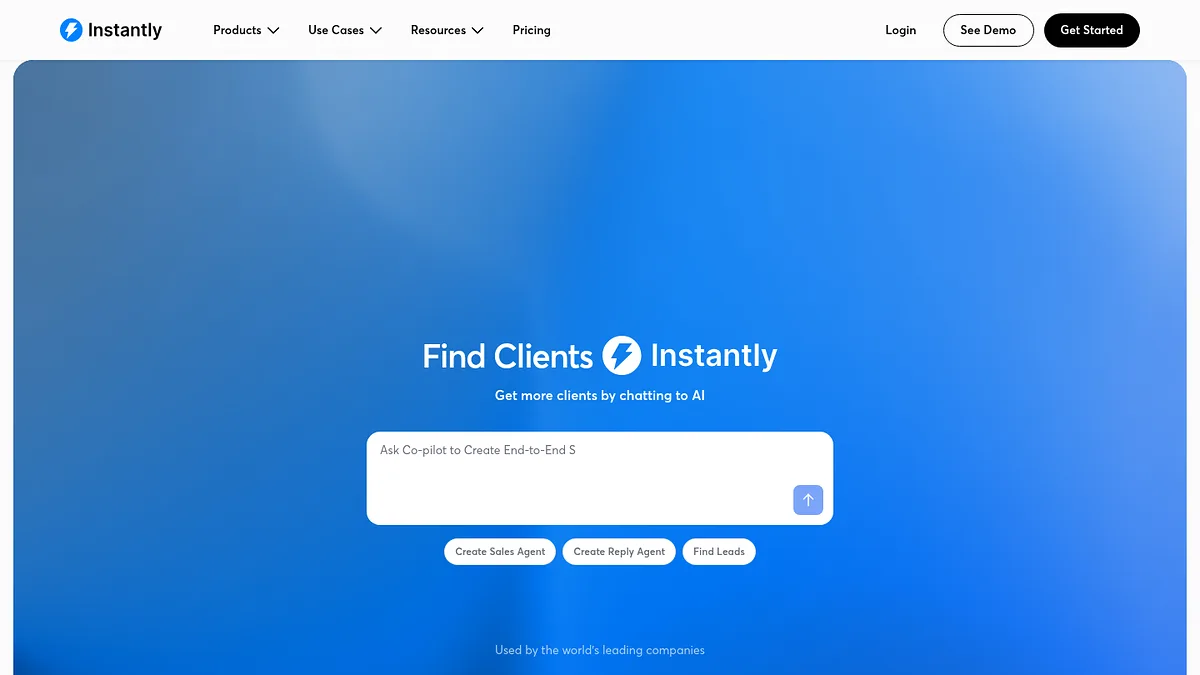
Instantly is a sender that grew a database

Entry
bundled
Included
database + sending
Cost per lead
n/a

Instantly started as cold email infrastructure and added a lead database once it had the audience.

The bundling means data and sending come from one subscription, so a separate cost per lead is not really extractable.

Its actual strength is deliverability. Unlimited mailbox connections, automated warmup, inbox rotation. The unglamorous plumbing that decides whether your campaign lands.

The database is competent rather than exceptional. You would not choose it on data quality alone.

You would choose it because sending 5,000 emails a week without landing in spam is harder than finding 5,000 addresses, and this is the half most teams get wrong.

Visit Instantly →

Instantly homepage screenshot

Instantly bundles a lead database with cold email infrastructure.

What it does well

  • +Deliverability tooling is the best in this list
  • +Unlimited mailboxes on paid plans
  • +Warmup included rather than sold separately
  • +Data and sending under one bill

Where it falls down

  • Database quality is mid-tier
  • Cost per lead is not separable from sending cost
  • Overkill if you send in low volume
My take: buy it for the sending, treat the database as a bonus rather than the reason.
12

Smartlead sends, and that is the whole pitch

Entry
bundled
Included
sending only
Cost per lead
n/a

Smartlead does not sell you leads at all, which is why it has no cost per lead.

It is included because a lead you cannot reach is not a lead, and this is the tool that decides whether you reach them.

Unlimited mailboxes, automatic rotation, warmup, and a master inbox so replies do not scatter across forty accounts.

Agencies favour it because it handles many clients cleanly under one roof, with white labelling if you resell.

Pair it with something from the top of this page. Cheap data plus good sending beats expensive data plus bad sending, every time.

Visit Smartlead →

Smartlead homepage screenshot

Smartlead is infrastructure, with no lead database of its own.

What it does well

  • +Unlimited mailboxes and automatic rotation
  • +Master inbox keeps replies in one place
  • +Built for agencies running many clients
  • +White label options if you resell

Where it falls down

  • No lead data of its own
  • Overlaps heavily with Instantly, pick one
  • Another subscription on top of your data tool
My take: not a lead source, but the difference between a campaign that lands and one that does not.
13

Dealfront will not tell you the price

Entry
quote only
Included
unknown
Cost per lead
cannot compute

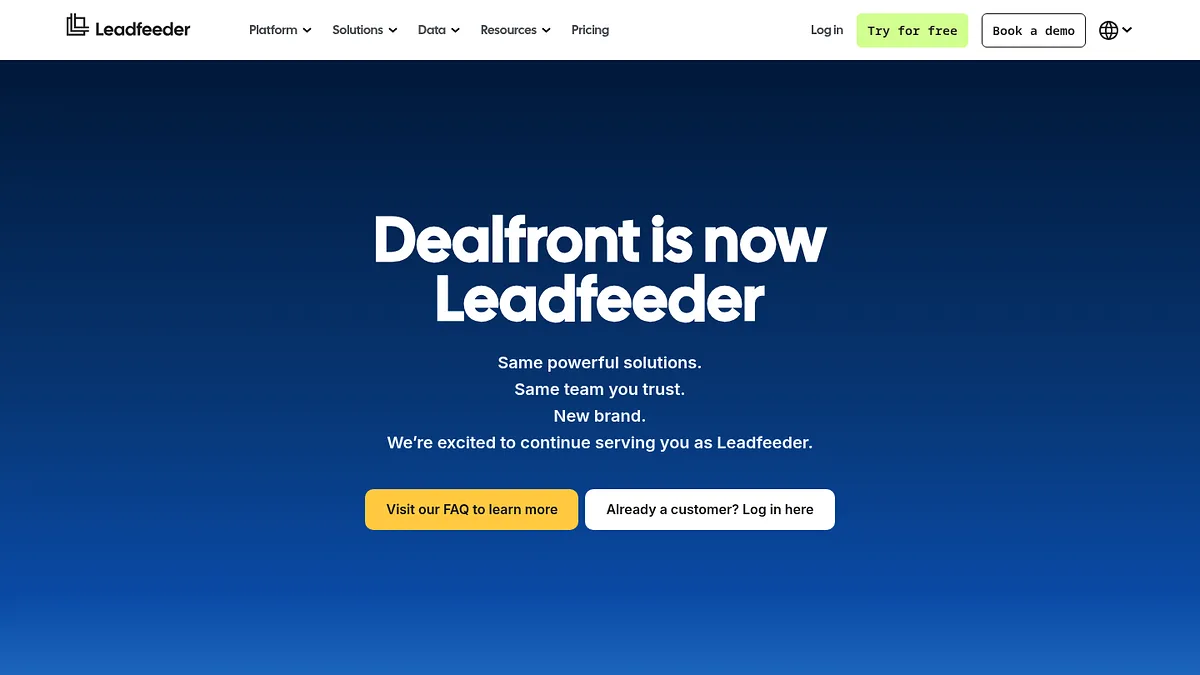
Dealfront is what happened when Leadfeeder and Echobot merged, combining visitor identification with a European contact database.

The product is good. The pricing page is a contact form.

That is why it sits at thirteen rather than higher. I cannot rank a cost per lead that does not exist publicly.

For European teams the compliance story is genuinely strong, built around GDPR rather than retrofitted to it.

If you get a quote, ask what a contact costs and divide it yourself before you compare it to anything above.

Visit Dealfront →

Dealfront homepage screenshot

Dealfront merged Leadfeeder and Echobot, and publishes no rate card.

What it does well

  • +Visitor identification and contact data in one product
  • +Built for European data protection from the start
  • +Trigger based alerts on company events
  • +Strong DACH region coverage

Where it falls down

  • No published pricing at all
  • Sales process before you see a number
  • Coverage outside Europe is weaker
  • Cannot be compared on cost per lead
My take: worth a quote if you sell into Europe. Do the division yourself once you have one.
14

Cognism sells phone numbers that answer

Entry
quote only
Included
unknown
Cost per lead
cannot compute

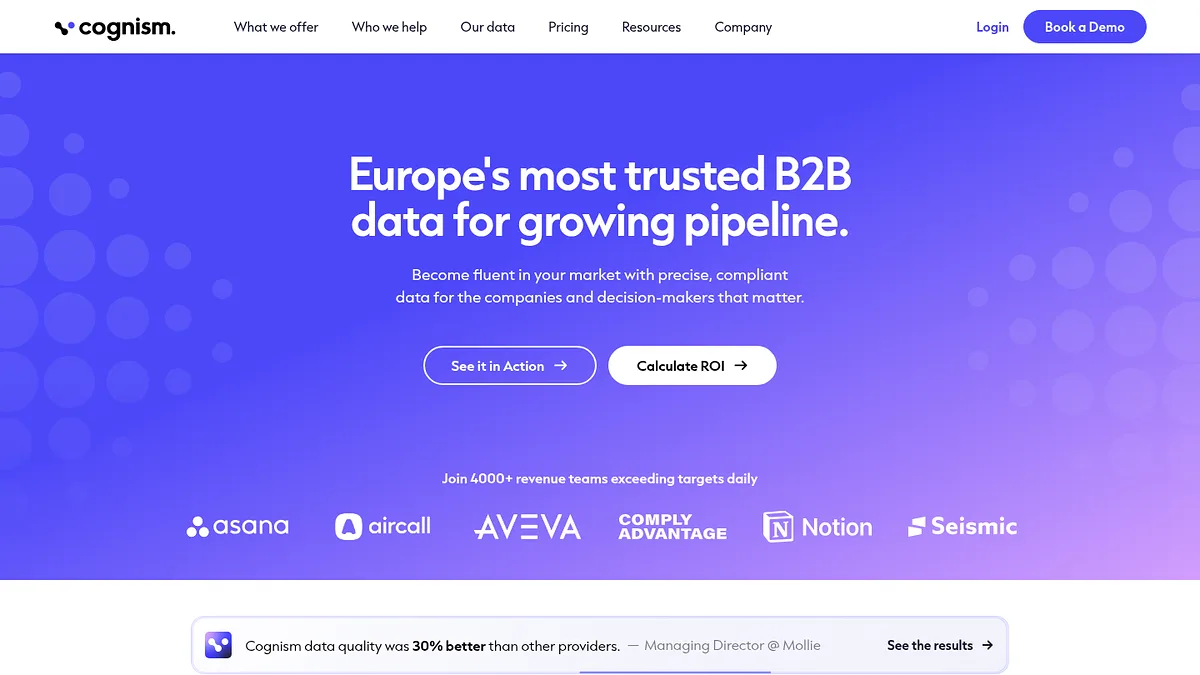
Cognism's entire pitch is that its mobile numbers connect, and that its data is clean enough to survive a compliance review.

Diamond verified numbers are human checked. That is expensive to produce and priced accordingly.

Which I cannot show you, because nothing is published. Everything is negotiated, and the reported floor is well into five figures a year.

If you run an outbound team where a connected call is worth hundreds, the maths can work at a cost per lead that would look absurd on the table above.

If you are one person testing a market, it is not aimed at you.

Visit Cognism →

Cognism homepage screenshot

Cognism publishes no pricing and sells on data quality instead.

What it does well

  • +Best mobile number connect rates in the category
  • +Human verified numbers on the premium tier
  • +Serious GDPR and compliance operation
  • +Strong European and DACH coverage

Where it falls down

  • No published pricing, five figure contracts reported
  • Annual commitments, no monthly option
  • Far too heavy for small teams
  • Cannot be compared on cost per lead
My take: the right tool if a connected call pays for itself. Nowhere near the right first purchase.
15

ZoomInfo is the biggest database and the biggest invoice

Entry
annual contract
Included
unknown
Cost per lead
cannot compute

Nobody disputes the coverage. ZoomInfo holds more company and contact records than anything else here.

What nobody can tell you is the unit price, because it is an annual negotiated contract with export limits that vary by deal.

Those export limits are the part that bites. Teams routinely discover the seat they bought comes with a cap that makes bulk list building impossible.

It sits last on a cost per lead ranking for the simple reason that it cannot be placed on one.

If your employer already pays for it, use it and ignore this table. If they do not, the tools at the top of this page will answer the same question for a rounding error.

Visit ZoomInfo →

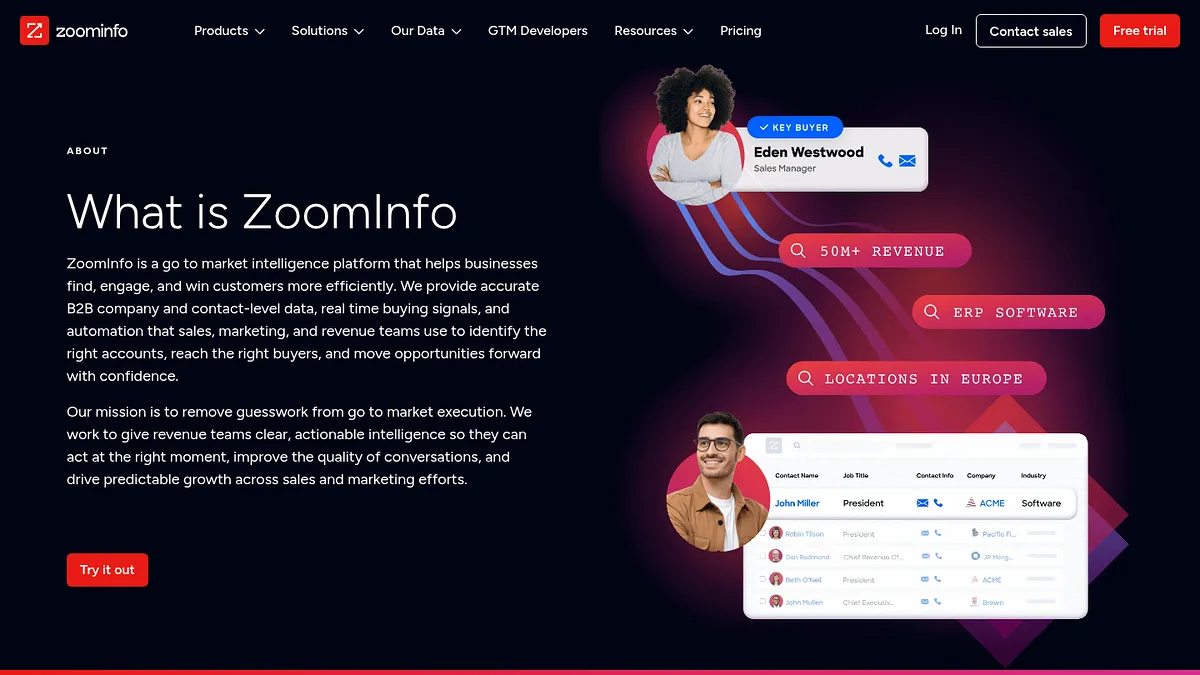
ZoomInfo homepage screenshot

ZoomInfo's About page. The homepage serves a bot challenge to non-browsers.

What it does well

  • +Largest contact and company database available
  • +Intent, technographics and firmographics in one query
  • +Mature integrations with every major CRM
  • +Data quality is genuinely good

Where it falls down

  • Annual contracts with unpublished pricing
  • Export caps that surprise people after signing
  • Renewal terms people complain about loudly
  • Cannot be compared on cost per lead
My take: superb if it is already on the company card. A very expensive way to answer a $39 question if not.
The order

How to spend the least

The cheapest lead is the one you never had to buy.

Run it in this order and the bill takes care of itself.

  1. Build the account list first StackScan
    Filter by technology, country and TLD. This costs one flat fee no matter how many companies come back.
  2. Qualify before you spend a credit
    Cut the list on fit before you enrich it. Every row you delete here is a contact credit you never buy.
  3. Buy contacts only for survivors Snov.io
    Now spend credits, on a much shorter list. This is where the cost per lead you calculated actually applies.
  4. Verify before you send Hunter.io
    A bounced email costs more than the credit did, because it damages the domain you send everything else from.
  5. Fix sending before scaling Smartlead
    Doubling volume through a bad setup doubles your spam complaints, not your replies.
  6. Mine your own traffic RB2B
    People already on your site are the cheapest leads you will ever work. Start there, not with strangers.

The number that actually matters

Cost per lead is the easy half. Cost per reply is the one that decides whether any of this works.

A five cent contact with a bad email is not cheap. You paid the credit, you burned a send, and you nudged your domain reputation the wrong way.

Work out your real number after a campaign: total spend divided by replies, not by contacts. Then come back to this table.

Most people find the ranking rearranges itself once quality is priced in. That is the point.

Questions

Things people ask

What is a reasonable cost per lead for B2B?

For raw contact data, anything under ten cents is competitive and anything over fifty needs justifying.

But raw data cost is a small part of the picture. Once you count verification, bounces and the time spent qualifying, most teams land somewhere between fifty cents and two dollars per usable lead.

If you are measuring cost per lead without measuring cost per reply, you are optimising the wrong number.

Why do some tools refuse to publish pricing?

Because negotiated pricing earns more than list pricing.

If every buyer pays a different rate, the vendor captures more value from the ones with bigger budgets. Publishing a number caps that.

It is a legitimate commercial strategy and it is also a real cost to you, in sales calls and in not being able to compare like for like. Three of the seventeen tools here work this way.

Is cheaper data worse data?

Often, but not reliably.

The correlation between price and accuracy in this category is much weaker than vendors would like you to believe. Some expensive tools have mediocre data and some cheap ones are fine.

The only way to know is to test the same hundred companies through two tools and compare bounce rates. That costs an afternoon and settles the argument permanently.

Can I just use the free tiers?

For testing, absolutely. For a real pipeline, no.

Hunter, Apollo, Seamless, Kaspr and RB2B all have free tiers worth using to judge data quality before you pay.

Use them to compare accuracy on companies you already know, then buy the one that got the most right.

Do I need a separate sending tool?

If you are sending more than a few hundred emails a week, yes.

Deliverability is a separate discipline from data. Mailbox rotation, warmup and reputation management decide whether your messages arrive at all.

Cheap data through good sending infrastructure beats expensive data through a single Gmail account, every time.

Method

How this was calculated

One number, calculated the same way for everyone.

List price divided by included credits on the cheapest paid plan. Monthly rates where published, annual where that is all a vendor gives.

Where a vendor bundles data with sending, or sells access rather than credits, I have said the figure is not applicable rather than inventing one.

Where a vendor publishes nothing, it ranks last. Not as a punishment, but because a cost per lead ranking cannot include a tool whose cost is a secret.

This measures price, not quality. Prices are each vendor's published list rate in August 2026 and move often. Figures marked as reported come from user accounts rather than a rate card, and are labelled where they appear.

Before you buy contacts

Cheap contacts against the wrong accounts is still wasted money. We also ranked 15 ABM tools by whether they actually build your target list, which is the step most teams skip. If you sell to online merchants, see 15 tools for finding Shopify stores, and to source accounts from a rival instead, 15 competitor analysis tools. Already have the records and want them to say something useful? 15 data enrichment tools ranked by what they add to a CRM record.