Ecommerce prospecting

How to find Shopify stores to sell to, and the 15 tools that do it

There are millions of Shopify stores and almost none of them are your customer. These are the tools that narrow it down, ranked by whether they hand you a list or make you check one store at a time.

Updated August 202615 tools18 min read

If you sell apps, themes, fulfilment, photography or anything else to online merchants, your market is enormous and almost entirely useless to you.

Millions of stores exist. The ones worth contacting are the ones on the right platform, in the right country, at the right size, already paying for something adjacent to what you sell.

That last clause is the one that matters and the one most tools ignore.

A store already paying for a reviews app has proven it buys apps. A store with no apps at all has proven the opposite, and no amount of outreach changes that.

So I ranked these by how directly they get you from nothing to a filtered list of stores you could actually sell to.

Some hand you thousands of rows. Some make you paste in one URL at a time. Both have their place, and the second group is much bigger than the first.

The two shapes of tool on this page

List builders take a filter and return many stores. This is what you want when you are building a pipeline, and there are fewer of them than the category suggests.

Store inspectors take one URL and tell you everything about that store. Excellent for qualifying a specific prospect, useless for finding a hundred of them.

Most of the free tools are inspectors. Almost everything that builds a list costs real money, with one obvious exception at the top.

At a glance

Which of these hands you a list

The third column is the whole article. Everything that says no is still useful, it just cannot start your pipeline.

#ToolGives you a list?Best forEntry priceFree tier
1StackScanYes, filteredStores by platform, app and country$39/moLimited
2Charm.ioYes, with scoringGrowth scored ecommerce brandsQuote onlyNo
3BuiltWithYesTechnology lists including Shopify$295/moLookup only
4SimilarTechYesAdoption view of ecommerce techNot publishedReports
5PipeCandyYes, D2C focusedEcommerce company intelligenceQuote onlyNo
6Store LeadsYes, export at $25013.7M stores across 405 platforms$75/moNo
7WappalyzerYes, smallerAccurate detection plus lists$250/moExtension
8Koala InspectorNo, one at a timeFree per store app and theme checkFreeYes
9PPSPYNo, one at a timeStore sales estimatesFrom ~$20/moLimited
10ShopHunterNo, one at a timeRevenue tracking per storeFrom ~$50/moNo
11Dropship.ioPartlyStore and product discoveryFrom ~$29/moTrial
12SimilarwebPartlyTraffic context on the storesQuote basedLimited
13ECDBNoMarket data around the storesQuote onlyTeasers
14Grips IntelligenceNoProduct level market dataQuote onlyNo
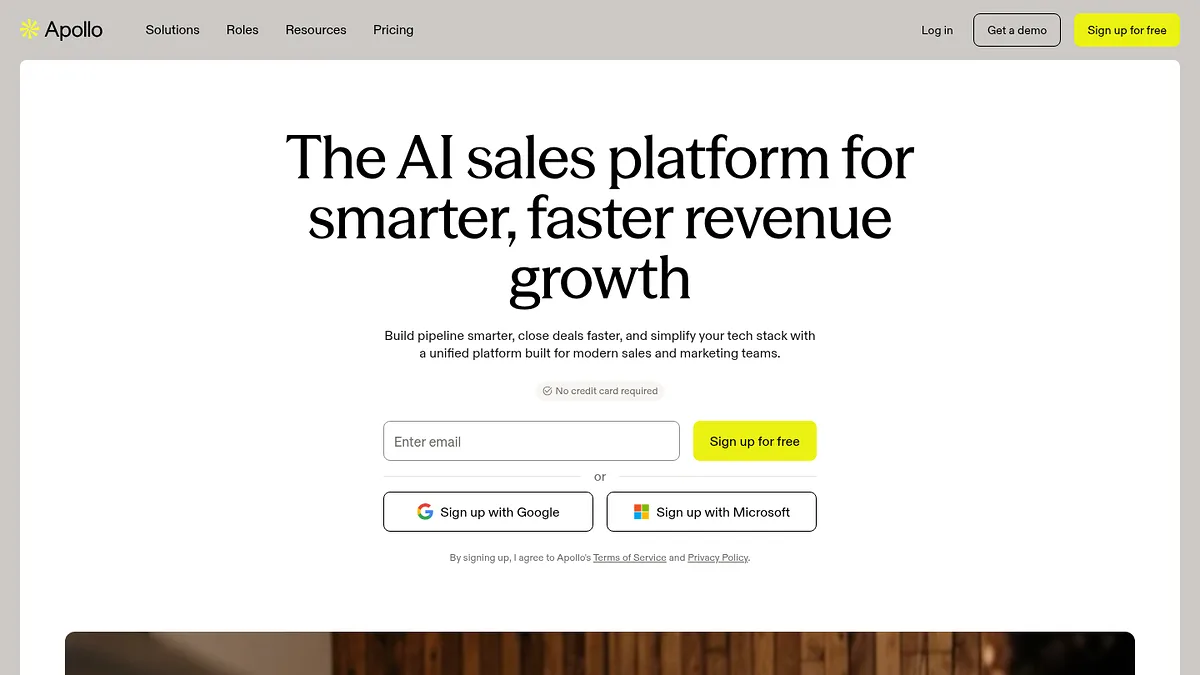
15Apollo.ioContacts onlyReaching the people behind stores~$49/userYes

Scroll sideways for the full table. Prices are published starting rates in August 2026.
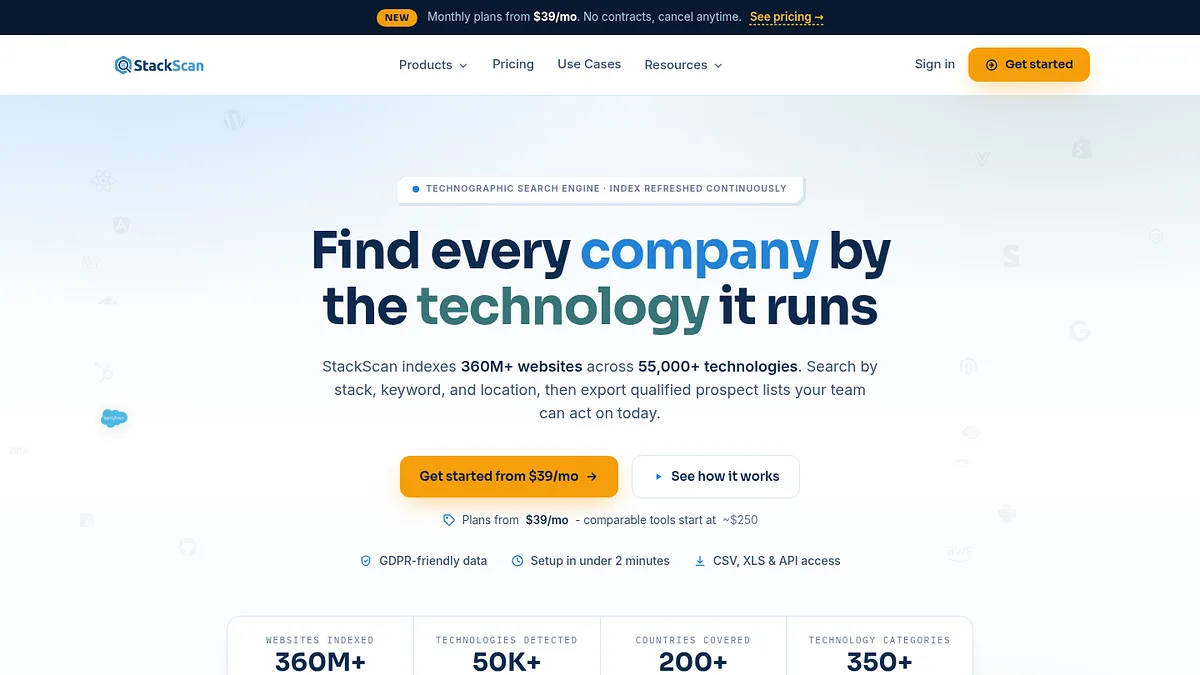
StackScan

StackScan filters stores by what they already pay for

Gives a list Yes, filteredEntry $39/moFilters Platform, app, country, TLD

Every list of Shopify stores is too long. The useful question is not who runs Shopify, it is who runs Shopify and something that proves they buy things.

StackScan answers that in one query. Pick the platform, add the app or technology, add a country and a TLD, and export what comes back. Its free Shopify usage page will give you the headline counts before you spend anything.

Stores running Klaviyo in Germany. Stores running a subscription app but no loyalty app. Stores on Shopify Plus in the United Kingdom. Those are lists you can sell against, and none of them are things a plain store directory can produce.

The app filter is the part that changes outreach. A merchant already paying monthly for three apps has demonstrated willingness to pay. A merchant with a bare theme and no apps has demonstrated the opposite, and no subject line fixes that.

At $39 a month it is a fraction of what the dedicated ecommerce databases charge, and the index is far broader than Shopify, so the same subscription covers WooCommerce, BigCommerce and the rest.

Delivery is not a bottleneck either. REST API, CRM integrations, Zapier and n8n, an MCP server, or plain CSV with up to 20 fields per domain.

What it does not give you is merchant revenue or a named contact. Pair it with a revenue estimator from further down, and a contact tool at the end.

StackScan homepage screenshot
StackScan indexes 360 million plus domains across 55,000 technologies.
Start here. Build the filtered list first, then spend money qualifying only the stores that survive the filter. Doing it the other way round is how prospecting budgets disappear.

Strong at

  • +Filters on installed apps, which is the strongest buying signal there is
  • +Country and TLD filters cut a global list to a sellable one
  • +Covers every ecommerce platform, not just Shopify
  • +Cheapest list builder here by a wide margin
  • +API, CRM, Zapier, n8n and MCP, so the list lands where you work

Weak at

  • No revenue or order volume estimates
  • Domains rather than named contacts
  • Not ecommerce specific, so no merchant-only fields like product count

Visit StackScan →

Charm.io

Charm scores the stores rather than just listing them

Gives a list Yes, scoredEntry Quote onlyAngle Growth and health scoring

Charm's argument is that a list of stores is not the hard part. Knowing which are growing is.

It scores ecommerce brands on growth trajectory and operational health, then lets you filter on those scores rather than on static attributes.

For a service business that is a genuinely different filter. A store growing 40% year on year has budget and problems. A flat store has neither.

The data goes deeper than technology detection, pulling in marketplace presence, social signals and retail distribution.

Pricing is quote only, which puts it out of reach for anyone testing a market rather than committed to one.

It is also brand focused rather than long tail, so the smallest stores are thin or absent.

Charm.io homepage screenshot
Charm.io scores ecommerce brands on growth and operational health.
My take: the right tool once you know your niche and want the best accounts in it. Not the right first purchase.

Strong at

  • +Growth scoring rather than static attributes
  • +Signals well beyond installed technology
  • +Good for identifying brands with budget
  • +Strong for agencies selling retained services

Weak at

  • No published pricing
  • Thin on long tail and very small stores
  • Overkill if you just need a filtered list
  • Sales process before you see the data

Visit Charm.io →

BuiltWith

BuiltWith will sell you the whole Shopify universe

Gives a list YesEntry $295/moAngle Breadth and history

BuiltWith holds lists of every site running Shopify, and lists of every site running each Shopify app, going back years.

The history is what you cannot get elsewhere. Stores that installed a competing app last quarter, or dropped one, are a far warmer list than stores that merely exist.

Its free Trends pages will tell you adoption counts per technology without an account, which is often enough to size an opportunity before spending anything.

Paid access opens at $295 a month on annual billing, which is a lot for ecommerce prospecting specifically when narrower tools cost a quarter of that.

The lists are also raw. You get domains and technologies, not merchant revenue, product counts or contacts.

BuiltWith homepage screenshot
BuiltWith's free Trends pages report platform adoption without an account.
My take: use the free Trends pages freely. Only pay if you specifically need who-dropped-what history.

Strong at

  • +Historical installs and removals, which nothing cheaper offers
  • +Free Trends pages answer sizing questions at no cost
  • +Enormous app and technology catalogue
  • +Covers every platform, not just Shopify

Weak at

  • $295 a month for ecommerce work specifically
  • No merchant revenue or contact fields
  • Interface is dated
  • Free lookup is a demo, not an account

Visit BuiltWith →

SimilarTech

SimilarTech is the adoption view of the same data

Gives a list YesEntry Not publishedAngle Adoption trends

SimilarTech covers similar ground to BuiltWith with more emphasis on trend than on archive.

For ecommerce that means you can see which apps and platforms are gaining share in a market before you commit to building for them.

It will also produce lists of sites using a given technology, filtered by country and category, which is the part relevant here.

Nothing is published on pricing, and the product now presents itself as part of Similarweb, so ask about roadmap before signing a term.

Coverage of the very long tail of small Shopify stores is weaker than the ecommerce specialists.

SimilarTech homepage screenshot
SimilarTech now presents itself as a Similarweb company.
My take: worth a look for the trend view. Not the tool to build a working prospect list from.

Strong at

  • +Good adoption and trend visualisation
  • +Country and category filters on lists
  • +Useful free public technology reports
  • +Similarweb traffic data adds context

Weak at

  • No published pricing
  • Roadmap tied to Similarweb
  • Weaker on very small stores
  • Not ecommerce specific

Visit SimilarTech →

PipeCandy

PipeCandy profiles the merchant, not just the domain

Gives a list Yes, D2C focusedEntry Quote onlyAngle Ecommerce company intelligence

The tools above return domains. PipeCandy returns companies.

It profiles ecommerce and direct to consumer brands with the kind of firmographic detail a domain list cannot carry: estimated GMV band, category, fulfilment model, headcount and growth signals.

That matters when your product only suits merchants of a certain size. A filter on estimated GMV removes the hobby stores before you ever look at them.

It also publishes market research on how D2C brands are performing, which is useful context if you sell into the category rather than just to individual stores.

Pricing is quote only, and it is aimed at teams with a real ecommerce go to market rather than at someone testing an idea.

Coverage skews to established brands, so the long tail of small Shopify stores is thinner here than in a raw technology index.

PipeCandy homepage screenshot
PipeCandy builds company level intelligence on ecommerce and D2C brands.
My take: the right tool when merchant size decides whether you can sell to them. Overkill if a platform filter is all you need.

Strong at

  • +Company level detail rather than just domains
  • +GMV and size bands filter out hobby stores
  • +Fulfilment and category data most tools lack
  • +Useful published research on the D2C market

Weak at

  • No published pricing
  • Thin on the long tail of small stores
  • Enterprise sales process before you see data
  • Overkill if you only need a platform filter

Visit PipeCandy →

Store Leads

Store Leads has the best data here and the worst paywall

Gives a list Yes, at $250Entry $75/moCoverage 13.7M stores, 405 platforms

On data quality alone this would rank second. It sits at six because of how the plans are drawn.

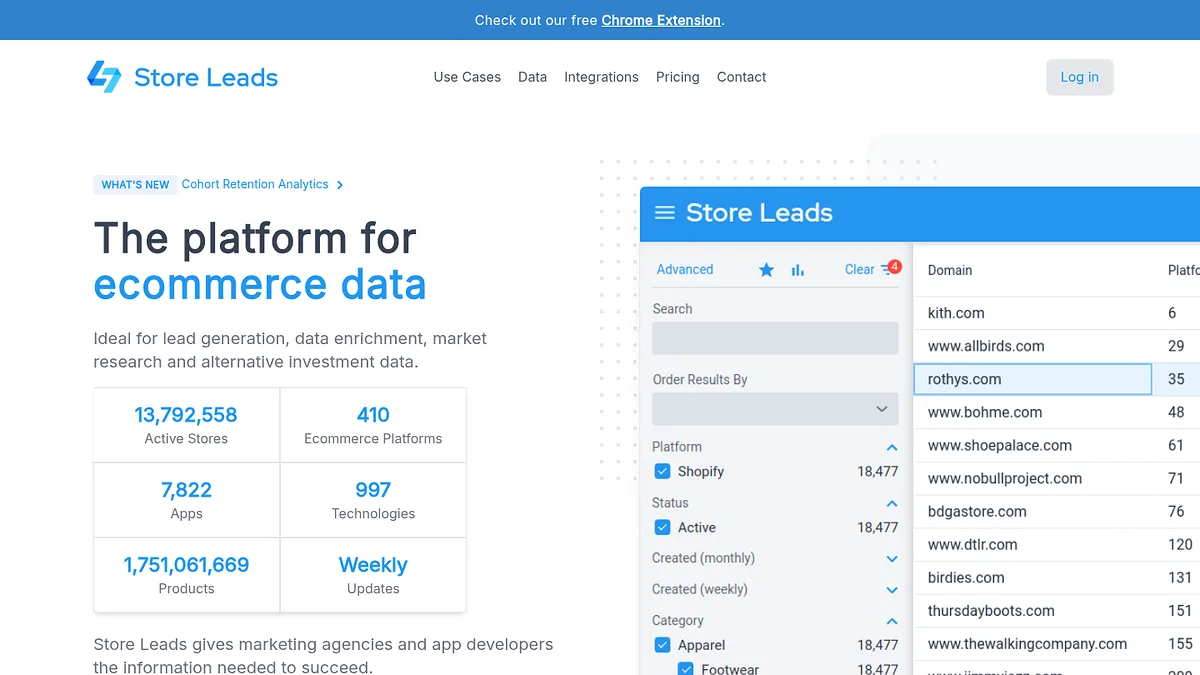
That specialism buys you fields nothing general purpose has. Estimated monthly sales, product count, installed apps, technologies, social followings and merchant contact details, across 13.7 million active stores on 405 platforms.

For anyone selling to merchants the estimated revenue field alone is worth the subscription, because it separates the hobby stores from the businesses.

Access starts at $75 a month, but that tier is the interface only. CSV export and API sit on the $250 Pro plan, so the entry price is not the price of a list you can work.

That is why five cheaper tools rank above it. Every one of them will hand you an exportable list for less than Store Leads charges to let you download yours.

Outside ecommerce it does nothing at all, which is either fine or a dealbreaker depending on what else you sell.

Store Leads homepage screenshot
Store Leads tracks millions of active stores with merchant level detail.
My take: the richest ecommerce data on this page, and worth it once ecommerce is your whole business. Budget $250, not $75, and do not buy it first.

Strong at

  • +Purpose built for ecommerce, with merchant specific fields
  • +Revenue and product count estimates qualify stores fast
  • +Merchant contact details included
  • +405 platforms, not Shopify only

Weak at

  • Export and API gated behind the $250 tier, six times the tool at the top
  • Useless outside ecommerce
  • Revenue figures are modelled, not reported
  • Roughly double the entry cost of the tool above

Visit Store Leads →

Wappalyzer

Wappalyzer is accurate, and priced like it is not competing here

Gives a list Yes, smallerEntry $250/moAngle Detection accuracy

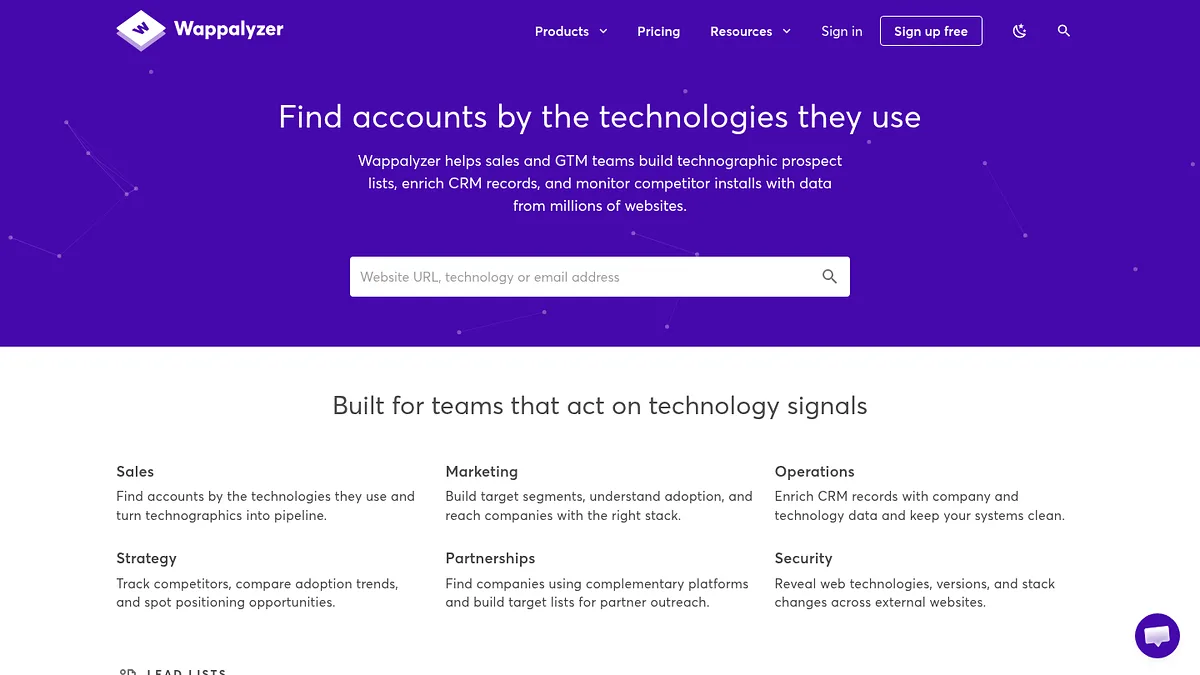
Wappalyzer detects around 8,000 technologies with accuracy that is consistently among the best.

It will produce lists of sites using a given technology, and its API is the nicest to build against in this category.

For ecommerce prospecting specifically the maths is hard to justify. $250 a month buys a smaller ecommerce list than $39 does elsewhere, because the catalogue is not built around merchant apps.

Where it earns its place is verification. If you have a list from a cheaper source and need to confirm what each store actually runs, this is the most reliable checker.

The free extension and roughly 50 free monthly lookups make that verification workflow cheap to test.

Wappalyzer homepage screenshot
Wappalyzer's lookup and lists are built on a smaller but well maintained catalogue.
My take: a verifier, not a list builder. Use it to check a cheap list rather than to buy an expensive one.

Strong at

  • +Detection accuracy is excellent
  • +Best API in the category
  • +Free extension for spot checking
  • +Native CRM integrations

Weak at

  • $250 a month for a smaller ecommerce catalogue
  • Not built around merchant apps
  • Little historical data
  • Poor value as a primary list source

Visit Wappalyzer →

Koala Inspector

Koala Inspector tells you everything about one store, free

Gives a list NoEntry FreeAngle Per store inspection

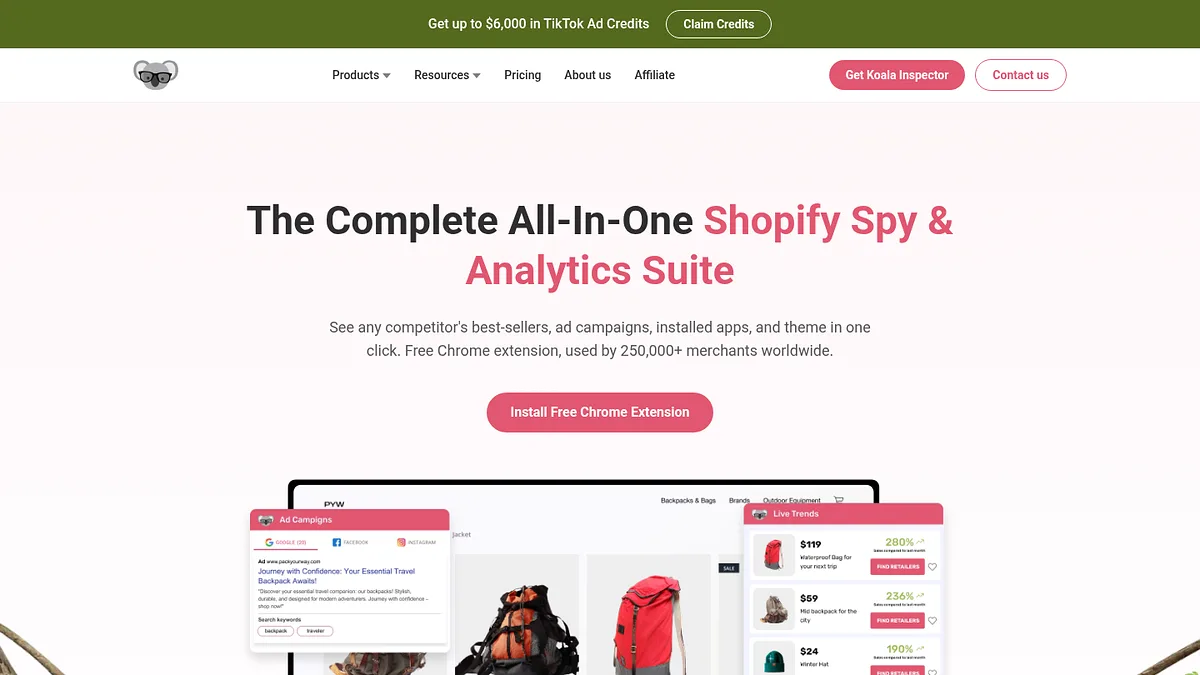
Open any Shopify store, click the extension, and see the theme, the apps and often the products.

For qualifying a specific prospect before you write to them, that is exactly the right amount of information and it costs nothing.

Knowing a store runs a competing app changes your first sentence. Knowing it runs none changes whether you write at all.

It builds no list. One store at a time, by hand, forever.

Used alongside a list builder it is close to ideal. Used alone it is a research toy.

Koala Inspector homepage screenshot
Koala Inspector is a browser extension that reads a store's apps and theme.
My take: install it regardless. It is the free half of a workflow whose other half you pay for.

Strong at

  • +Free with no account
  • +Reads apps and theme reliably
  • +Fast enough to check a prospect mid-call
  • +Often surfaces product and pricing detail too

Weak at

  • One store at a time, no bulk anything
  • No export
  • Shopify focused
  • Ad supported, expect promotions in the panel

Visit Koala Inspector →

PPSPY

PPSPY puts a revenue estimate on the store

Gives a list NoEntry From ~$20/moAngle Sales estimates

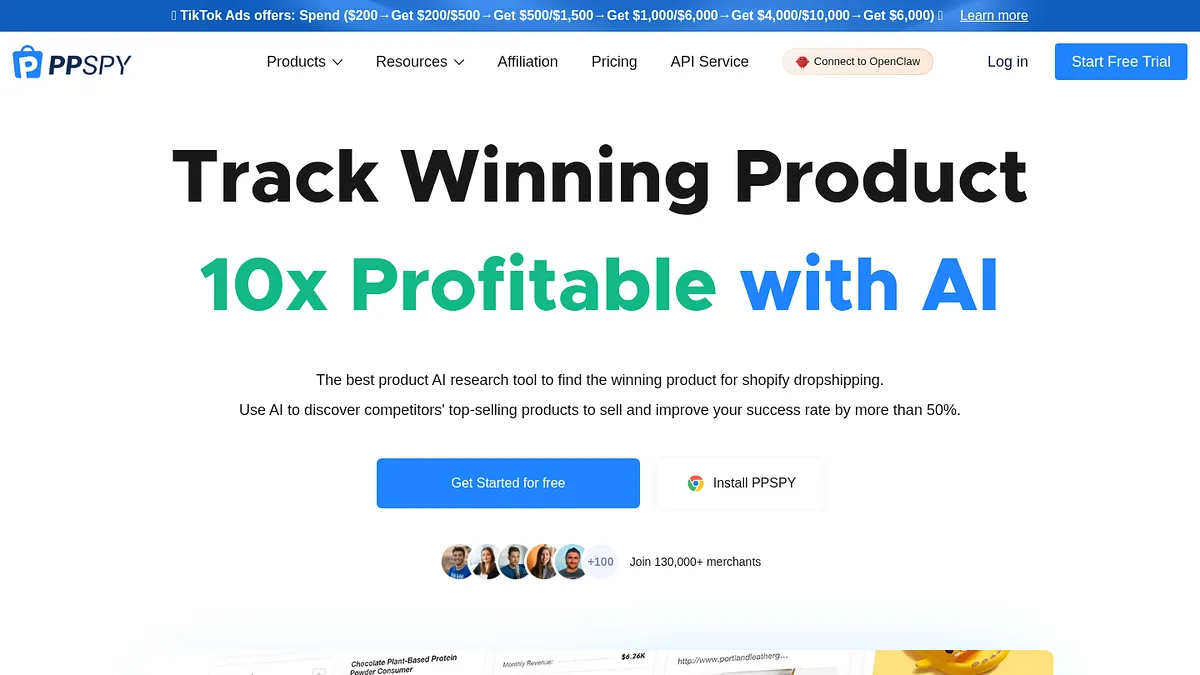
PPSPY estimates how much a Shopify store is selling, which is the number that decides whether a prospect is worth your time.

It reads public signals to model sales volume per store and per product, and tracks that over time.

For anyone selling a percentage-of-revenue service, or simply trying to avoid pitching hobby stores, that estimate is the qualifying filter.

Entry pricing sits around $20 a month, which is cheap for what it does.

The numbers are estimates from outside the store. Treat them as bands rather than facts, and never quote them back to a merchant who knows their real figures.

PPSPY homepage screenshot
PPSPY estimates store sales volume from public signals.
My take: a cheap qualifying layer. Use it to rank a list you built elsewhere, never as the source of truth.

Strong at

  • +Revenue estimates at a low price point
  • +Tracks stores over time, not just a snapshot
  • +Product level detail as well as store level
  • +Cheap enough to run alongside a list tool

Weak at

  • Estimates, sometimes well off
  • Aimed at dropshippers, so the framing is product-first
  • One store at a time for the useful views
  • Accuracy drops sharply on smaller stores

Visit PPSPY →

ShopHunter

ShopHunter does the same job with tracking built in

Gives a list NoEntry From ~$50/moAngle Revenue tracking

ShopHunter overlaps heavily with PPSPY and costs more, so the question is what the extra buys.

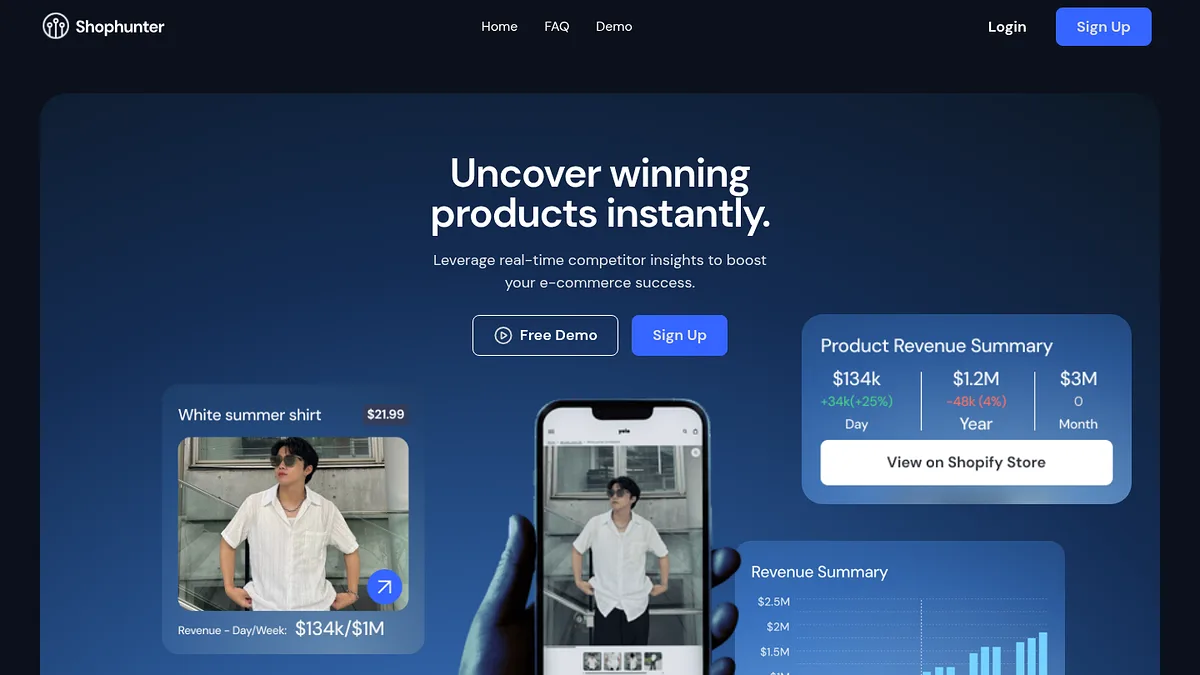
Mostly it buys tracking. You add stores to a watchlist and it follows their sales over time rather than giving you a single reading.

A store growing month on month is a very different prospect from one shrinking, and a snapshot cannot tell you which you are looking at.

Around $50 a month, roughly double PPSPY.

Same caveat applies. These are external estimates, and the smaller the store the less you should trust them.

ShopHunter homepage screenshot
ShopHunter tracks store revenue over time rather than sampling it once.
My take: pick this over PPSPY only if trajectory matters to your pitch. Otherwise save the difference.

Strong at

  • +Tracks trajectory rather than a single snapshot
  • +Cleaner interface than most tools in this niche
  • +Watchlists suit ongoing prospecting
  • +Useful for timing outreach

Weak at

  • Roughly double PPSPY for similar core data
  • Still estimates from outside
  • No list building
  • Shopify focused

Visit ShopHunter →

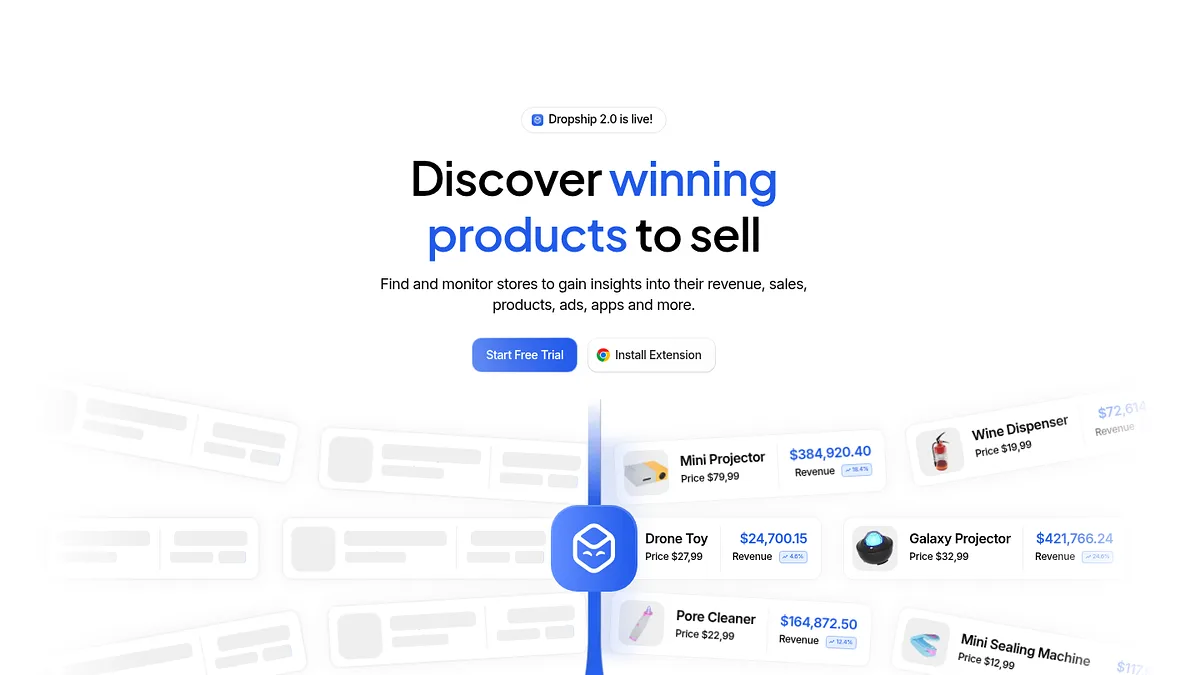
Dropship.io

Dropship.io discovers stores, with a dropshipper's accent

Gives a list PartlyEntry From ~$29/moAngle Store and product discovery

Dropship.io has a store database you can filter, which nudges it into the list building category, just.

You can search stores by revenue band, by product category and by platform, and get sales estimates alongside.

The framing is squarely aimed at people who want to copy what is selling, not at people who want to sell to the merchant. That colours every filter.

For B2B prospecting it still works, you just have to read past the language.

From about $29 a month with a trial, which is reasonable for a partial list builder with revenue data attached.

Dropship.io homepage screenshot
Dropship.io surfaces stores and products with sales data attached.
My take: a usable budget option if you can tolerate the framing. Not designed for your job.

Strong at

  • +Filterable store database with revenue bands
  • +Cheaper than the dedicated B2B databases
  • +Sales estimates included rather than extra
  • +Trial available before committing

Weak at

  • Built for dropshippers, not for selling to merchants
  • Filters are product-led rather than merchant-led
  • No contact data
  • Coverage skews to consumer categories

Visit Dropship.io →

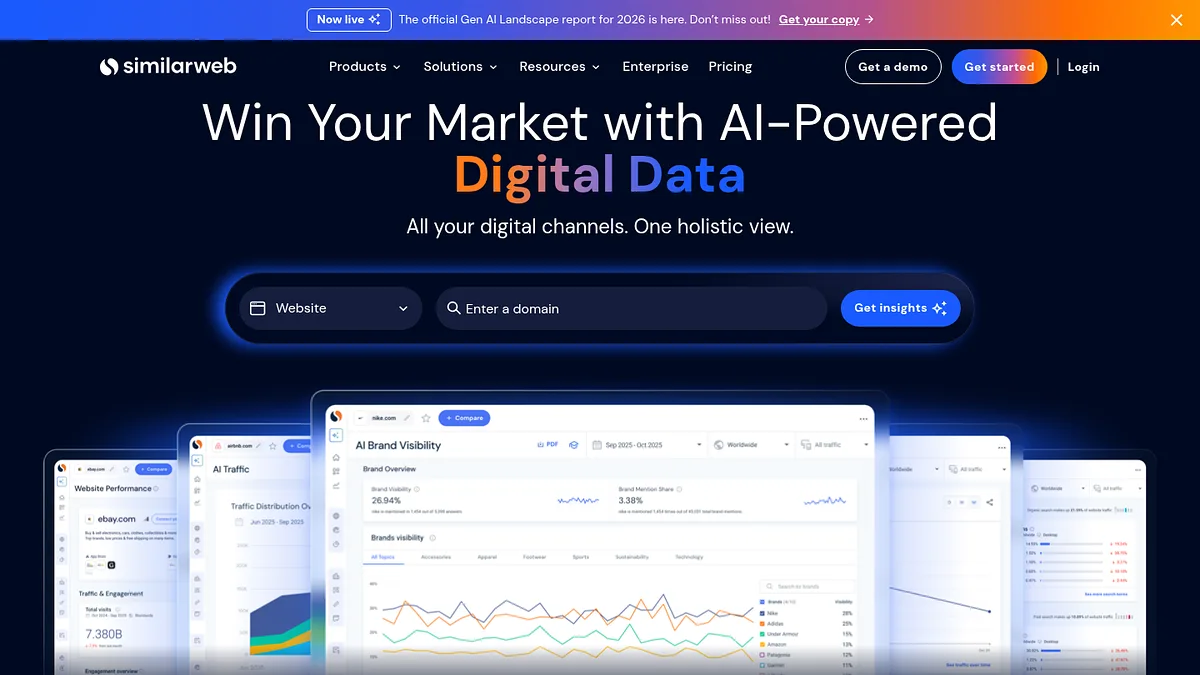
Similarweb

Similarweb tells you which stores actually get traffic

Gives a list PartlyEntry Quote basedAngle Traffic estimates

A store with no traffic has no revenue, whatever its theme looks like.

Similarweb models traffic per domain and breaks it down by channel, which for merchant prospecting doubles as a crude revenue proxy and a pitch angle.

A store pulling most of its visits from paid is spending money to acquire customers, which tells you something useful before you write to them.

It will do limited list building by category and traffic band, though that is not its strength.

Estimates degrade badly on small sites, which is most Shopify stores. Quote based pricing, and expensive.

Use it to rank the top of a list rather than to build one.

Similarweb homepage screenshot
Similarweb models traffic and channel mix per domain.
My take: a ranking layer for a list you already have. Never the source of the list.

Strong at

  • +Channel breakdown reveals how a store acquires customers
  • +Useful traffic ranking across a shortlist
  • +Free view is enough for rough comparison
  • +Geographic split supports market selection

Weak at

  • Estimates unreliable on small stores, which is most of them
  • Expensive and quote based
  • Weak as a list builder
  • No merchant or app detail

Visit Similarweb →

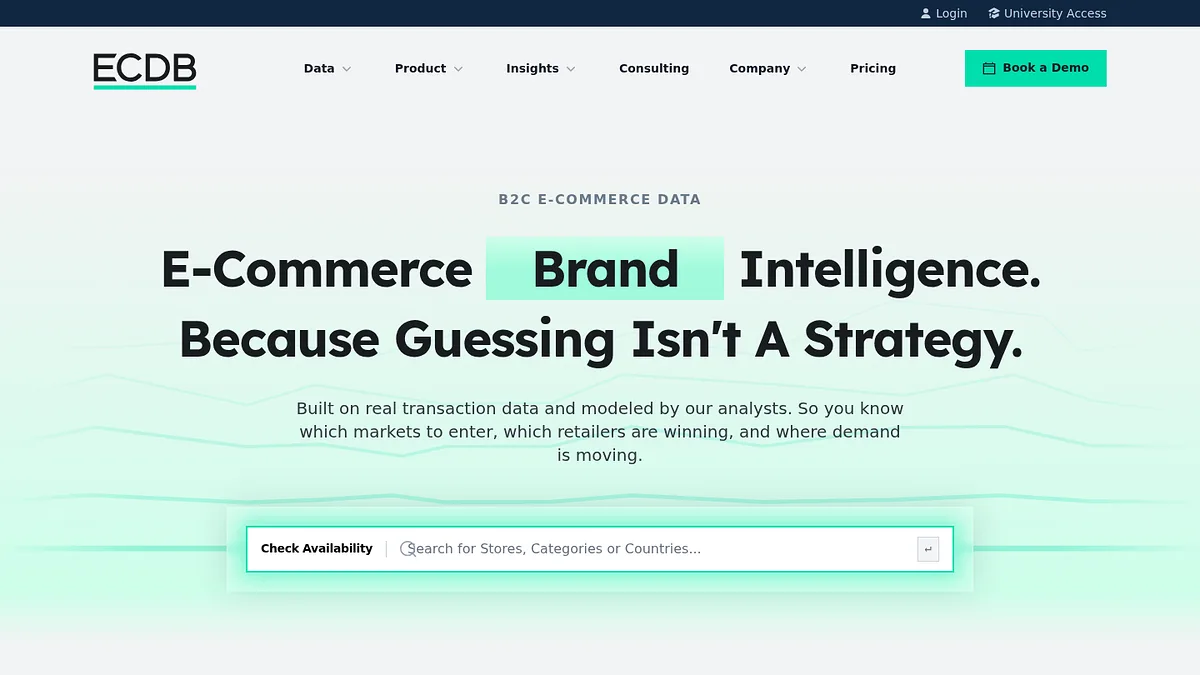
ECDB

ECDB is market data, not a prospect list

Gives a list NoEntry Quote onlyAngle Ecommerce market data

ECDB covers the ecommerce market rather than individual stores you can sell to.

Country level revenue, category growth, top retailer rankings, the kind of figures that go in a strategy document.

That makes it useful for deciding which market to enter and useless for deciding who to email once you have.

It is on this page because market selection genuinely precedes list building, and choosing the wrong country is an expensive mistake to make with a good list.

Quote only pricing with teaser figures visible free.

ECDB homepage screenshot
ECDB publishes ecommerce market and company data by country and category.
My take: read it before you pick a market. Ignore it once you have.

Strong at

  • +Solid country and category level market data
  • +Top retailer rankings are well maintained
  • +Good for market entry decisions
  • +Teaser data visible without paying

Weak at

  • No prospect lists at all
  • No published pricing
  • Aggregated rather than store level
  • Wrong tool if you already know your market

Visit ECDB →

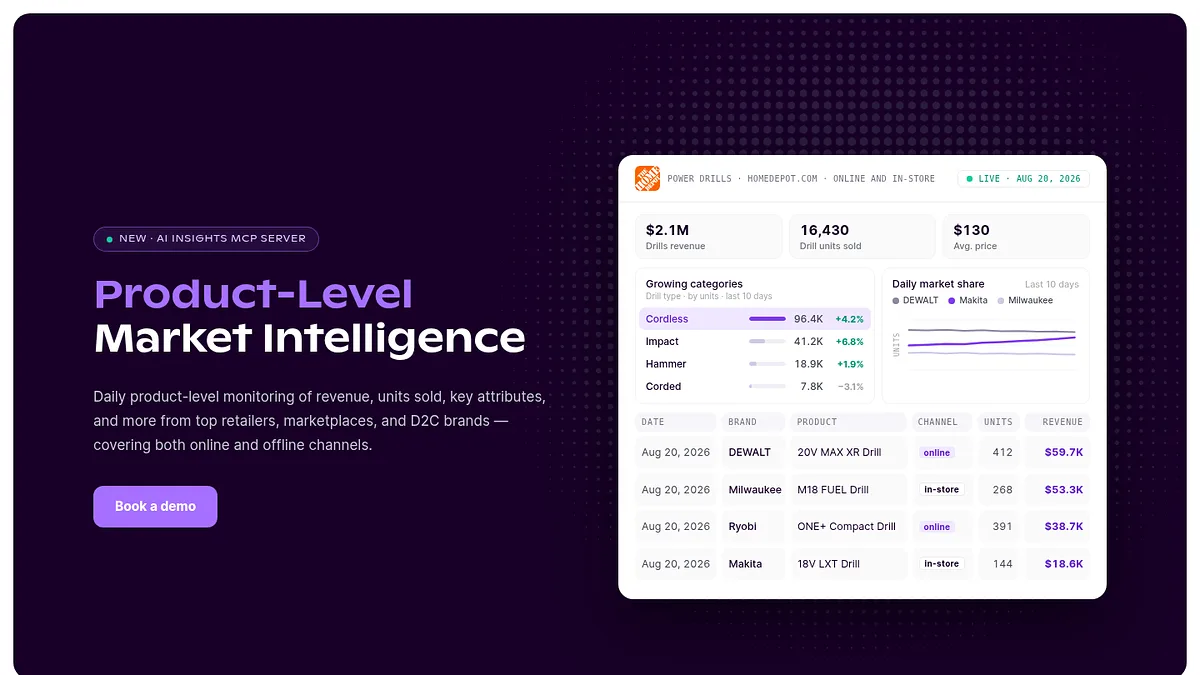
Grips Intelligence

Grips goes down to the product level

Gives a list NoEntry Quote onlyAngle Product level market data

Grips sits alongside ECDB with a finer grain, reporting demand and share at product and category level rather than by country alone.

For someone selling into a specific vertical, knowing which product categories are growing tells you which merchants to prioritise.

It is analysis rather than prospecting. There is no export of stores to contact.

Quote only, aimed at brands and investors rather than at agencies building a pipeline.

Included here so the top of the list has a ceiling to be measured against, and because market data is genuinely a step people skip.

Grips Intelligence homepage screenshot
Grips Intelligence reports market data at product and category level.
My take: genuinely useful data, entirely the wrong shape for building a prospect list.

Strong at

  • +Product level granularity most market data lacks
  • +Useful for vertical selection
  • +Good demand and share reporting
  • +Now publishes an MCP server for its data

Weak at

  • No store lists or contacts
  • No published pricing
  • Aimed at brands and investors, not agencies
  • Analysis rather than prospecting

Visit Grips Intelligence →

Apollo.io

Apollo finds the person behind the store

Gives a list Contacts onlyEntry ~$49/userAngle Contact data

Every tool above this line gives you domains. At some point you need a human being to write to.

Apollo takes a domain list and returns named contacts with emails, titles and often phone numbers, then sequences the outreach if you want it to.

For small merchants the founder is usually the only contact and easy to find. For larger brands you need to identify the ecommerce manager rather than the CEO, and that is where a contact database earns its money.

Around $49 per seat per month for the whole outbound stack, which is good value if you use all of it.

Contact accuracy on small ecommerce businesses is noticeably worse than on traditional B2B, because merchants often run on personal or generic addresses.

Apollo.io homepage screenshot
Apollo turns a list of domains into named contacts with email and phone.
My take: the last step, not the first. Build and qualify the store list before you spend a single contact credit.

Strong at

  • +Turns a domain list into named contacts
  • +Sequencing and dialling included at the base tier
  • +Generous free tier for evaluation
  • +Good value if you use the whole platform

Weak at

  • Weak coverage of very small merchants
  • Generic inboxes are common in ecommerce
  • Builds no store list of its own
  • Data accuracy is average for the price

Visit Apollo.io →

The order

Do it in this order

The order matters more than the tools.

Do it this way and you spend money only on stores that already passed a filter.

  1. Decide what proves a store can buy from you
    Usually an installed app in an adjacent category. It proves budget, vendor trust and a recurring payment habit in one signal.
  2. Build the filtered list StackScan
    Platform plus that app plus a country. One flat fee, however many stores come back.
  3. Add merchant depth if you need it Store Leads
    Revenue estimates, product counts and merchant contacts, if the extra fields justify the cost for your niche.
  4. Rank by size or growth PPSPY
    Estimates are rough but good enough to sort a list into who is worth a personalised email.
  5. Qualify the top of the list by hand Koala Inspector
    Free, one store at a time, and the point at which you learn what to actually say.
  6. Only now find the contacts Apollo.io
    Contact credits are the expensive part. Spend them on stores that survived four filters, not on a raw export.

The mistake that wastes the most money

Buying contacts before filtering stores.

A list of 10,000 Shopify domains costs almost nothing. Turning all 10,000 into named contacts costs hundreds and most of them were never going to buy.

Filter on installed apps first, because that single signal separates merchants who pay for software from merchants who do not.

Everything downstream gets cheaper once that filter is applied, and nothing downstream can compensate for skipping it.

Questions

Things people ask

How do I tell if a site is on Shopify?

Several signals give it away, and the tools here read all of them automatically.

The page source references cdn.shopify.com, the checkout redirects to a Shopify domain, and adding /products.json to the store URL often returns a product feed.

For one store, a free extension like Koala Inspector is faster than any of that. For a hundred thousand, you want an index that has already done the work.

Is scraping Shopify stores legal?

Reading publicly served pages is generally fine. What you do next is where the rules live.

Every tool on this page reads information that stores publish openly, which is the same thing your browser does.

The constraints that matter are on contact: GDPR, CAN-SPAM and similar rules govern how you email merchants once you have found them. Those apply regardless of how you built the list.

What is the best signal that a store will buy?

That it already pays for something similar.

Installed apps beat revenue, traffic and store age as a predictor, because they prove three things at once: budget exists, the merchant trusts third party vendors, and they are used to a recurring charge.

A store with eight apps installed is a far better prospect than a higher revenue store with none.

Do I need a paid tool at all?

Not to start. Koala Inspector costs nothing and will qualify any store you can find, and BuiltWith's free Trends pages will size a platform before you spend.

You start paying when the manual work exceeds the subscription. That happens fast, usually somewhere around the first few hundred stores.

The cheapest paid step is a filtered list, because it removes most of the manual qualifying entirely.

How accurate are store revenue estimates?

Directionally useful, individually unreliable.

Every estimate here is modelled from outside the store, so treat them as bands. Under $10k a month, $10k to $100k, above that.

Never quote an estimate to a merchant. They know the real number and being wrong in the first email ends the conversation.

Method

How this was ranked

One question, applied to every tool.

Does it hand you an exportable list of stores you could sell to, and what does it cost to get one? List builders rank above inspectors, inspectors above market data, and within each group the cost of actually exporting decides the order.

That is deliberately narrow, and it moves some good products down. Koala Inspector is excellent and free, and ranks eighth because it does not build lists. Store Leads has the best ecommerce data here and ranks sixth because exporting it costs $250. Neither placement is a judgement on quality.

Prices are published starting rates where vendors publish them. Six of the fifteen do not publish at all.

Coverage figures are each vendor's own claims and are not independently audited. Revenue and traffic figures throughout this category are models, not reported numbers, and should be read as bands.

Related reading

Once you have the stores, filling in the people is a separate problem with its own economics. We compared 17 lead generation tools by what a lead actually costs, and for a broader targeting framework, 15 ABM tools ranked by who builds your target list, plus 15 competitor analysis tools, and 15 data enrichment tools for filling in what you already hold, if you would rather start from a rival's customer base.