Competitive intelligence

15 competitor analysis tools, ranked by how close they get you to a customer

Most competitor research tells you things about your competitor. Almost none of it tells you who their customers are, which is the only part you can act on.

Updated August 202615 tools19 min read

Competitor analysis has a reporting problem. It produces a lot of slides and very few conversations.

You learn their traffic is up 12%. You learn they bid on your brand name. You learn they raised a Series B and hired a VP of Sales.

None of that is something you can do anything with on a Tuesday.

The one output that converts directly into revenue is a list of their customers, because those are companies with a proven need, a proven budget, and an incumbent you can displace.

So that is the axis. How close does each tool get you to a named account you could actually win?

Two tools on this page produce that list. The other thirteen produce context, and context is worth having, but it is worth having second.

Four things this page covers

Their customers. Who is running the competitor's product right now. Two tools do this and they sit at the top.

Their demand. Traffic, keywords, advertising. What is working for them and where the volume comes from.

Their moves. Pricing pages, positioning, launches, monitored automatically so you notice before your sales team does.

Their company. Funding, hiring, acquisitions. Useful for timing, useless for targeting.

At a glance

What each one actually gets you

The third column is the whole article. Only two of the fifteen get you to a customer. The rest give you context, which is worth having second.

#ToolGets you toBest forEntry priceFree tier
1StackScanTheir customersEvery site running a competitor's product$39/moLimited
2BuiltWithTheir customersSame, plus who switched away$295/moLookup only
3SimilarwebTheir demandTraffic volume and channel mixQuote basedLimited
4SemrushTheir demandPaid and organic keyword overlapFrom ~$140/moVery limited
5SpyFuTheir demandYears of PPC and SEO historyFrom ~$39/moPartial
6AhrefsTheir demandBacklinks and content gapsFrom ~$129/moOwn domains
7AdbeatTheir spendDisplay advertising intelligenceQuote onlyNo
8Meta Ad LibraryTheir spendEvery ad they run on MetaFreeFull
9Google Ads TransparencyTheir spendEvery ad they run on GoogleFreeFull
10VisualpingTheir movesAlerts when their pages changeFree tierYes
11KompyteTheir movesAutomated competitor trackingQuote onlyNo
12CrayonTheir movesCompetitive intelligence platformQuote onlyNo
13KlueTheir movesBattlecards for the sales teamQuote onlyNo
14CrunchbaseTheir companyFunding and acquisitionsFrom ~$29/moBasic search
15ContifyTheir companyCurated market and news intelQuote onlyNo

Scroll sideways for the full table. Prices are published starting rates in August 2026.
StackScan

StackScan turns a competitor into a prospect list

Gets you to Their customersEntry $39/moOutput Named domains, exportable

Almost everything written about competitor analysis is about understanding your competitor. This is about taking their customers.

StackScan indexes which technologies run on 360 million plus domains. Search for your competitor's product and you get back the sites running it.

That is not a report. That is a prospect list where every single company has already proven three things: they have the problem, they pay to solve it, and the solution they chose is one you compete with.

No amount of firmographic modelling produces a list that qualified.

Filters make it workable. Cut by country, by TLD, by company technology profile, so a global list of ten thousand becomes the four hundred you could realistically serve.

The second query is the interesting one. Search for companies running your competitor and a technology yours integrates with, and you have found the accounts where switching is easiest to argue.

It exports properly too. REST API, CRM integrations, Zapier and n8n, an MCP server, or CSV with up to 20 fields per domain.

What it will not tell you is why they chose the competitor or what they pay. For that you need the context tools further down.

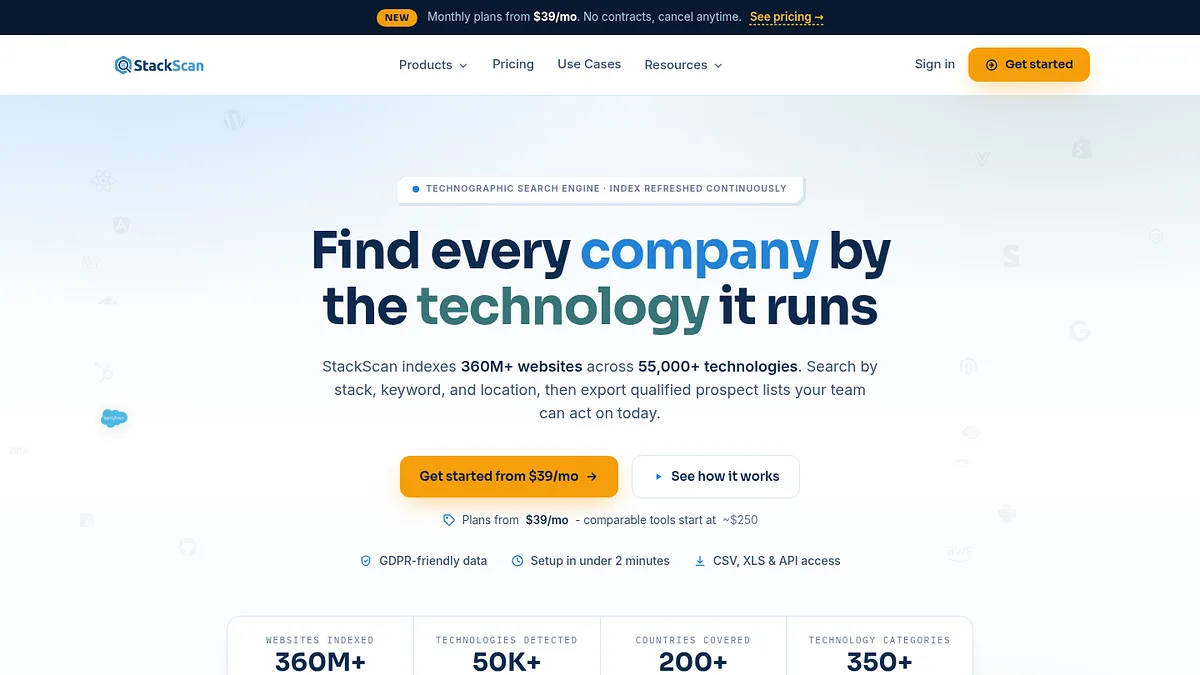
StackScan homepage screenshot
StackScan indexes 360 million plus domains across 55,000 technologies.
Start here. Everything else on this page tells you something about your competitor. This one tells you where their revenue lives, which is the only competitive intelligence you can send a salesperson at.

Worth it for

  • +Produces a list of the competitor's actual customers
  • +Every account has proven need, budget and category awareness
  • +Country and technology filters narrow it to accounts you can serve
  • +$39 a month against five figure competitive intelligence platforms
  • +Exports via API, CRM, Zapier, n8n or CSV

Watch out for

  • Tells you who, never why they chose the incumbent
  • No pricing or contract detail on those accounts
  • Domains rather than named contacts
  • Detects public technology, so nothing behind a login

Visit StackScan →

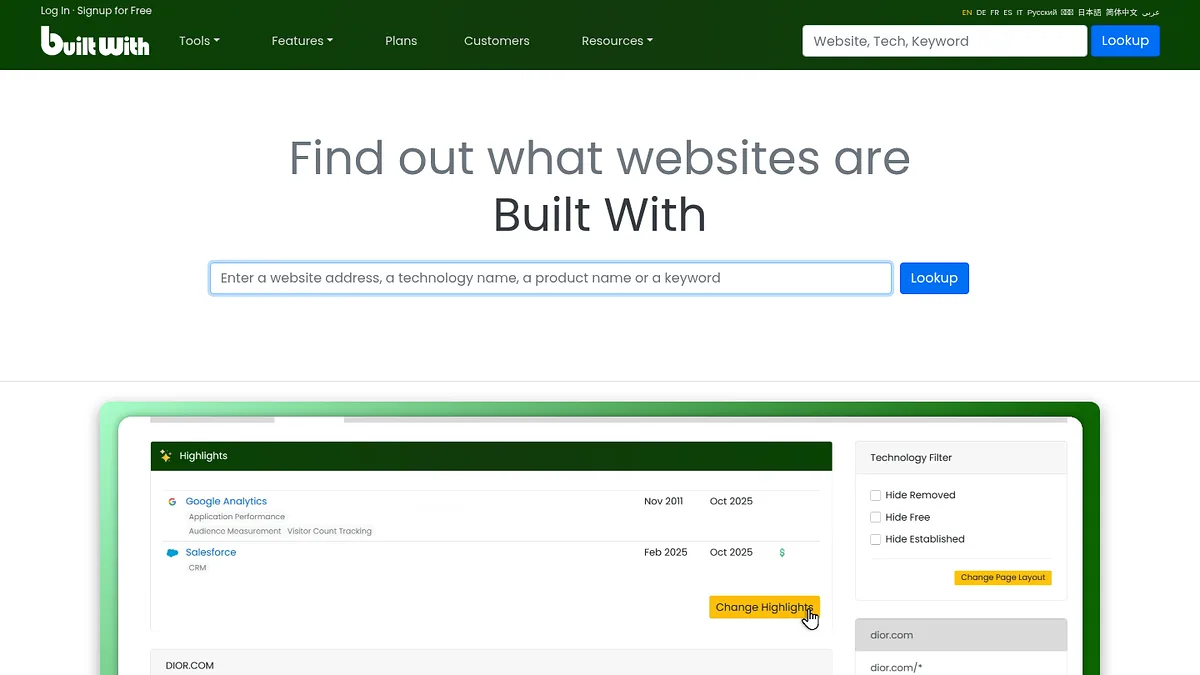
BuiltWith

BuiltWith does the same job and remembers who left

Gets you to Their customersEntry $295/moEdge Historical switching data

BuiltWith produces the same kind of list and adds a decade of history to it.

That history is the part worth paying for. It can show you sites that removed your competitor's product last quarter.

A company that just churned from your competitor is the warmest possible lead in this entire category. They have the budget, they have the problem, and they have just told the market that the incumbent did not work.

It also shows adoption trends, so you can see whether your competitor is gaining or losing installs over time, which is a far more honest read on their health than their marketing.

Then the price. $295 a month on annual billing, roughly seven times the tool above it, and the free public lookup is a demo rather than an account.

The lists are raw. Domains and technologies, no contacts and no revenue.

BuiltWith homepage screenshot
BuiltWith's archive shows when a site adopted or dropped a technology.
My take: worth it specifically for the churn data. If you only need who runs what today, you are paying a large premium for history you will not use.

Worth it for

  • +Historical adoption and removal, which nothing cheaper offers
  • +Churned accounts are the warmest leads available
  • +Free Trends pages show competitor install trajectory
  • +Largest technology catalogue in the category

Watch out for

  • Roughly seven times the entry price of the tool above
  • No contact or revenue data
  • Dated interface
  • Free lookup is a teaser, not a working account

Visit BuiltWith →

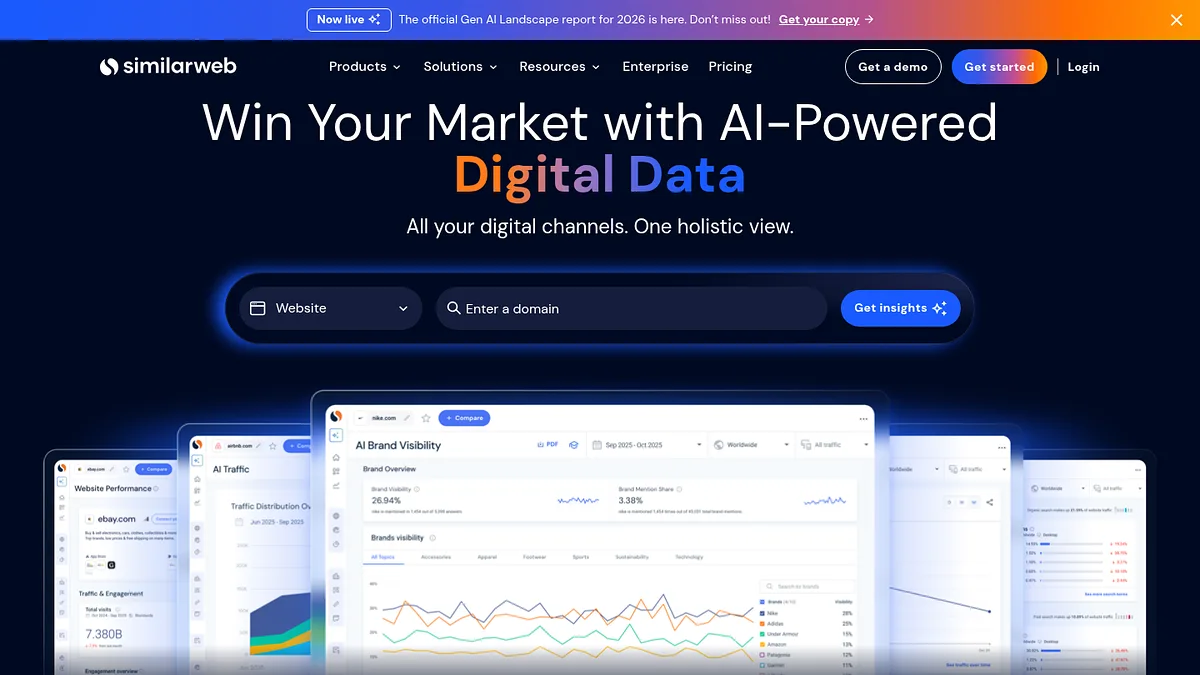
Similarweb

Similarweb shows where their growth is actually coming from

Gets you to Their demandEntry Quote basedOutput Traffic and channel mix

Once you know who their customers are, the next question is how they got them.

Similarweb models traffic per domain and splits it by channel, which is the part that changes strategy.

A competitor pulling 70% of visits from organic is beatable with content and time. One running mostly on paid is telling you what customers cost them, and that number is a weapon in a pricing conversation.

Audience overlap is the underrated view. It shows which other sites their visitors use, which maps the ecosystem faster than a month of desk research.

Everything is modelled rather than measured. It is reliable for large competitors and poor for small ones, so do not build a plan on the traffic figure for a company doing ten thousand visits a month.

Pricing is quote based and lands well above most of this page.

Similarweb homepage screenshot
Similarweb models traffic by channel, geography and referral source.
My take: excellent for reading the top three players in your category. Ignore what it says about anyone small.

Worth it for

  • +Channel split reveals how a competitor actually grows
  • +Audience overlap maps the surrounding ecosystem
  • +Geographic breakdown supports market prioritisation
  • +Free view is enough for a rough comparison

Watch out for

  • Estimates degrade badly on smaller competitors
  • Quote based and expensive
  • Nothing about revenue, only attention
  • No customer level data

Visit Similarweb →

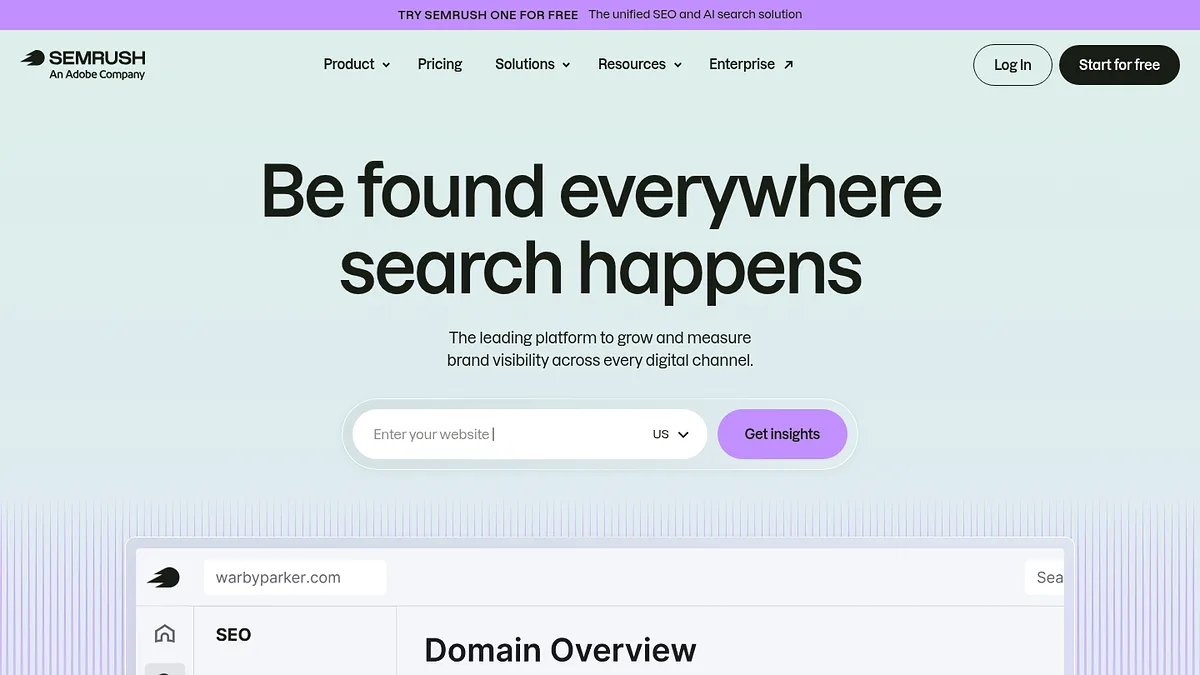
Semrush

Semrush shows what they are paying to win

Gets you to Their demandEntry From ~$140/moOutput Keyword and ad overlap

Semrush answers a specific competitive question well. Which search terms is my competitor spending money on, and for how long.

Paid keywords are the honest signal. Organic rankings can be accidental. A term someone has bid on every month for two years is a term that converts for them.

The keyword gap report is the practical one. Feed it two or three competitors and it returns the terms they rank for and you do not, which is a content plan with demand already proven.

Advertising history matters too. Ad copy that has run unchanged for eighteen months has been tested more thoroughly than anything your team will write this quarter.

From around $140 a month, which is fine as a business tool and steep for a one-off competitive review.

The free tier is capped tightly enough to be a demo rather than a tool.

Semrush homepage screenshot
Semrush reports the keywords a competitor ranks and bids for.
My take: the keyword gap report alone justifies a month's subscription. Run it, export it, then decide whether to keep paying.

Worth it for

  • +Paid keyword history reveals what actually converts
  • +Keyword gap turns competitor research into a content plan
  • +Ad copy archive shows what they have tested
  • +Good coverage across most countries

Watch out for

  • Around $140 a month for occasional use
  • Volume figures are banded estimates
  • Free tier is a demo
  • Heavy overlap with Ahrefs

Visit Semrush →

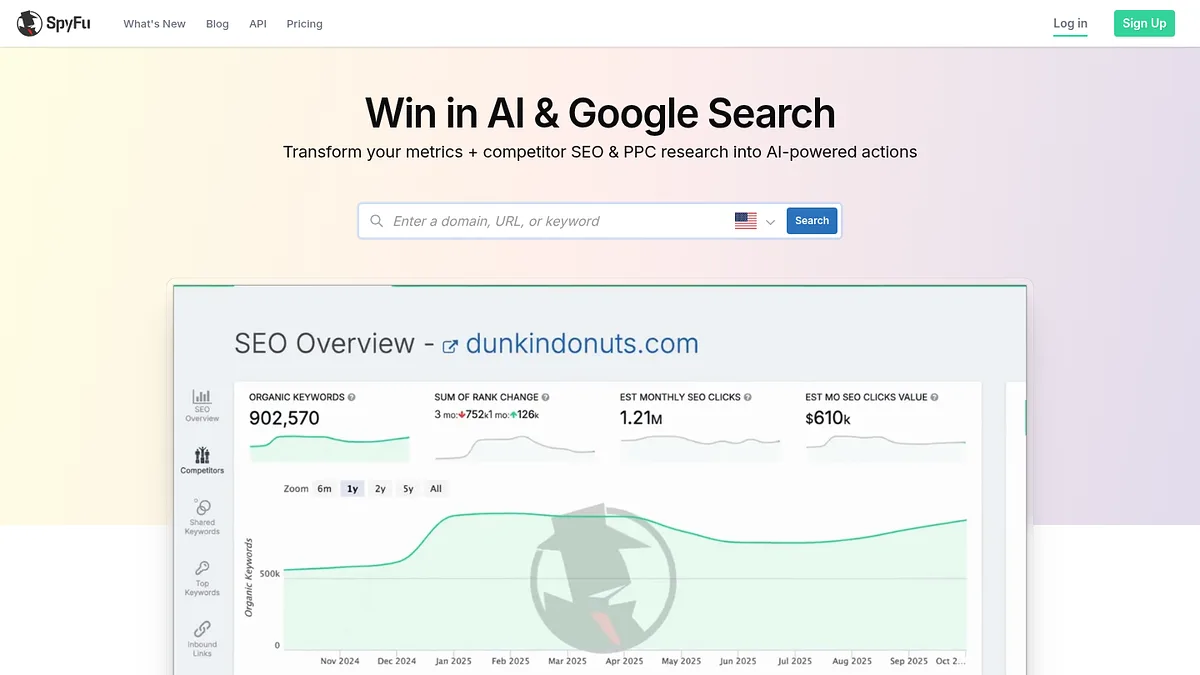
SpyFu

SpyFu keeps the receipts going back years

Gets you to Their demandEntry From ~$39/moEdge Long PPC history

SpyFu covers similar ground to Semrush at roughly a quarter of the price, and it has one clear advantage.

Its history goes back much further. You can see every keyword a competitor has bought since around 2006, and every ad variation they ran.

That depth changes the read. A competitor who has bid on a term continuously for eight years is not experimenting, they are defending revenue. A term they dropped after two months did not work.

Knowing which is which saves you from repeating an experiment somebody else already paid to fail.

From about $39 a month, which makes it the cheapest serious competitive research tool here.

Data is thinner outside the United States and the interface feels dated next to Semrush and Ahrefs.

SpyFu homepage screenshot
SpyFu holds more than a decade of paid and organic history per domain.
My take: the best value on this page for pure search competitive research. Buy this before Semrush if budget is the constraint.

Worth it for

  • +Longest paid search history in the category
  • +Cheapest serious option at around $39 a month
  • +Shows which terms competitors abandoned, not just current ones
  • +Unlimited searches on paid plans

Watch out for

  • Weaker coverage outside the United States
  • Dated interface
  • Smaller keyword database than Semrush
  • Estimates rather than reported spend

Visit SpyFu →

Ahrefs

Ahrefs maps who is helping them rank

Gets you to Their demandEntry From ~$129/moEdge Backlink index

For competitive work the reason to choose Ahrefs over Semrush is the link index.

Seeing who links to a competitor tells you which publications cover your category, which partners amplify them, and which review sites drive their traffic.

Every one of those is a target you can approach yourself, which makes this closer to actionable than most competitive reporting.

Content gap works the same way as Semrush's keyword gap and is arguably cleaner to use.

From around $129 a month. The free Webmaster Tools tier only works on domains you can verify, so it is no use for competitor research.

It overlaps heavily with Semrush and I would not pay for both.

Ahrefs homepage screenshot
Ahrefs holds the largest independent backlink index in the category.
My take: pick this or Semrush, not both. Choose Ahrefs if links and PR matter to your category.

Worth it for

  • +Largest independent backlink index
  • +Link data surfaces publications and partners you can approach
  • +Content gap analysis is fast and clean
  • +Free keyword generator answers quick questions

Watch out for

  • Heavy overlap with Semrush
  • Free tier useless for competitor work
  • Credit limits bite on cheaper plans
  • Around $129 a month

Visit Ahrefs →

Adbeat

Adbeat reads their display spend

Gets you to Their spendEntry Quote onlyEdge Display ad intelligence

Search advertising is well covered by the tools above. Display is not, and Adbeat is the specialist.

It tracks which publishers a competitor advertises on, which creatives they run, and estimates what they spend doing it.

For anyone in a category where display matters, that publisher list is directly reusable. Somebody has already paid to work out which sites deliver.

Estimated spend is the number people quote in board meetings, and it should be treated carefully. It is modelled from observed placements, not reported.

Quote only pricing, and not a small purchase.

Adbeat homepage screenshot
Adbeat tracks display advertising placements and estimated spend.
My take: narrow and good. Only worth it if display is a real channel in your category.

Worth it for

  • +Best display advertising coverage here
  • +Publisher lists are directly reusable
  • +Creative archive shows what they keep running
  • +Spend estimates give a sense of scale

Watch out for

  • No published pricing
  • Display only, no search or social
  • Spend figures are modelled
  • Overkill if display is not your channel

Visit Adbeat →

Meta Ad Library

Meta Ad Library gives away every ad they run, free

Gets you to Their spendEntry FreeEdge Official, complete, no account

This is the single most underused competitive tool in existence, and it costs nothing.

Meta is legally required to publish every ad running on its platforms. Search any competitor and you see their live creatives, when each started running, and how many variations they are testing.

Ads that have been running for months are winners. Nobody keeps paying for a creative that does not convert, so a long running ad is a tested message handed to you free.

The copy is the real prize. Their headline is the result of thousands of pounds of testing, and you can read it in a browser tab.

No account, no subscription, no limits.

It only covers Meta platforms, it shows no performance data beyond duration, and the interface is deliberately awkward to work in at scale.

Meta Ad Library homepage screenshot
Meta's Ad Library publishes every active ad, searchable by advertiser.
My take: check this before you write any ad copy. It is free, it is official, and most teams forget it exists.

Worth it for

  • +Completely free with no account required
  • +Official data, not an estimate
  • +Ad duration is a reliable proxy for what works
  • +Shows every creative variation being tested

Watch out for

  • Meta platforms only
  • No spend or performance figures
  • Interface is clumsy for bulk research
  • No historical archive of removed ads in most regions

Visit Meta Ad Library →

Visualping

Visualping tells you the moment their pricing page changes

Gets you to Their movesEntry Free tierEdge Change alerts on any page

Competitive intelligence platforms cost five figures and one of their headline features is telling you when a competitor changes a page.

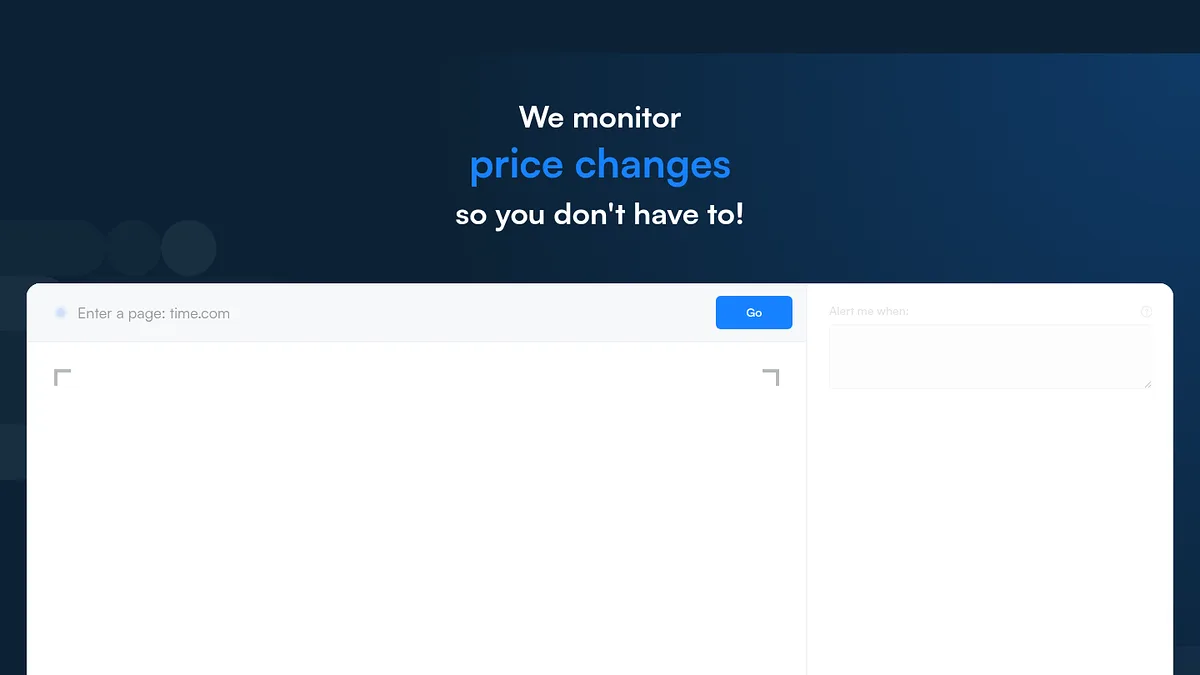
Visualping does that specific thing for free.

Point it at their pricing page, their homepage, their careers page and their changelog, and it emails you when anything moves.

The pricing page is the one that matters. A competitor raising prices is an opening, and knowing within a day rather than a quarter is worth real money.

The careers page is the sleeper. Hiring three enterprise sales reps tells you where they are going before any announcement does.

It is dumb monitoring. No analysis, no summarisation, no context. It tells you something changed and leaves the thinking to you.

Visualping homepage screenshot
Visualping monitors any web page and alerts on visual or text changes.
My take: the highest ratio of value to cost on this page. Ten minutes of setup replaces a feature people pay thousands for.

Worth it for

  • +Free tier covers a useful number of pages
  • +Works on any page, no integration needed
  • +Pricing and careers pages are high signal
  • +Set up in minutes

Watch out for

  • No analysis or summarisation
  • Noisy on pages that change often
  • No competitor context or aggregation
  • Manual setup for each page you track

Visit Visualping →

Kompyte

Kompyte automates the tracking a person would forget to do

Gets you to Their movesEntry Quote onlyEdge Automated tracking

Kompyte does what Visualping does, then adds the layer that makes it usable at scale.

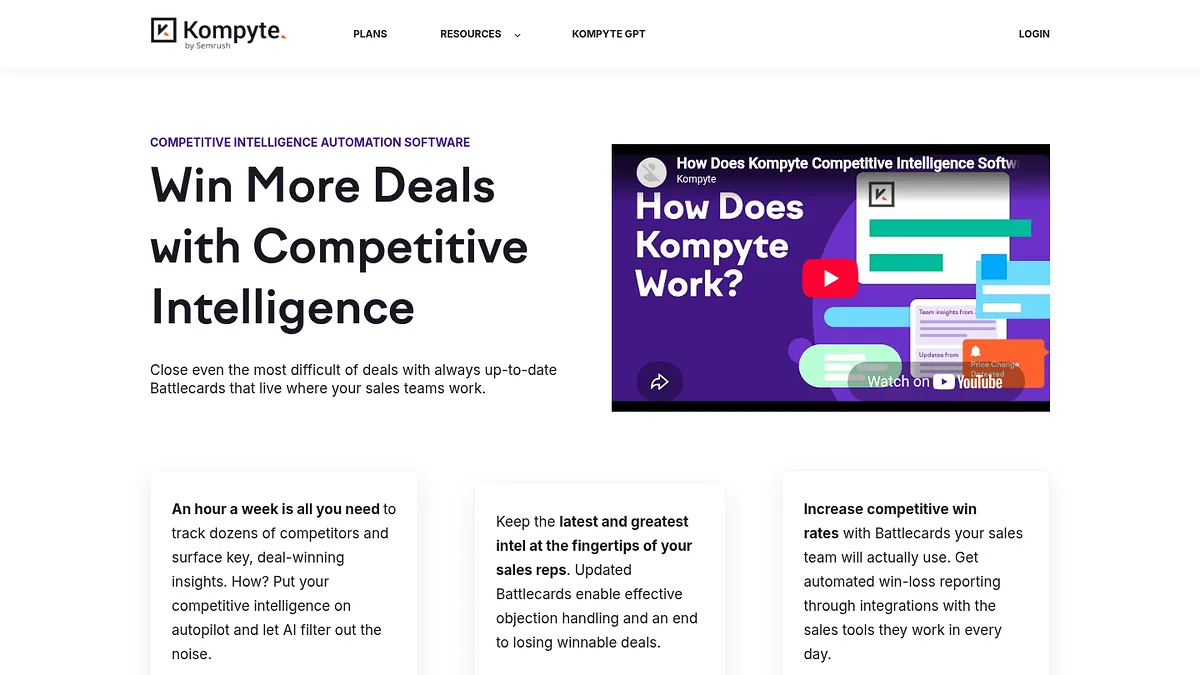
It tracks competitor sites, ads, social and reviews automatically, then filters the noise into something a human will actually read.

The output goes into battlecards that sync to your CRM, so a rep sees the relevant competitive note at the moment they need it rather than in a document nobody opens.

That distribution problem is the real one. Most competitive intelligence fails not because it is wrong but because it never reaches the person in the conversation.

Quote only pricing, aimed at teams with a dedicated competitive function.

Kompyte homepage screenshot
Kompyte tracks competitor changes and feeds sales enablement content.
My take: sensible if you have reps losing deals to a named competitor. Pointless if you do not.

Worth it for

  • +Automated tracking across several channels
  • +Filters noise rather than forwarding everything
  • +Battlecards sync into the CRM
  • +Solves distribution, not just collection

Watch out for

  • No published pricing
  • Needs someone to own it
  • Overkill without a sales team to serve
  • Overlaps heavily with Crayon and Klue

Visit Kompyte →

Crayon

Crayon captures everything and makes you sort it

Gets you to Their movesEntry Quote onlyEdge Breadth of capture

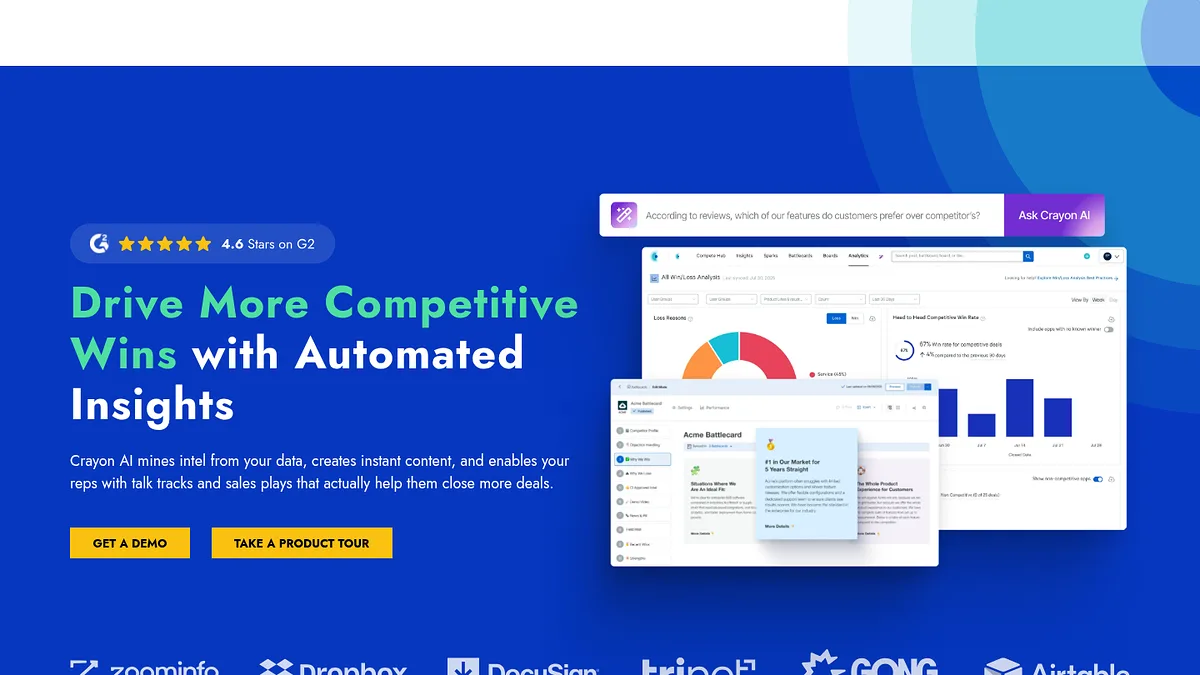
Crayon is the broadest capture engine in this group. It watches an enormous surface of competitor activity, from site changes to job postings to review sites.

Breadth is the strength and the weakness. It will find things a narrower tool misses, and it will also bury you if nobody is curating the feed.

Its relevance scoring has improved a lot and takes the edge off that, but this remains a tool that rewards having an owner.

Battlecards and win-loss reporting sit on top, which is where most of the value is realised.

Quote only, enterprise oriented, with the implementation effort that implies.

Crayon homepage screenshot
Crayon tracks a wide surface of competitor activity and scores relevance.
My take: buy it if you have someone whose job is competitive intelligence. Without that person it becomes an expensive unread feed.

Worth it for

  • +Widest capture surface in the category
  • +Relevance scoring reduces the noise
  • +Battlecards and win-loss analysis built in
  • +Mature integrations with CRM and Slack

Watch out for

  • No published pricing
  • Volume of alerts needs an owner
  • Enterprise oriented
  • Long implementation before value

Visit Crayon →

Klue

Klue is built around the battlecard, not the feed

Gets you to Their movesEntry Quote onlyEdge Sales enablement focus

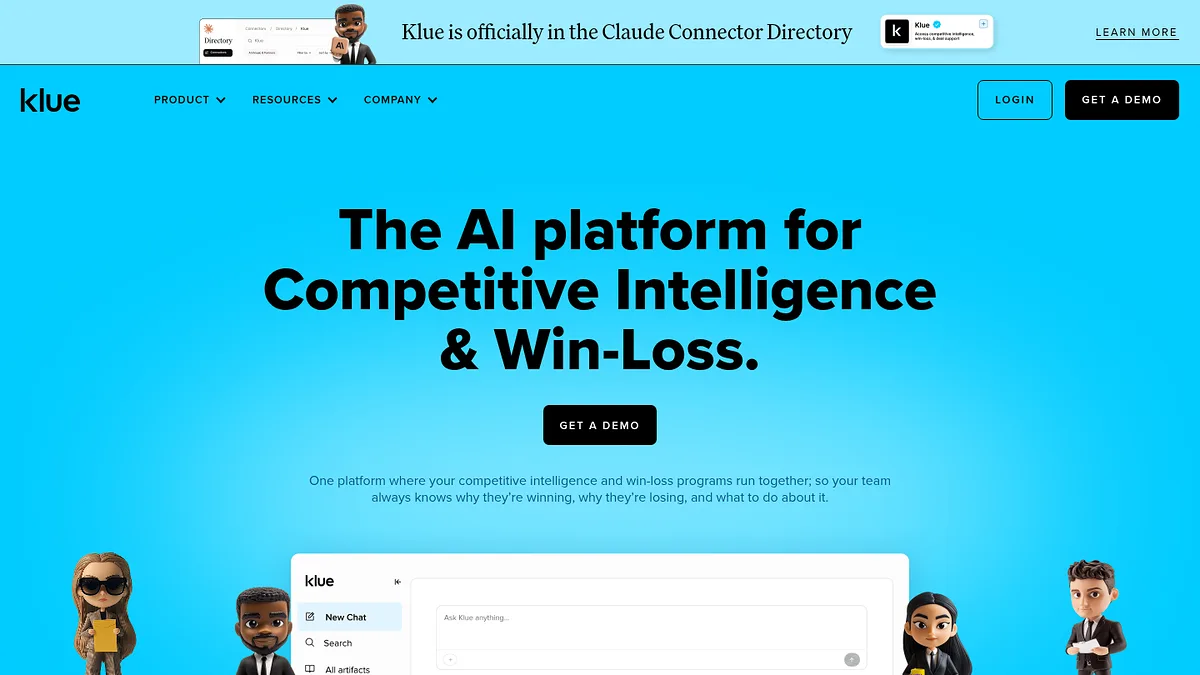
Klue starts from the opposite end. Rather than capturing everything and hoping it gets used, it starts with what a rep needs in a live deal.

Battlecards are the product. Everything else feeds them.

That focus shows in adoption. Reps actually open Klue cards, which is more than most competitive intelligence tooling can claim.

It also tracks win-loss, so you learn whether the battlecards changed outcomes rather than just whether they were read.

Quote only pricing and clearly aimed at organisations with a real sales floor.

If you have no reps, there is nothing here for you.

Klue homepage screenshot
Klue focuses on getting competitive intelligence into the hands of reps.
My take: the right pick of the three platforms if your problem is reps losing winnable deals.

Worth it for

  • +Highest actual adoption by sales teams
  • +Battlecards are the product, not a feature
  • +Win-loss tracking closes the loop
  • +Good Slack and CRM delivery

Watch out for

  • No published pricing
  • Useless without a sales team
  • Narrower capture than Crayon
  • Enterprise commitment

Visit Klue →

Crunchbase

Crunchbase tells you what they can afford to do next

Gets you to Their companyEntry From ~$29/moEdge Funding and M&A record

A competitor who just raised is about to spend, usually on sales headcount and paid acquisition.

Crunchbase records who raised what and when, which gives you roughly two quarters of warning before that spending shows up in your market.

Acquisitions matter more than rounds for positioning. A competitor buying a company in an adjacent category is telling you where they intend to compete next.

Basic search is free. Useful filtering and export start around $29 a month.

It is company level and lagging by nature. Nothing here helps you target an account, only anticipate a move.

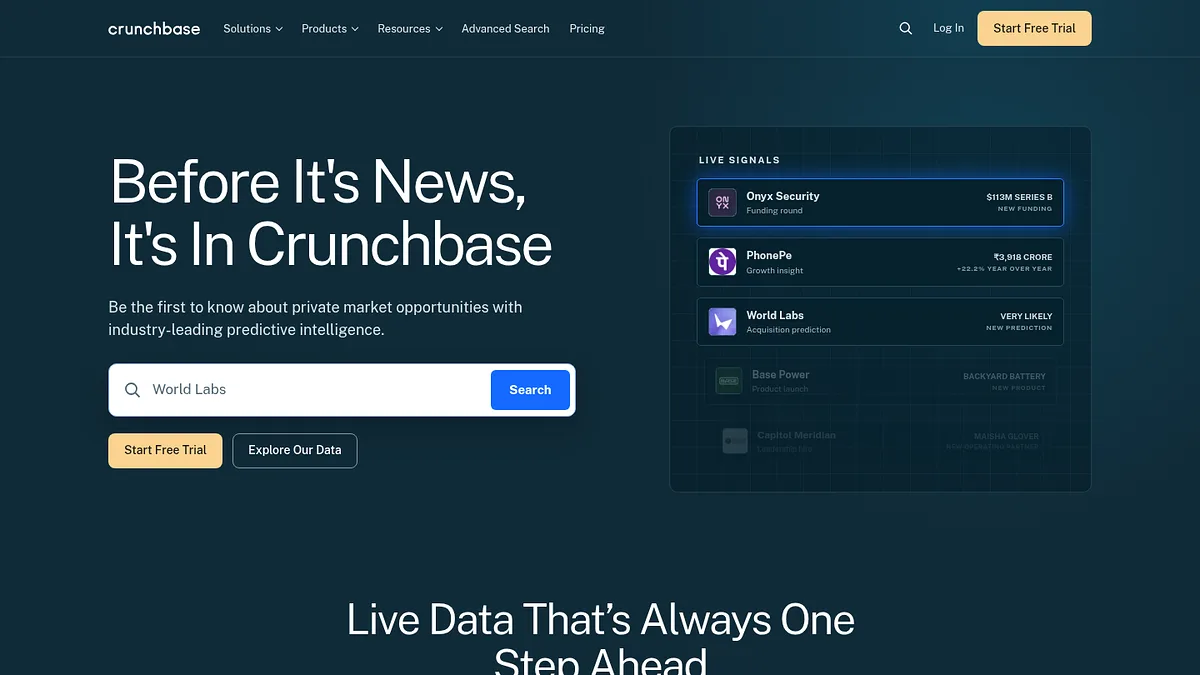
Crunchbase homepage screenshot
Crunchbase records funding rounds, investors and acquisitions.
My take: useful for timing, useless for targeting. Set an alert on your main competitors and forget it.

Worth it for

  • +Definitive record of funding and acquisitions
  • +Early warning on competitor spending
  • +Acquisition patterns reveal strategic direction
  • +Cheap entry compared to the platforms above

Watch out for

  • Only covers companies that announce
  • Bootstrapped competitors invisible
  • Lagging indicator
  • No customer level data

Visit Crunchbase →

Contify

Contify curates the news so nobody has to read it

Gets you to Their companyEntry Quote onlyEdge Curated market intelligence

Contify is market and competitor news intelligence, filtered hard enough to be readable.

It tracks news, regulatory changes and company signals across a market, then removes the noise that makes Google Alerts useless.

For a strategy or product marketing function that is genuinely valuable, particularly in regulated or fast moving categories.

For finding customers it does nothing at all, which is why it sits last.

Quote only pricing, aimed at larger organisations with an analyst who will act on it.

It is included so the top of this list has a ceiling to measure against, and because news intelligence is a real category people confuse with competitive targeting.

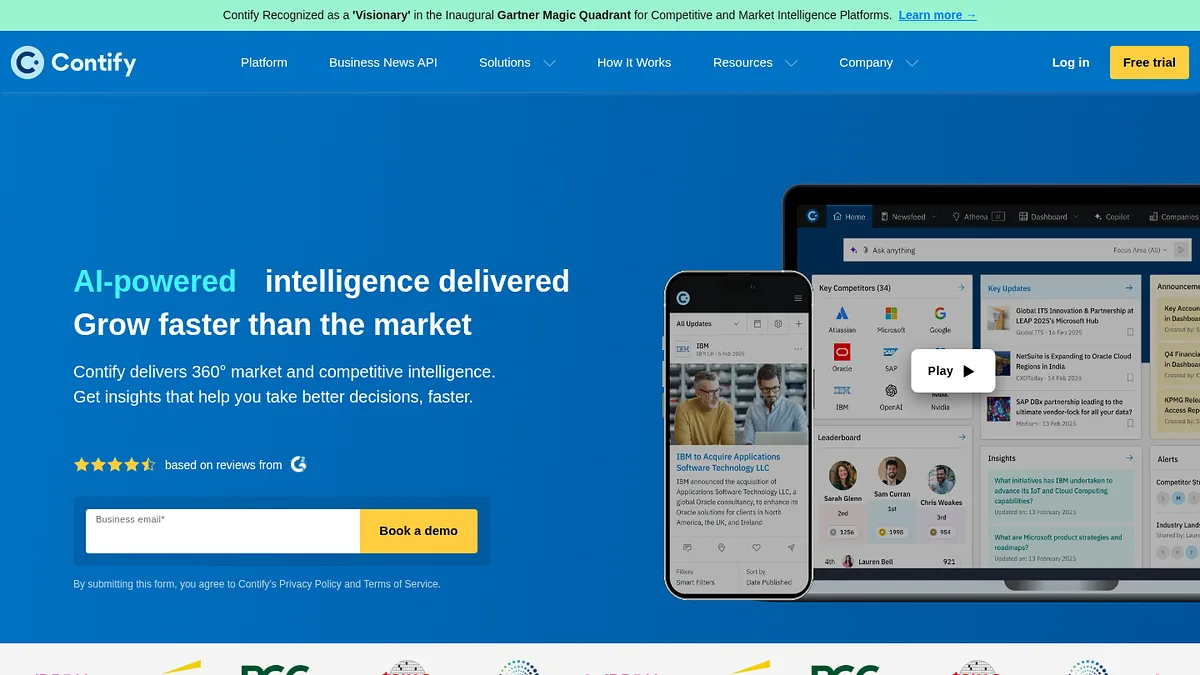
Contify homepage screenshot
Contify filters market and competitor news into curated intelligence.
My take: good product, wrong shelf. Nothing in it helps you win a specific account.

Worth it for

  • +Curation is genuinely better than alert tools
  • +Covers regulatory and market signals, not just competitors
  • +Good for regulated or fast moving categories
  • +Structured output an analyst can work with

Watch out for

  • No published pricing
  • No customer or account level data
  • Needs an analyst to be worth anything
  • Furthest thing here from an actionable list

Visit Contify →

The order

A day of competitive research, in order

Competitive research expands to fill whatever time you give it.

This sequence produces something you can act on within a day.

  1. Pull their customer list first StackScan
    Search your competitor's product and export the sites running it. This is the only step that produces revenue directly.
  2. Find the ones who already left BuiltWith
    Sites that removed the competitor recently are the warmest leads in the category, if the history is worth the subscription to you.
  3. Read their ads for free Meta Ad Library
    Long running creatives are tested messaging. Between Meta and Google you can see almost everything they are saying, at no cost.
  4. Find the demand they are capturing Semrush
    Keyword gap against two or three competitors returns a content plan with proven demand behind it.
  5. Set alerts on the pages that matter Visualping
    Pricing and careers pages. Free, and it tells you about strategy shifts before any announcement.
  6. Only then consider a platform Klue
    If reps are losing winnable deals, buy enablement. If they are not, you have already done the useful work.

The report nobody reads

Most competitive intelligence dies as a slide deck.

It gets compiled quarterly, presented once, and never reaches the person actually in a deal explaining why you are better.

The fix is not more research. It is choosing outputs that force action: a prospect list somebody has to call, an ad headline somebody has to test, an alert that fires when a price changes.

If your competitive work does not end in one of those, you are producing reading material.

Questions

Things people ask

How do I find out who my competitor's customers are?

Look for their product on other people's websites.

Most B2B software leaves a trace: a script, a widget, a subdomain, a badge in the footer. Technology indexes like StackScan and BuiltWith crawl for exactly those traces at scale.

Search the competitor's product and you get the domains running it. For anything that leaves no public trace, case studies and their logo wall are the manual fallback.

Is competitor analysis legal?

Reading publicly available information is, and that is what everything on this page does.

Technology detection reads files your browser already downloads. Ad libraries are published by Meta and Google because regulation requires it. Traffic estimates are modelled from panel data.

The lines you should not cross are misrepresenting yourself to get information, and misusing anything covered by an NDA. Neither is necessary to do this well.

How often should I do this?

The list work once or twice a year. The monitoring continuously.

Pulling a competitor's customer list is a project, not a habit, and the data does not move fast enough to justify repeating it monthly.

Page change alerts are the opposite. They cost nothing to leave running and the value is entirely in catching the change early.

Do I need a competitive intelligence platform?

Only if you have a sales team losing deals to a named competitor.

That is the specific problem Klue, Crayon and Kompyte solve, and they solve it well. The cost is justified by deals saved, not by insight generated.

If you have no reps, a free page monitor and a technology index will cover almost everything a platform would tell you.

What is the single most useful free tool here?

The Meta Ad Library, and it is not close.

Every live ad your competitor runs, how long each has been running, and every variation they are testing. All free, all official, no account.

Google's Ads Transparency Center is the same idea for search. Between them you can read a competitor's entire paid messaging strategy in an afternoon.

Method

How this was ranked

One question, applied to all fifteen.

How close does the output get you to a named account you could win? Customer lists rank first, demand and advertising data second, monitoring third, company news last.

That axis is unkind to some genuinely good products. Crayon and Klue are more sophisticated than anything in the top five, and they rank eleventh and thirteenth because their output is a better informed salesperson rather than a list of accounts.

Neither placement says a tool is bad. It says what the tool is for.

Prices are published starting rates where vendors publish them. Seven of the fifteen do not publish at all. Traffic, spend and keyword figures across this category are models rather than reported numbers.

Related reading

Once you have your competitor's customer list, the next questions are what contacting them costs and how to work the accounts. See 17 lead generation tools ranked by cost per lead and 15 ABM tools ranked by who builds your target list. Selling to online merchants specifically? 15 tools for finding Shopify stores. To fill in the records once they are in the CRM, 15 data enrichment tools.