Data enrichment

15 Data Enrichment Tools, Ranked by What They Add to a CRM Record

Most of them fill the same six fields you could have guessed from the company name. I ranked these by what they put on the record that was not already there, and whether they can get it there without somebody exporting a CSV first.

Checked August 202615 toolsPublished prices onlyNobody paid to be here

A rep opens an account record. Company name, domain, country, owner. Everything else is empty.

So we buy an enrichment tool. Six weeks later the same record has employee count, industry, revenue band, and a LinkedIn URL.

Better. But look at what got added. I could have guessed most of it from the company name and thirty seconds on their website.

None of it tells the rep what to say.

That is the test I used here. Not how many fields a vendor claims to fill, but whether the fields are ones you could not have worked out yourself, and whether they arrive on the record without a human moving a spreadsheet around.

The list splits into three groups, and I have ordered it that way on purpose. Ten tools that add facts. One that cleans up what is already there. Four that decide whether any of it ever reaches your CRM.

Two words that mean different things

Enrichment is adding a fact to a record you already have. You know the domain, you want the headcount.

Prospecting is finding the record in the first place. You want every company that runs a particular checkout, you do not have a list yet.

Plenty of vendors sell both and the pricing pages rarely separate them. It matters, because a tool priced per credit is expensive for prospecting and reasonable for enrichment, and a tool priced per seat is the reverse.

This page is about the first job. If you want the second, I wrote about what a lead costs tool by tool.

At a glance

What each one puts on the record

Read the third column first. Half of these fill a field you could have guessed, and the price is the same either way.

#ToolWhat it adds to a recordWorks fromEntry priceFree tier
1StackScanThe technology stackA domain$39/moLimited
2ClayWhatever you point it atAny column$54/mo6,000 actions/yr
3ClearbitFirmographics, inside HubSpotDomain or emailCreditsTrial
4People Data LabsRaw company and person recordsDomain or name$98/moYes
5CognismPhone numbers that connectCompany or personQuote onlyNo
6DropcontactA verified work emailName plus company19 EUR/mo50 credits
7DatanyzeCheap tech plus contactA domain$21/moYes
8CoresignalHeadcount and hiring historyDomain or profile$49/moYes
9DiffbotRelationships between entitiesA URL$299/moYes
10FullContactOne identity from many fragmentsEmail, phone, cookieQuote onlyNo
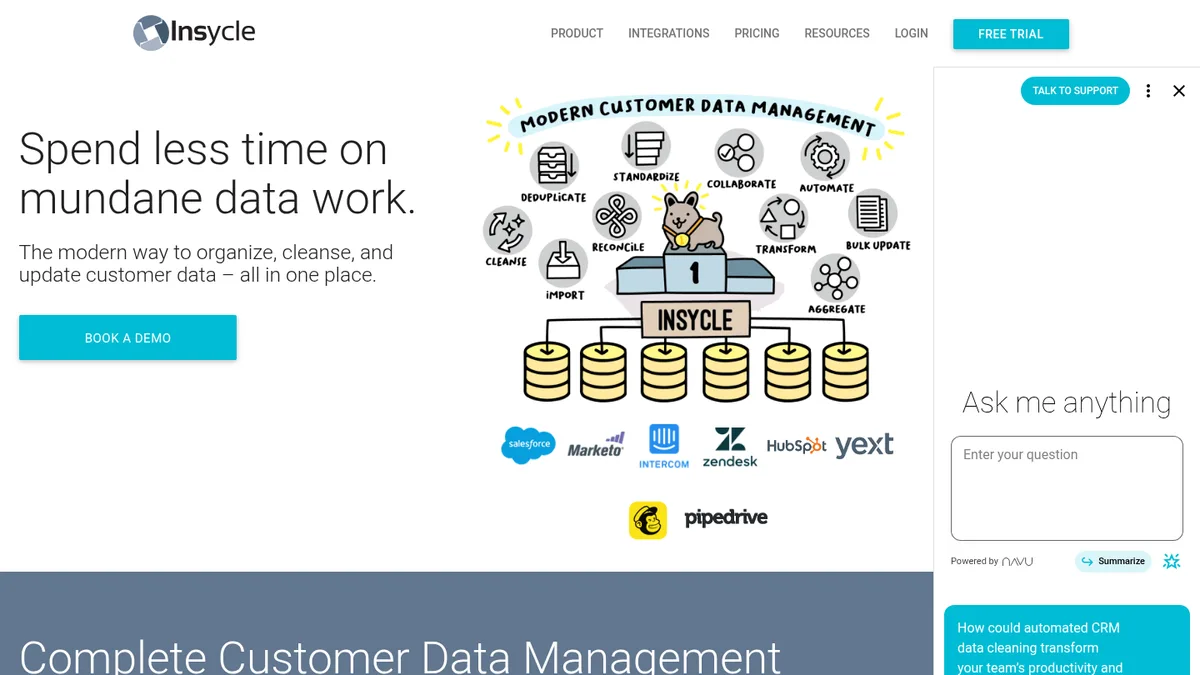
11InsycleNothing new, it fixes the restYour CRM itselfQuote onlyTrial
12HightouchAnything already in your warehouseA warehouse tableQuote onlyYes
13n8nNothing, it does the movingAny APISelf-host freeYes
14ZapierNothing, it does the moving7,000+ apps$19.99/moYes
15MakeNothing, it does the movingAny API$12/moYes

Scroll sideways for the full table. Prices are published entry rates in August 2026, taken from each vendor's own pricing page.
Part one

Ten tools that add a fact

Ordered by how hard the fact would be to work out on your own. The further down you go, the more the tool is filling something you could have found yourself.

StackScan

1. StackScan, for the one field nobody else fills

Entry price $39/moWorks from A domainAdds Technology stackCoverage 360m+ domains, 55,000+ technologiesExport CSV, REST API, CRM, n8n

Every other tool here can tell me how big a company is. Almost none of them can tell me what that company runs.

That is the field I actually want, because it is the only one that changes the first line of the email.

StackScan takes a domain and gives back the stack. Checkout platform, email tool, analytics, payment processor, hosting, the frameworks underneath. It watches more than 360 million domains and tracks over 55,000 technologies.

For enrichment specifically, the part that matters is that it does not end at a download. There is a REST API, direct CRM integrations, and an n8n node, so the stack can land on the record the same hour the record is created. There is an MCP server too, if your team has moved research into an AI client.

I use it two ways. Backfill, where I push an export of everything already in the CRM through it and get a stack column back. And watch, where anything new gets scanned on the way in.

The public technology pages are the cheapest way to see whether the data is any good before you pay. Shopify and Klaviyo are the two I check most, and WooCommerce if you sell into the WordPress half of ecommerce.

One honest caveat. This is company and domain data. Nobody's mobile number comes out of it, so you will still pay somebody else for contacts.

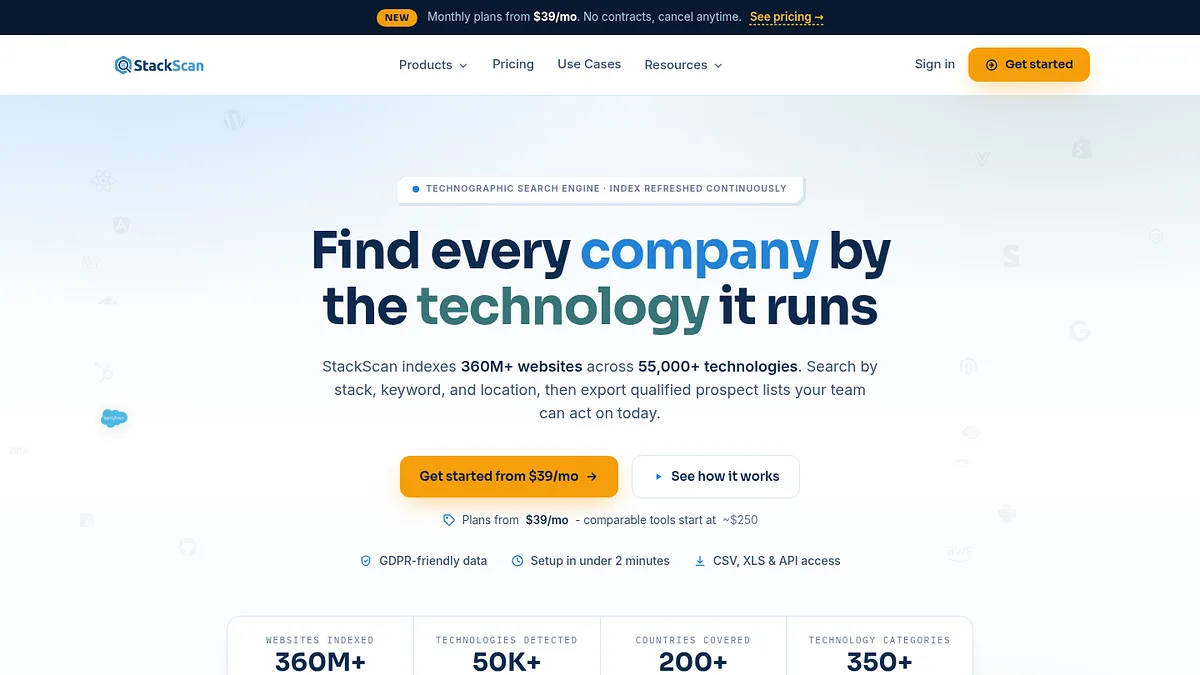
StackScan homepage screenshot
Paste a domain, get the live stack behind it.
The record gains a fact you could not have guessed. Start here, add people afterwards.

Earns its place for

  • +Fills a field no firmographic vendor has
  • +REST API, CRM sync and an n8n node, not just exports
  • +Lowest entry price here with coverage at that scale
  • +You can look at the data before you buy

Where it lets you down

  • Companies and domains, so contact data still comes from elsewhere
  • Tells you what they run, not who signs off on replacing it

Visit StackScan →

Clay

2. Clay, the one that runs all the others

Entry price $54/mo billed annuallyFree 6,000 actions a yearWorks from Almost any columnAdds Whatever its providers returnModel Waterfall

Clay is not a data provider. It is a spreadsheet that knows how to call fifty of them.

The idea is called waterfall enrichment. Ask provider one for the email. If it comes back empty, ask provider two. Keep going until somebody answers, and only pay for the answer.

That fixes the single most annoying thing about buying data, which is paying full price for a 40 percent match rate and then paying a second vendor full price to cover the gap.

It writes back to HubSpot and Salesforce, and it will run conditional logic per row, so you can say things like: only look for a phone number if the company has more than fifty staff.

Two warnings. The pricing is in credits and credits disappear quickly once people start experimenting, so put one person in charge of the account.

And it is genuinely a skill. Clay rewards somebody who enjoys building the machine. If nobody on the team is that person, it becomes an expensive spreadsheet.

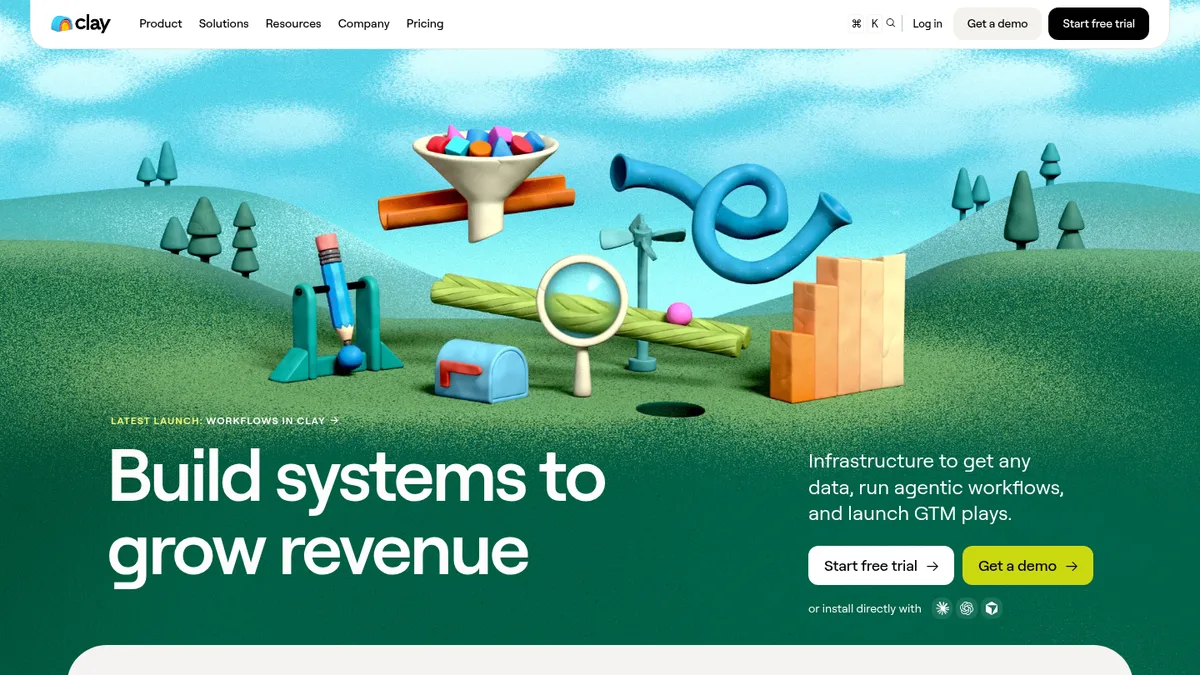
Clay homepage screenshot
Clay chains providers per row until one of them answers.
Buy this when you have three data vendors and no idea which one to ask first.

Earns its place for

  • +Waterfall means you stop paying twice for the same field
  • +Writes back into HubSpot and Salesforce
  • +Real free tier to learn on
  • +Conditional logic per row

Where it lets you down

  • Credits vanish fast during the learning phase
  • Needs an owner who likes building workflows
  • You are still buying the underlying data on top

Visit Clay →

Clearbit

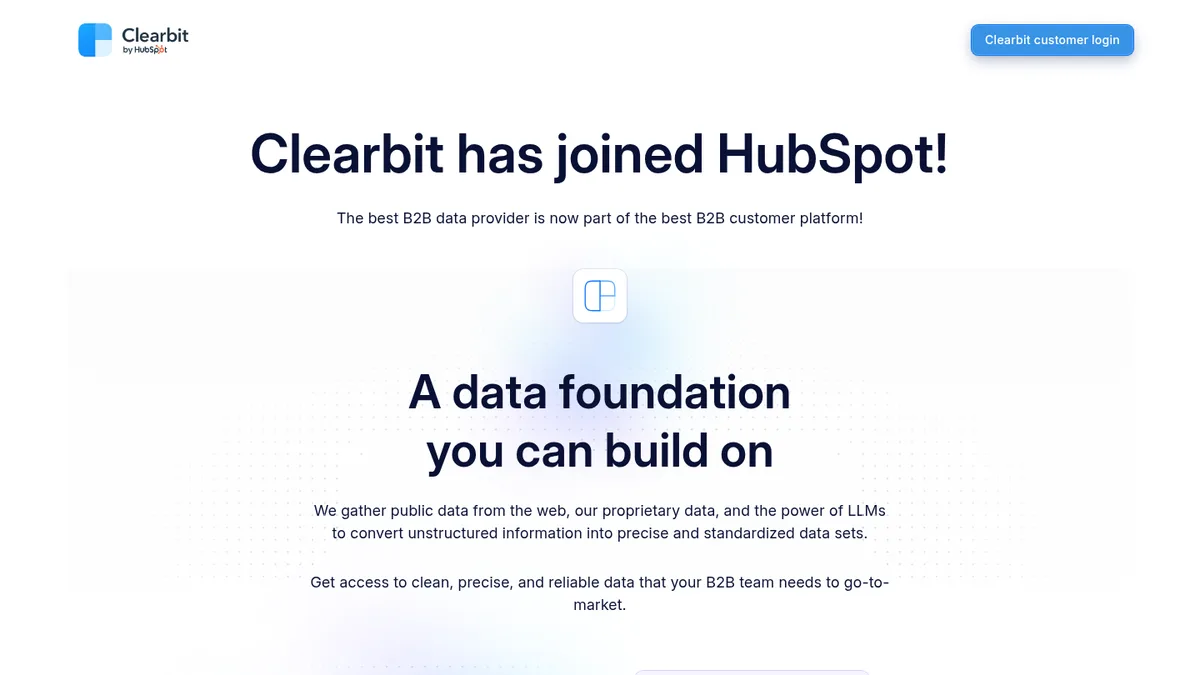
3. Clearbit, now the enrichment layer inside HubSpot

Entry price Credit basedWorks from Domain or emailAdds FirmographicsStatus Acquired by HubSpotBest for HubSpot shops

Clearbit was the default answer to this question for about eight years. It joined HubSpot and now shows up as the intelligence layer inside the CRM rather than as something you wire in yourself.

If you already run HubSpot that is good news. Enrichment stops being an integration you maintain and starts being a toggle, and the data lands on the record without a sync job in the middle.

If you do not run HubSpot it is now a much less interesting option than it was.

The data itself is what it always was. Solid firmographics, good logo and domain resolution, weaker once you leave the United States and Western Europe.

Pricing moved to credits, which is worth modelling before you commit. Credit models punish teams with a lot of low value records, because every one of them costs the same to enrich as a good one.

Clearbit homepage screenshot
Clearbit now sits inside HubSpot as Breeze Intelligence.
The obvious choice on HubSpot. Barely a choice at all anywhere else.

Earns its place for

  • +No integration work at all if you are on HubSpot
  • +Reliable domain and company resolution
  • +Well understood data, been around a long time

Where it lets you down

  • Much less useful outside HubSpot now
  • Credit pricing punishes big untidy databases
  • Coverage thins outside the US and Western Europe

Visit Clearbit →

People Data Labs

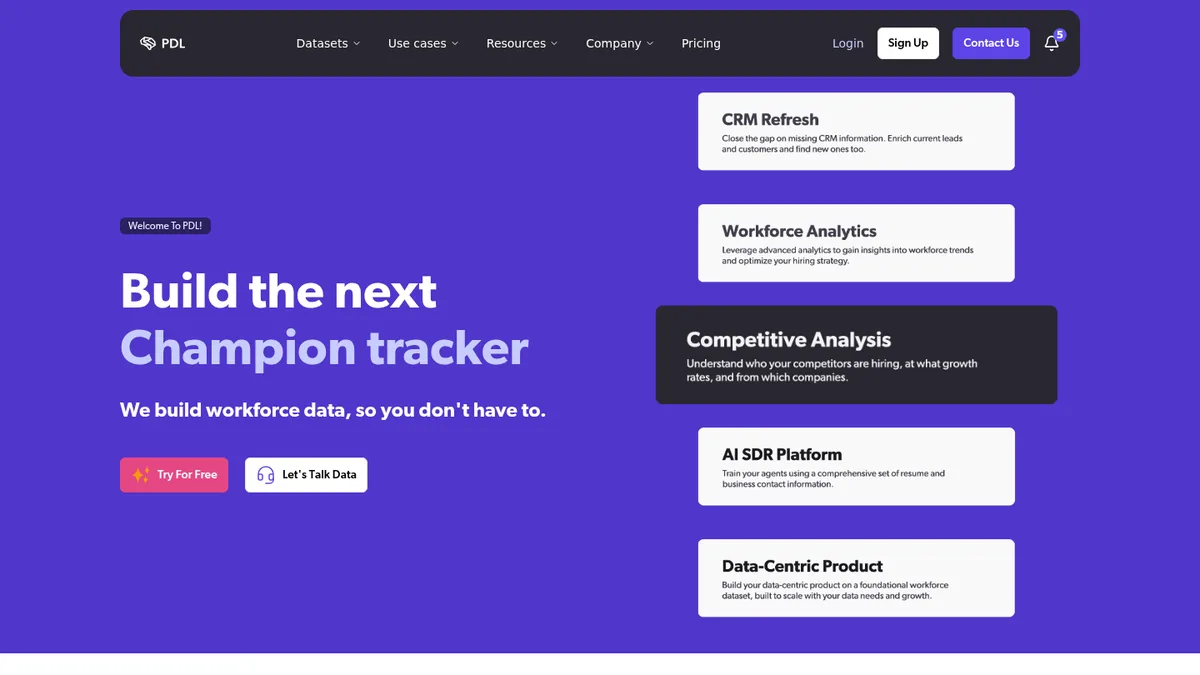
4. People Data Labs, for teams that want the raw material

Entry price $98/moFree Yes, small monthly allowanceWorks from Domain or nameAdds Company and person recordsShape API first

People Data Labs sells you the dataset and expects you to build the product on top.

There is no pretty interface to log into and no workflow. There is an API, a schema, and a lot of records.

For a team with an engineer this is the cheapest way to get good coverage, because you are not paying for somebody else's UI.

For a team without one it is useless, and I would not pretend otherwise.

The free allowance is real and big enough to test properly. Pull a few hundred of your own customers and check the match rate against what you already know is true, which is the only benchmark that means anything.

Standardisation is the quiet strength here. Job titles and company names come back normalised, which saves a surprising amount of cleanup later.

People Data Labs homepage screenshot
People Data Labs sells the dataset, not the interface.
The right answer if somebody on the team writes code. The wrong one if nobody does.

Earns its place for

  • +Priced for volume rather than seats
  • +Genuinely usable free allowance
  • +Titles and company names come back normalised
  • +Good person level coverage

Where it lets you down

  • No interface, so no engineer means no product
  • You are responsible for everything downstream

Visit People Data Labs →

Cognism

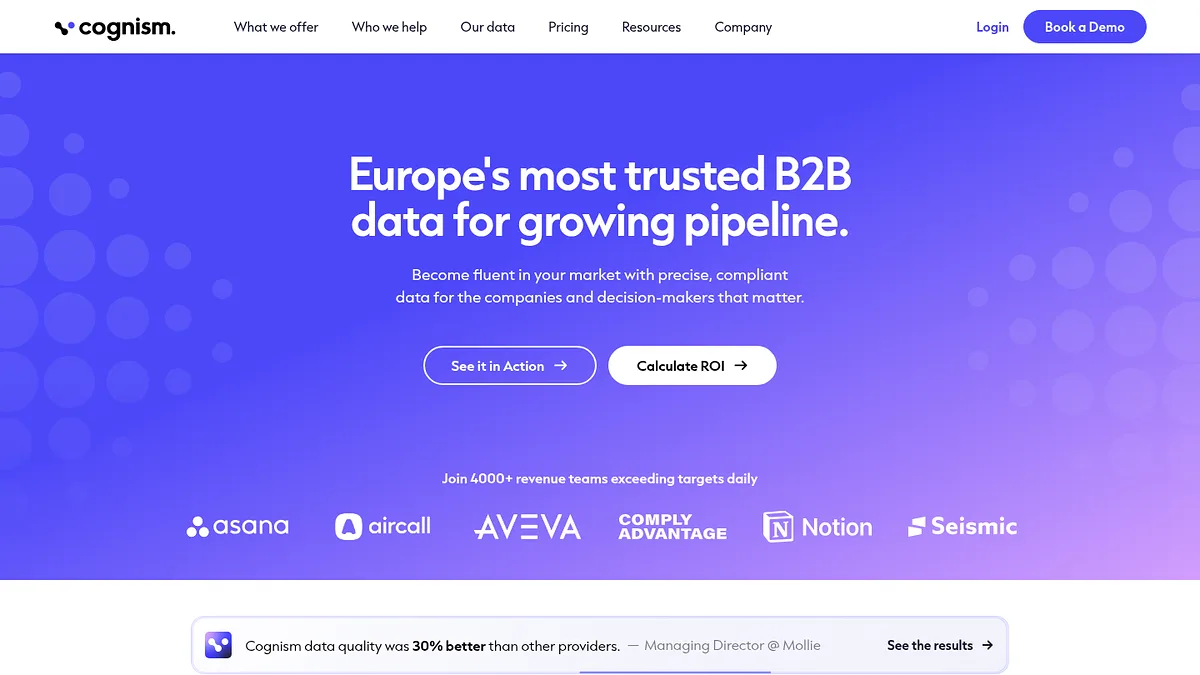
5. Cognism, when the field you need is a phone number

Entry price Quote onlyWorks from Company or personAdds Verified mobile numbersStrength Europe and the UKNote Seat based

Most databases will hand you a phone number. Cognism will hand you one that rings.

The difference is that a chunk of their mobile numbers are verified by a person rather than scraped and hoped for, and they sell that verification as the product.

If your team calls, that is worth real money. Connect rate is the whole game in outbound calling and a bad number list quietly destroys it.

European coverage is the other reason people buy it. Cognism does the notification and suppression work that European calling requires, which the American vendors mostly do not.

Pricing is seat based and quote only, which makes it awkward to compare with everything else on this page. Expect it to be the most expensive line on your data budget.

It enriches well through its integrations, but it is priced like a prospecting tool. If you only want to fill gaps on existing records you will overpay.

Cognism homepage screenshot
Cognism leans on human verified mobile numbers.
Buy it if people on your team dial. Skip it if they do not.

Earns its place for

  • +Mobile numbers that actually connect
  • +Best European coverage on this list
  • +Handles European calling compliance properly

Where it lets you down

  • Quote only, seat based, expensive
  • Overkill if you only want to fill gaps
  • Weaker if your market is not Europe or North America

Visit Cognism →

Dropcontact

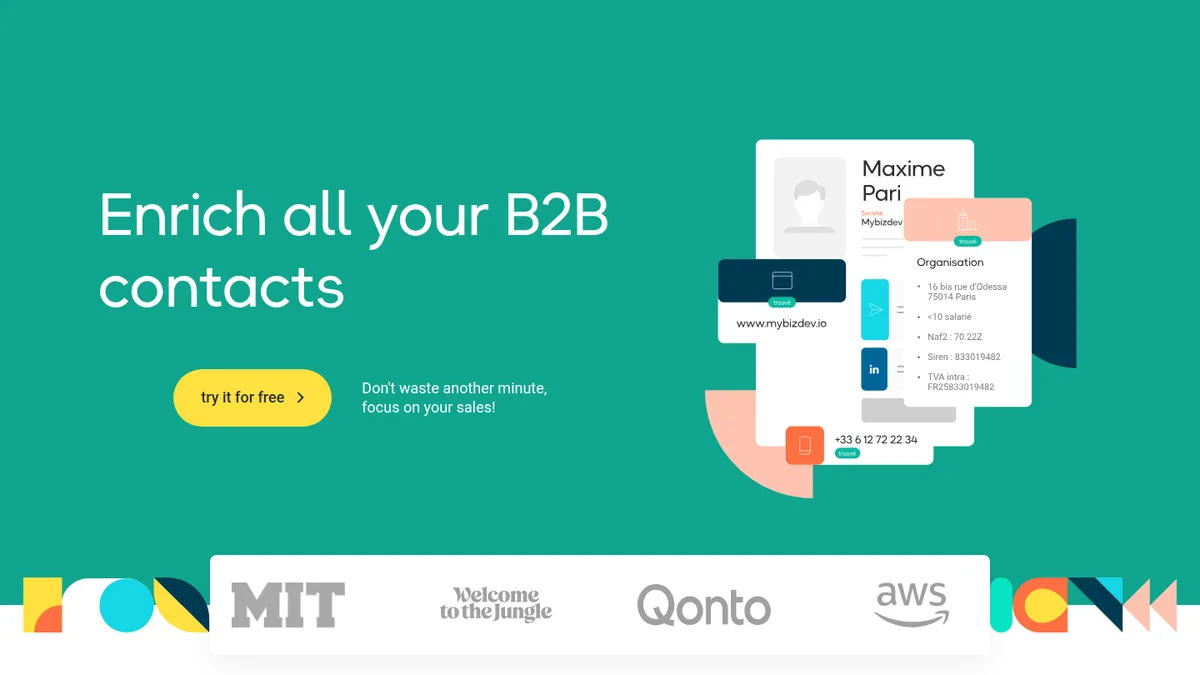
6. Dropcontact, the one with no database behind it

Entry price 19 EUR/mo for 500 creditsFree 50 creditsWorks from Name plus companyAdds Verified work emailAngle No stored personal data

Dropcontact does something unusual. It does not keep a database of people.

It works out the likely address from the name and the company, then tests it. Nothing personal sits on their side waiting to be leaked or subpoenaed.

That sounds like marketing until your legal team asks where the personal data in your CRM came from. Then it is the whole reason to pick it.

European sellers care about this more than American ones, and Dropcontact is French, so the answer to the compliance question is already written down.

Billing is pay on success, which I like. You are charged when it finds something, not when it tries.

The limit is scope. This is emails and basic company tidying. It is not going to give you headcount, revenue or a technology stack, so it sits alongside other tools rather than replacing them.

Dropcontact homepage screenshot
Dropcontact works out the address rather than looking it up.
The email column, filled, without inheriting somebody else's data protection problem.

Earns its place for

  • +Nothing personal stored on the vendor side
  • +Pay on success, not per attempt
  • +Cheapest real entry price here
  • +Catch all verification that mostly works

Where it lets you down

  • Emails and cleanup only, narrow scope
  • Weaker outside Europe
  • You will still need a second tool for firmographics

Visit Dropcontact →

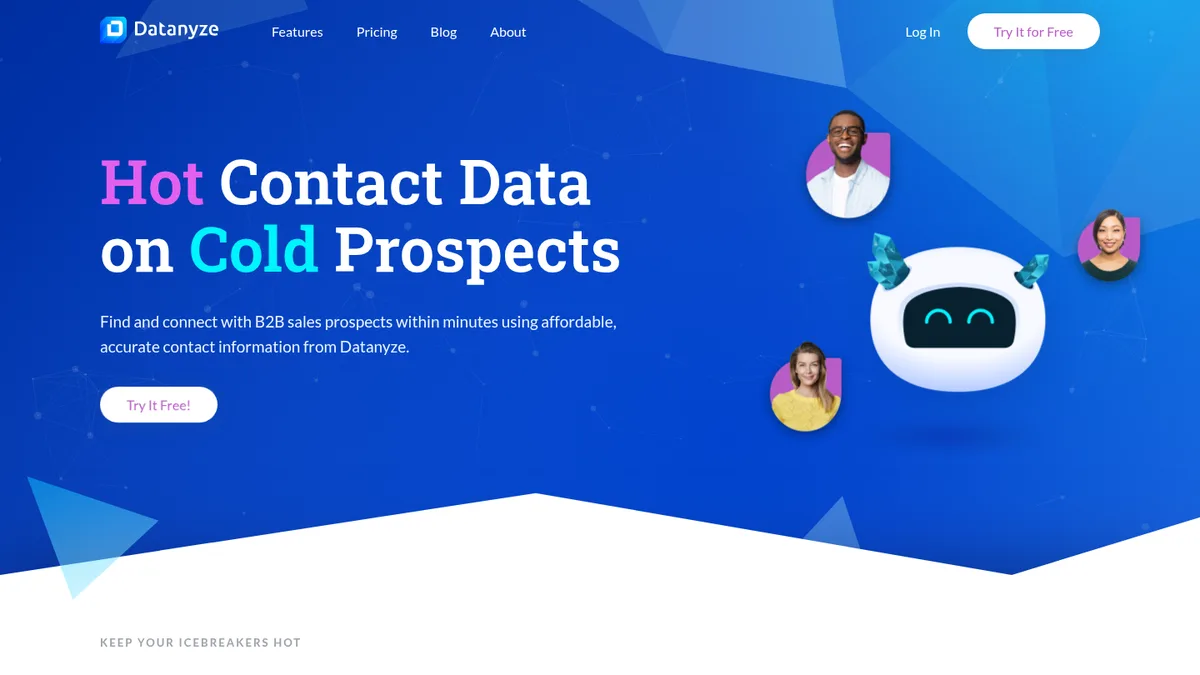
Datanyze

7. Datanyze, the cheap way to get technology data plus a contact

Entry price $21/moFree YesWorks from A domainAdds Tech signals and contact detailsOwner ZoomInfo

Datanyze was a serious technographic product, got bought by ZoomInfo, and now lives on as a cheap browser extension with a credit allowance.

For twenty odd dollars a month you get technology signals and contact details on the same record, which is a combination nothing else here offers at that price.

The catch is depth. Coverage is thinner than it used to be and the technology list is nowhere near what a dedicated scanner sees.

I would not build a territory plan on it.

I would absolutely use it as a rep sitting on a prospect's website who wants to know two things before picking up the phone.

Treat it as a lookup tool for individuals rather than a data source for the whole team, and the price makes sense.

Datanyze homepage screenshot
Datanyze is a browser first tool at a low monthly price.
A per rep lookup habit, not a data foundation.

Earns its place for

  • +Very cheap
  • +Technology signal and contact in one place
  • +Fast for a rep on a live website

Where it lets you down

  • Coverage thinner since the acquisition
  • Not enough depth for planning work
  • Credit allowances run out quickly

Visit Datanyze →

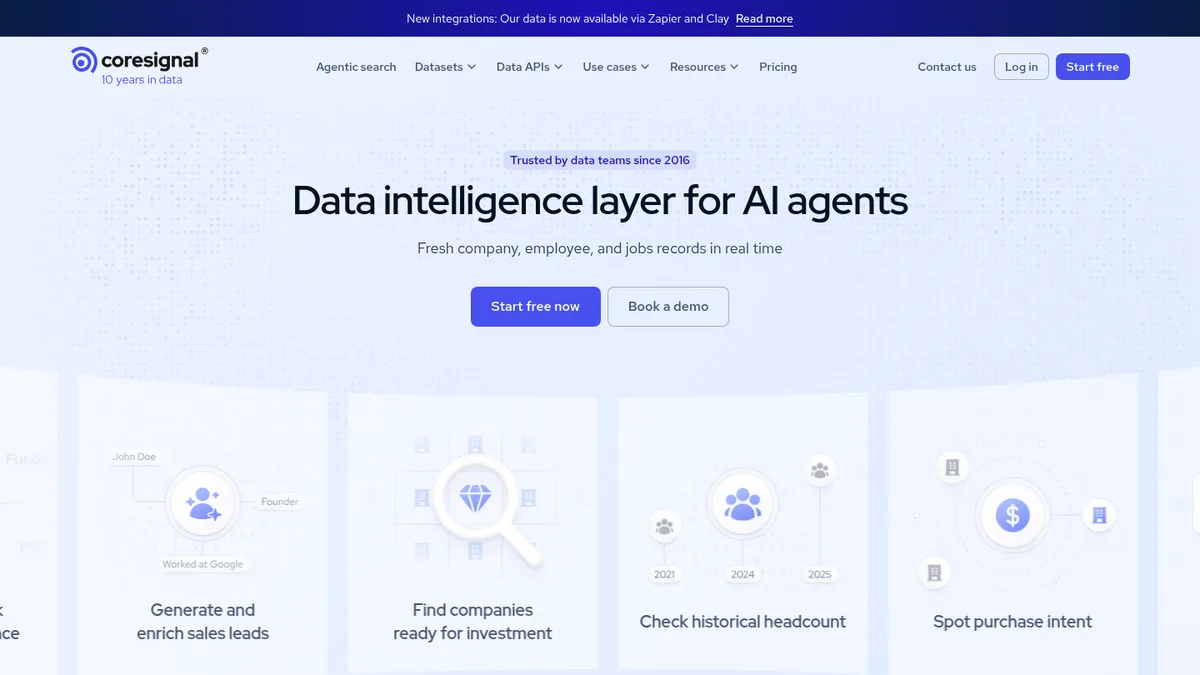
Coresignal

8. Coresignal, for headcount over time

Entry price $49/moFree Free tierWorks from Domain or profileAdds Employee counts and job historyShape Data API

Coresignal is another raw data company, but the interesting part is the shape of what they hold.

Not just how many people work somewhere, but how that number moved, and what roles were being hired.

A company record that says 200 employees is a fact. A record that says 200 employees, up from 120 last year, with four open engineering roles, is a reason to call.

That is a genuinely different kind of enrichment and it is why I have it above the identity tools.

Pricing starts low and climbs steeply with volume, and it is credit based, so the same discipline applies as with everything else here. Decide what you are enriching before you turn it on.

It is an API, so the People Data Labs caveat applies. No engineer, no value.

Coresignal homepage screenshot
Coresignal sells firmographic and jobs data through an API.
Buy it for the direction of travel, not the snapshot.

Earns its place for

  • +Historical headcount, not just today's number
  • +Hiring signals alongside firmographics
  • +Low entry price for a data API
  • +Free tier to evaluate

Where it lets you down

  • Needs engineering to use
  • Costs climb fast at volume
  • Company data is stronger than its contact data

Visit Coresignal →

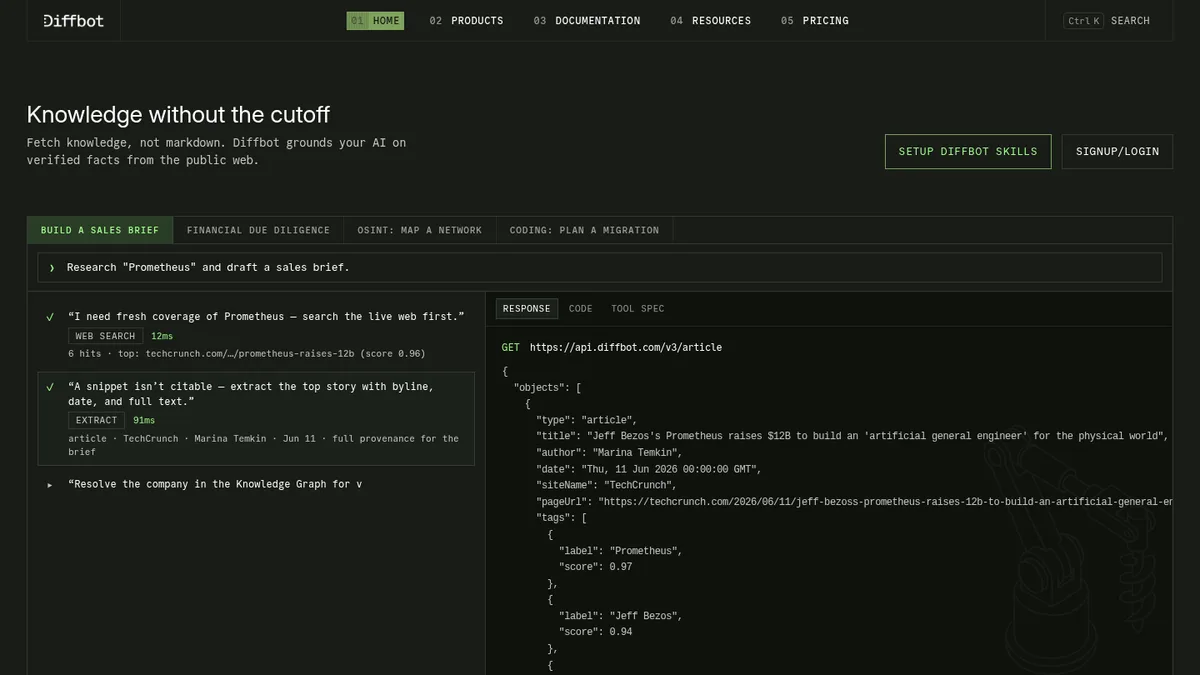
Diffbot

9. Diffbot, when you need how things connect

Entry price $299/moFree YesWorks from A URLAdds Entities and relationshipsShape Knowledge graph

Diffbot crawls the web and turns it into a graph of things and the links between them.

So the question it answers is not what is this company, it is how is this company connected to that one.

Subsidiaries, acquisitions, who sits on which board, which brand belongs to which parent.

For most CRM work that is more than you need and the price reflects it.

For a few jobs it is the only sensible answer. Untangling a corporate group so that eight records collapse into one account is the obvious example, and anyone selling to enterprise knows that pain.

The free tier is real and the API is well documented. If you have a graph shaped problem, test it before you dismiss the price.

Diffbot homepage screenshot
Diffbot builds a graph of companies, people and how they link.
Niche and worth it inside that niche. Ignore it outside.

Earns its place for

  • +Relationship data almost nobody else sells
  • +Very good at corporate hierarchy
  • +Documented API and a usable free tier

Where it lets you down

  • Expensive for ordinary enrichment
  • Overkill unless you have a graph problem
  • Engineering required, again

Visit Diffbot →

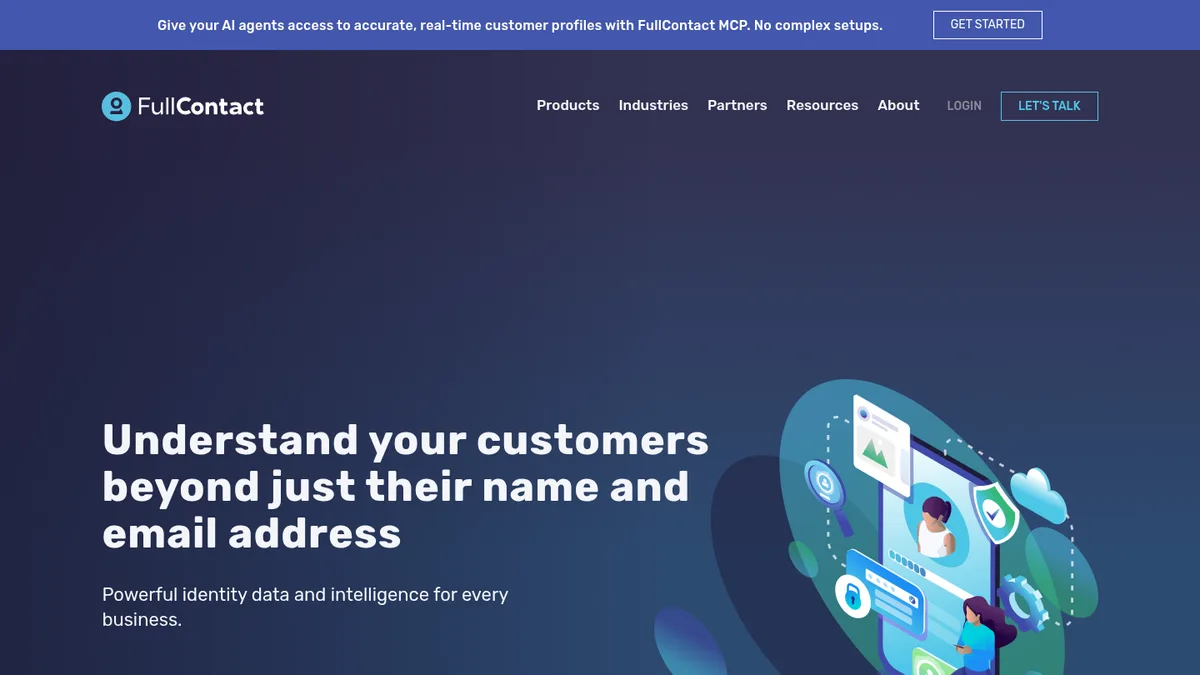
FullContact

FullContact, for turning four records into one person

Entry price Quote onlyWorks from Email, phone, cookieAdds A resolved identityJob Identity resolutionNote No public pricing

This one solves a problem you might not know you have.

The same person signed up with a work address in 2023, a personal address on a webinar in 2024, and filled in a form last month with a typo in their surname.

Your CRM thinks that is three people. Your reporting thinks you have three times the pipeline you do.

FullContact stitches those fragments back into one identity. It is the least glamorous job on this page and it quietly ruins the most dashboards when nobody does it.

There is no public pricing, which is a real mark against it in a list where the entry price column is supposed to mean something.

It is also worth being clear that identity resolution is not the same as enrichment. It adds no new facts. It just stops you counting the same person four times.

FullContact homepage screenshot
FullContact stitches fragments into a single identity.
Boring, invisible, and the reason your numbers stop lying.

Earns its place for

  • +Fixes duplicate humans across channels
  • +Makes attribution reporting honest
  • +Handles email, phone and cookie fragments together

Where it lets you down

  • No published pricing at all
  • Adds no new facts, only accuracy
  • Hard to justify below a few hundred thousand records

Visit FullContact →

Part two

One that adds nothing and pays for itself

There is exactly one product on this page whose job is to make the records you already have worth enriching. It should probably be your first purchase, not your eleventh.

Insycle

Insycle, which adds nothing and is still worth paying for

Entry price Quote onlyFree TrialWorks from Your CRM itselfAdds Nothing newJob Dedupe, merge, standardise

Everything above this line puts new facts into your CRM. Insycle deals with the fact that your CRM is already a mess.

Duplicate companies. Job titles typed nine different ways. Country as US, U.S., USA and United States in the same column. Phone numbers in four formats.

It dedupes, merges, standardises and does it in bulk with a preview before anything is written, which is the feature that matters, because bulk operations on a CRM are how people lose their jobs.

Here is why it is on an enrichment list at all. If you enrich a database that has 15 percent duplicates, you pay to enrich those duplicates. Twice, sometimes three times.

Cleaning first is cheaper than cleaning later, and it makes every match rate you measure afterwards mean something.

No public pricing, which is annoying, but the free trial is enough to see the size of your own problem.

Insycle homepage screenshot
Insycle cleans and merges what is already in the CRM.
Run it before you buy credits, not after. It changes what the credits cost you.

Earns its place for

  • +Preview before any bulk write
  • +Stops you paying to enrich duplicates
  • +Templates for the usual formatting mess
  • +Scheduled recurring cleanups

Where it lets you down

  • No published pricing
  • Adds no new information
  • Feels like an admin purchase, so it never gets prioritised

Visit Insycle →

Part three

Four that decide whether any of it lands

Enrichment that needs a person to remember it is not enrichment. These are the four ways to make it happen on its own, ranked by who should own them.

Hightouch

Hightouch, if the data is already in your warehouse

Entry price Quote above the free tierFree YesWorks from A warehouse tableAdds Anything you already ownShape Reverse ETL

Plenty of companies buy enrichment for facts they already own.

Product usage, support ticket counts, invoice history, plan tier. All of it sits in the warehouse and none of it reaches the CRM, so the rep never sees it.

Hightouch pushes warehouse tables out into the tools people actually work in. The category name is reverse ETL and it is unglamorous plumbing.

The reason it belongs on this list is that a record showing this account's usage dropped 40 percent last month is worth more than any firmographic field you can buy.

It also makes bought data cheaper. Enrich once into the warehouse, sync out to every tool, rather than paying each tool to enrich the same record separately.

You need a warehouse and somebody who can write SQL. If you have neither, skip to the next three.

Hightouch homepage screenshot
Hightouch syncs warehouse tables out into business tools.
The cheapest enrichment is the data you already bought once.

Earns its place for

  • +Surfaces data you already paid for
  • +Enrich once, sync to many tools
  • +Free tier is usable for a first sync
  • +Good observability on failed syncs

Where it lets you down

  • Needs a warehouse and SQL
  • Pricing above the free tier is quote only
  • Solves nothing if your data is only ever in the CRM

Visit Hightouch →

n8n

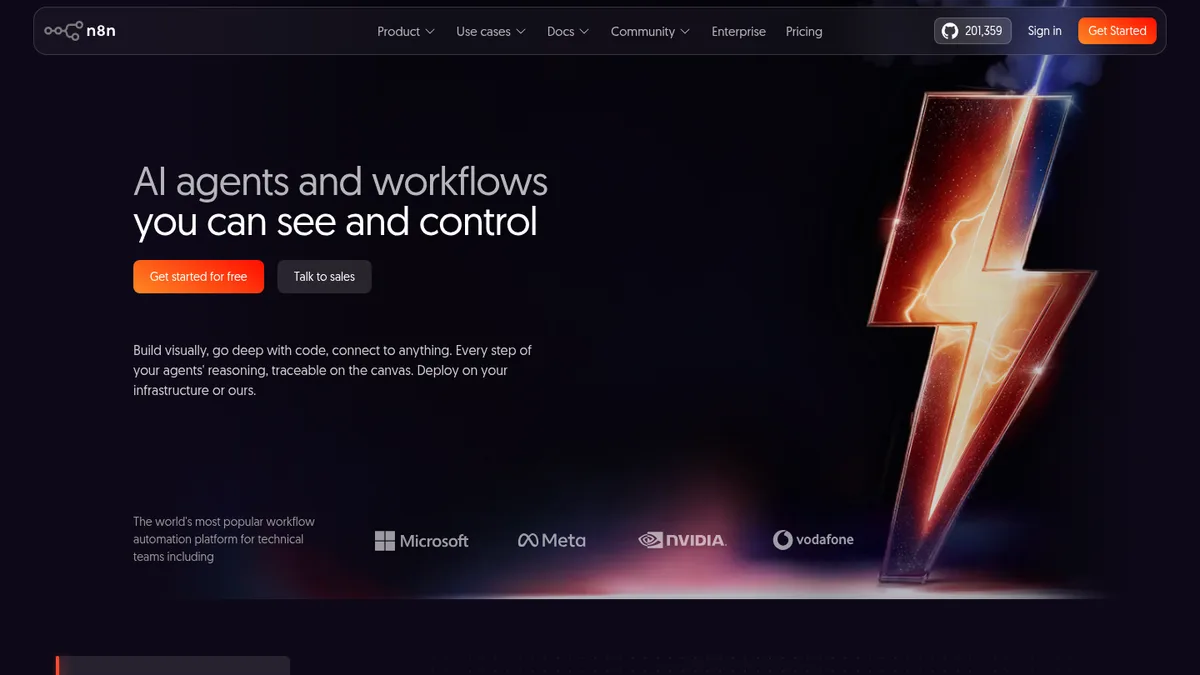
n8n, the glue you can host yourself

Entry price Self-host freeCloud From $20/moWorks from Any APIAdds Nothing, it moves thingsNote Source available

The last three do not enrich anything. They decide whether enrichment ever happens without somebody remembering to do it.

n8n is the one I reach for first, because you can run it on your own server and the data never leaves it.

That matters here more than in most automation jobs. Enrichment workflows carry personal data by definition, and every hop through somebody else's cloud is another paragraph in a data processing agreement.

A typical flow looks like this. New company in the CRM, call StackScan for the stack, call an email provider for a contact, write both back, notify the owner in Slack if the stack contains something you sell against.

That took me an afternoon and it runs forever.

Self hosting is real work though. Somebody has to patch it, back it up and notice when it stops. The cloud version exists for people who would rather not.

n8n homepage screenshot
n8n chains API calls into a workflow you control.
The right glue when the thing being glued is personal data.

Earns its place for

  • +Self host so personal data stays yours
  • +Cheap or free at real volume
  • +Handles branching and error paths properly
  • +Large community node library

Where it lets you down

  • Self hosting is a maintenance commitment
  • Steeper learning curve than Zapier
  • Fewer polished integrations than the big hosted platforms

Visit n8n →

Zapier

Zapier, the one that is already installed

Entry price $19.99/moFree YesWorks from 7,000+ appsAdds Nothing, it moves thingsStrength Breadth

Zapier wins on one thing and it is enough. Whatever obscure tool your marketing team bought, it connects to it.

For enrichment that translates into working today rather than after a sprint. Trigger on a new record, call the enrichment API, write the fields back, done before lunch.

Non technical people can build and maintain these, which is the real argument. A workflow nobody but one engineer understands is a workflow that breaks the week they go on holiday.

Costs scale with task volume and get uncomfortable at enrichment scale, because every record is tasks and records are many.

There is also the question of where the data goes. Your records pass through Zapier's infrastructure. For most companies that is a signed agreement and a shrug, for some it is a hard no.

Fine for thousands of records a month. Look at the other two if you are doing hundreds of thousands.

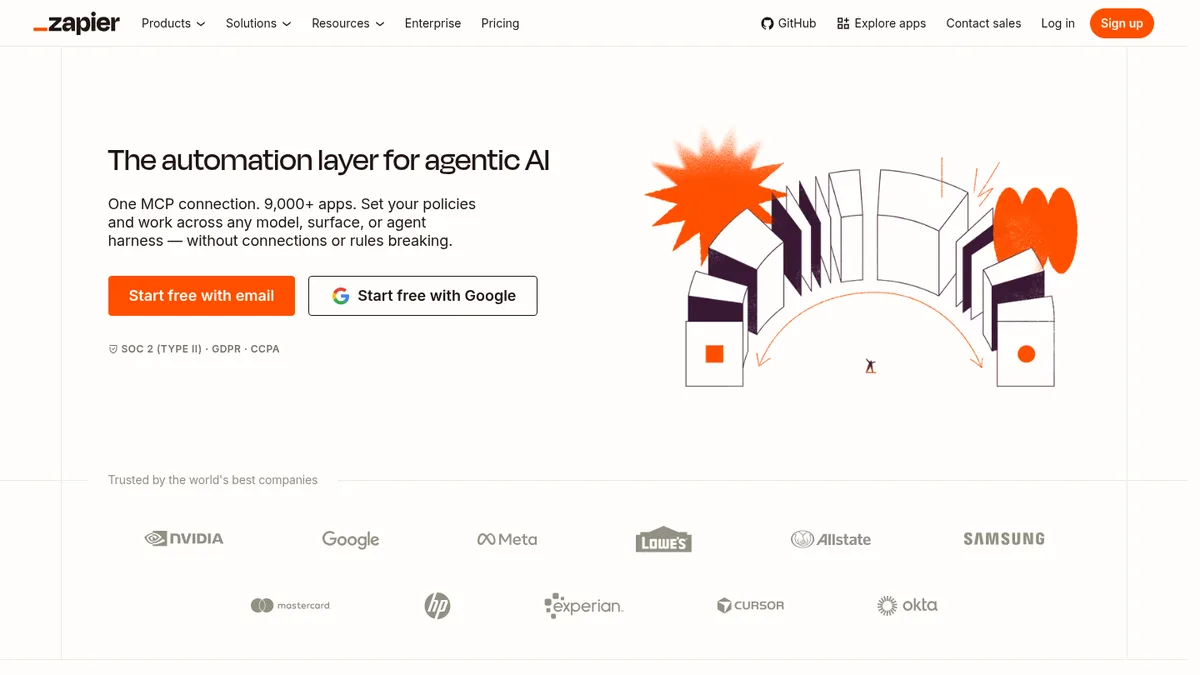
Zapier homepage screenshot
Zapier connects more tools than anything else here.
Best glue at small volume, worst value at large.

Earns its place for

  • +Connects to almost everything
  • +Anyone can build and fix them
  • +Working the same day
  • +Good error notifications

Where it lets you down

  • Task pricing hurts at volume
  • Your data passes through their infrastructure
  • Complex branching gets ugly fast

Visit Zapier →

Make

Make, for the workflow you need to see

Entry price $12/moFree YesWorks from Any APIAdds Nothing, it moves thingsStrength Cheap operations

Make sits between the other two. Cheaper per operation than Zapier, easier than running your own server.

The visual canvas is the part people either love or ignore. When an enrichment flow has six branches, seeing it drawn out is genuinely faster than reading a list of steps.

Its iterator and aggregator handle the shape of enrichment work well, which is take a list, do a thing to each item, put it back together.

Error handling is better than Zapier's. You can define what happens on a failed lookup rather than watching the whole run stop.

Pricing counts operations, and every module in the chain is an operation, so a five step flow costs five per record. Model it on your actual volume before committing.

If you are choosing between these three, ask one question. Is the data sensitive enough to keep on your own server? If yes, n8n. If not, Make for volume and Zapier for breadth.

Make homepage screenshot
Make lays the workflow out visually, branch by branch.
The middle option, and for most teams the correct one.

Earns its place for

  • +Cheaper per operation than Zapier
  • +Branching is visible rather than nested
  • +Proper error handling paths
  • +Iterators suit list based enrichment

Where it lets you down

  • Operation counting surprises people
  • Fewer connectors than Zapier
  • Canvas gets crowded on big flows

Visit Make →

The order

A CRM enrichment run, step by step

The order matters more than the tools. I have watched teams buy the right products and still end up with a worse database than they started with, because they did the steps backwards.

This is the sequence I use.

  1. Take a copy first
    Export everything before you touch it. Bulk operations on a live CRM go wrong quietly, and you will not notice for a fortnight.
  2. Clean before you buy anything Insycle
    Dedupe and standardise first. Enriching a database that is 15 percent duplicates means paying for those duplicates at full price.
  3. Pick the key you will match on
    Domain is the only one that works. Company names are typed differently every time and emails belong to people who leave.
  4. Add the field you cannot guess StackScan
    Technology stack first, because it is the field that changes what the rep says. Everything else is context.
  5. Fill in firmographics Clearbit
    Size, industry, location. Useful for routing and territory, rarely useful for the actual conversation.
  6. Then people, and only where it pays Dropcontact
    Contact data is the most expensive and the fastest to rot. Buy it for accounts you are working, not for everything you own.
  7. Wire the write back n8n
    If a human has to run it, it will run once. Trigger on record creation and it runs forever.
  8. Set a decay rule
    Anything about a person is stale within a year. Re-enrich on a schedule or accept that the field is decoration.

Match rate is not the number you think it is

Every vendor quotes a match rate. It is close to meaningless on its own, because it counts anything they returned, including the wrong thing.

The number I care about is accuracy on records where I already know the truth.

So the test is always the same. Take 200 of your own customers, strip the fields you want to test, run them through, and compare against what you already have on file.

A vendor at 60 percent coverage and 95 percent accuracy beats one at 90 percent coverage and 70 percent accuracy, every time. Wrong data does not sit there neutrally. It gets used.

Questions

What people ask before they buy

What is data enrichment, in plain terms?

You have part of a record and you want the rest of it. Enrichment fills the gaps from an outside source.

The usual input is a company domain or a work email. The usual outputs are company size, industry, location, contact details, and if you pick the right tool, the technology the company runs.

It is different from prospecting, which is finding records you do not have yet.

How often should a CRM be re-enriched?

Company level facts like industry and technology stack hold up reasonably for a year.

Anything attached to a person decays much faster. Job changes alone rot roughly a quarter of contact data annually, and email addresses die with the job.

I re-enrich active accounts quarterly and everything else once a year. Enriching a dormant database monthly is just buying the same record over and over.

Is buying enriched data legal under GDPR?

Buying it is not the issue. Using it is, and the answer depends on your basis for processing and on whether you can tell the person where their data came from.

That is why vendors that do not store personal data, like Dropcontact, are popular with European teams. The provenance question has a short answer.

This is not legal advice. If you sell into Europe, the person to ask is your own counsel, before you sign with anybody.

Do I need both an enrichment tool and an automation tool?

If you want it to keep happening, yes.

The enrichment tool gets the fact. The automation tool decides whether it lands on the record without a person remembering.

Almost every enrichment project I have seen fail did so at that second step. The data was fine. Nobody wired it up, so it ran twice and then stopped.

Which single tool should I start with?

If you already have a CRM full of records and want them to be more useful, start with the field nobody else fills, which is the technology stack.

If your CRM is a mess, clean it first and buy nothing for a month.

If you have no records at all, this is the wrong page. You want prospecting, not enrichment.

Why is there no tool here with one price for everything?

Because nobody has all the data. Firmographics, contact details, technology and intent come from four different collection methods.

Vendors that claim all four are usually reselling three of them, and you pay the margin.

Two or three focused tools and something to glue them together costs less and breaks in ways you can diagnose.

Method

How this was ranked

I ranked these by one question. What does this put on the record that I could not have worked out on my own in half a minute?

That is why a technology scanner is first and a firmographic provider is third. Employee count is easy to find. What a company runs its checkout on is not, and it is the fact that changes the sales conversation.

Positions eleven to fifteen are ranked differently on purpose, because those tools add no facts at all. They are there because enrichment that depends on a person remembering to run it is not enrichment, it is a one off project.

Prices are each vendor's published rate in August 2026, taken from their own pricing page. Where a vendor does not publish a price the table says so, and I count that against them.

Nobody paid to be on this list and there are no affiliate links on this page.

Related reading

Enrichment assumes you already have the records. If you do not, start with 17 lead generation tools ranked by cost per lead. To choose which accounts deserve the expensive fields, see 15 ABM tools ranked by who builds your target list. Selling to merchants? 15 tools for finding Shopify stores. Going after a rival's customers? 15 competitor analysis tools.